
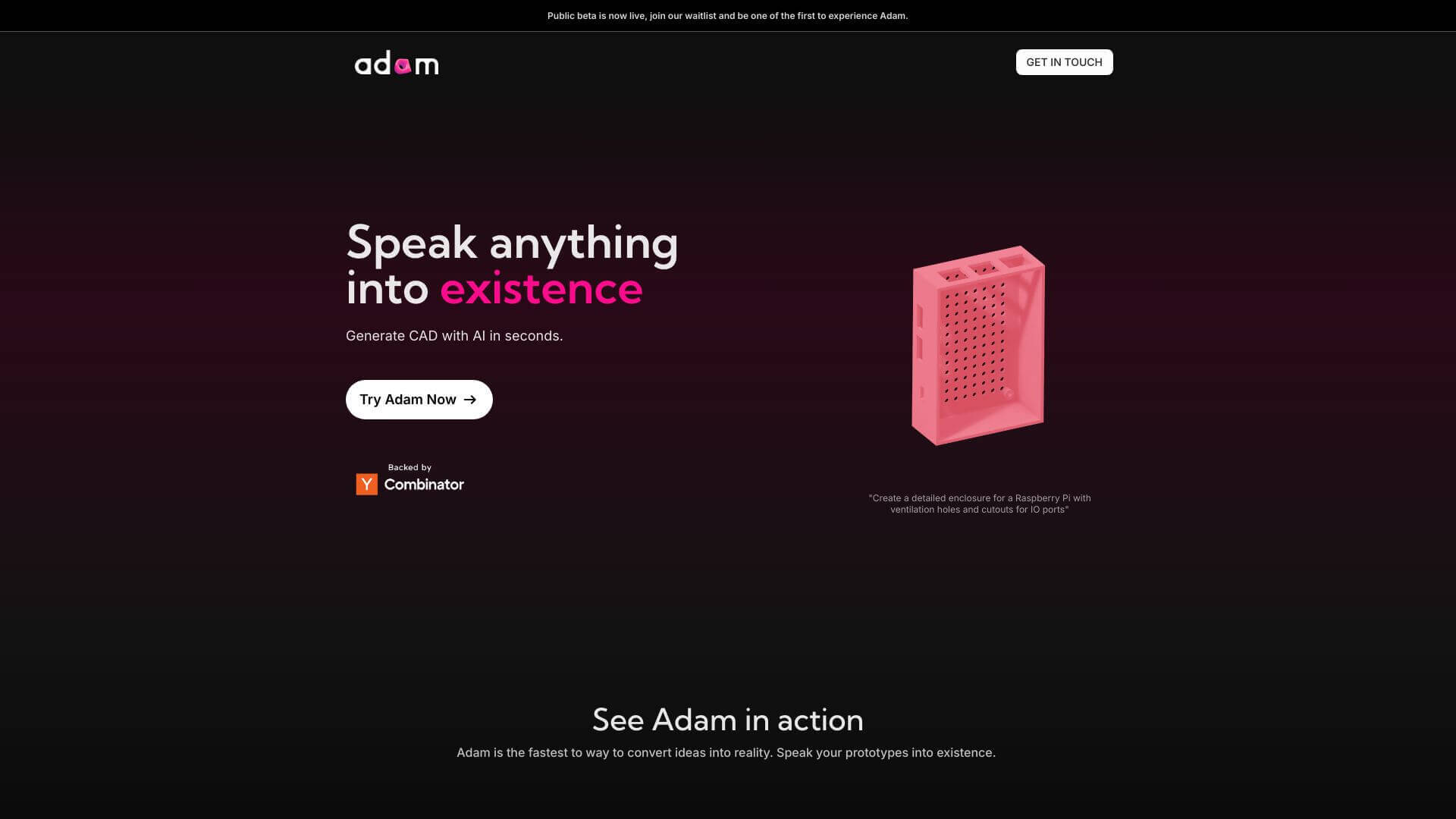
AdamCAD is an AI Code tool. AdamCAD creates 3D models from your words. Just describe what you need, and it makes it! Key features include Natural Language Interface, Parametric Adjustment Tools, and Conversational Design Mode. Best for designers and software developers and engineers.
About AdamCAD
AdamCAD is an AI CAD modeling platform that converts text descriptions into editable 3D models. The tool targets engineers, designers, and product developers who want to prototype faster without working through traditional CAD software interfaces. Generated models export to standard formats for CNC machines, 3D printers, and other manufacturing pipelines.
The core features that matter
- Natural language interface for describing what you want ("a gear with 10 teeth and a 3mm hole") and getting an editable CAD model back, replacing menu-driven modeling with conversational input
- Parametric adjustment tools for tweaking designs through a sidebar or by continuing the natural-language description, supporting iterative refinement
- Conversational design mode turning model creation and adjustment into a chat workflow, more accessible than traditional CAD software
- Multi-format export in formats including STL and STEP, ready for CNC, 3D printing, and injection molding workflows
- Collaboration suite for teams editing the same model simultaneously, with change tracking across collaborators
- Cross-platform compatibility running in the browser without local software installation, working regardless of which computer or operating system you use
How it stands out
The CAD software space is dominated by Fusion 360, SolidWorks, OnShape, and other established tools with steep learning curves. AdamCAD's specific position is text-to-CAD generation, which fundamentally differs from competitors that emphasize visual modeling. For users who can describe what they want but don't know how to build it in traditional CAD, AdamCAD bridges that gap directly.
The honest qualifier: AI-generated CAD models work well for standard shapes and common design patterns. For highly specialized engineering work, intricate mechanical assemblies, or designs requiring precise tolerances, traditional CAD with manual control still produces more reliable results. AdamCAD accelerates the initial design phase but doesn't replace deep CAD expertise for production-grade work. For prototyping, education, and hobbyist projects, AdamCAD removes substantial barriers. For commercial engineering work, the platform is a useful complement to traditional tools rather than a full replacement.
Key Features
Natural Language Interface.
Parametric Adjustment Tools.
Conversational Design Mode.
Multi-Format Export.
Collaboration Suite.
Cross-Platform Compatibility.
Frequently Asked Questions
AdamCAD has a natural language interface so you can just type what you want. It lets you tweak designs easily and even chat with it to make changes. You can export files in many formats and work with your team, plus it works on any web browser.
AdamCAD makes designing faster by letting you use simple text. This cuts down on design time and makes it easier for teams to work together.
Yes, AdamCAD is made to be easy for everyone, even if you're new to CAD. You don't need a lot of experience to use it.
Yes, it can. AdamCAD can export files that work with CNC machines, 3D printers, and injection molding.