
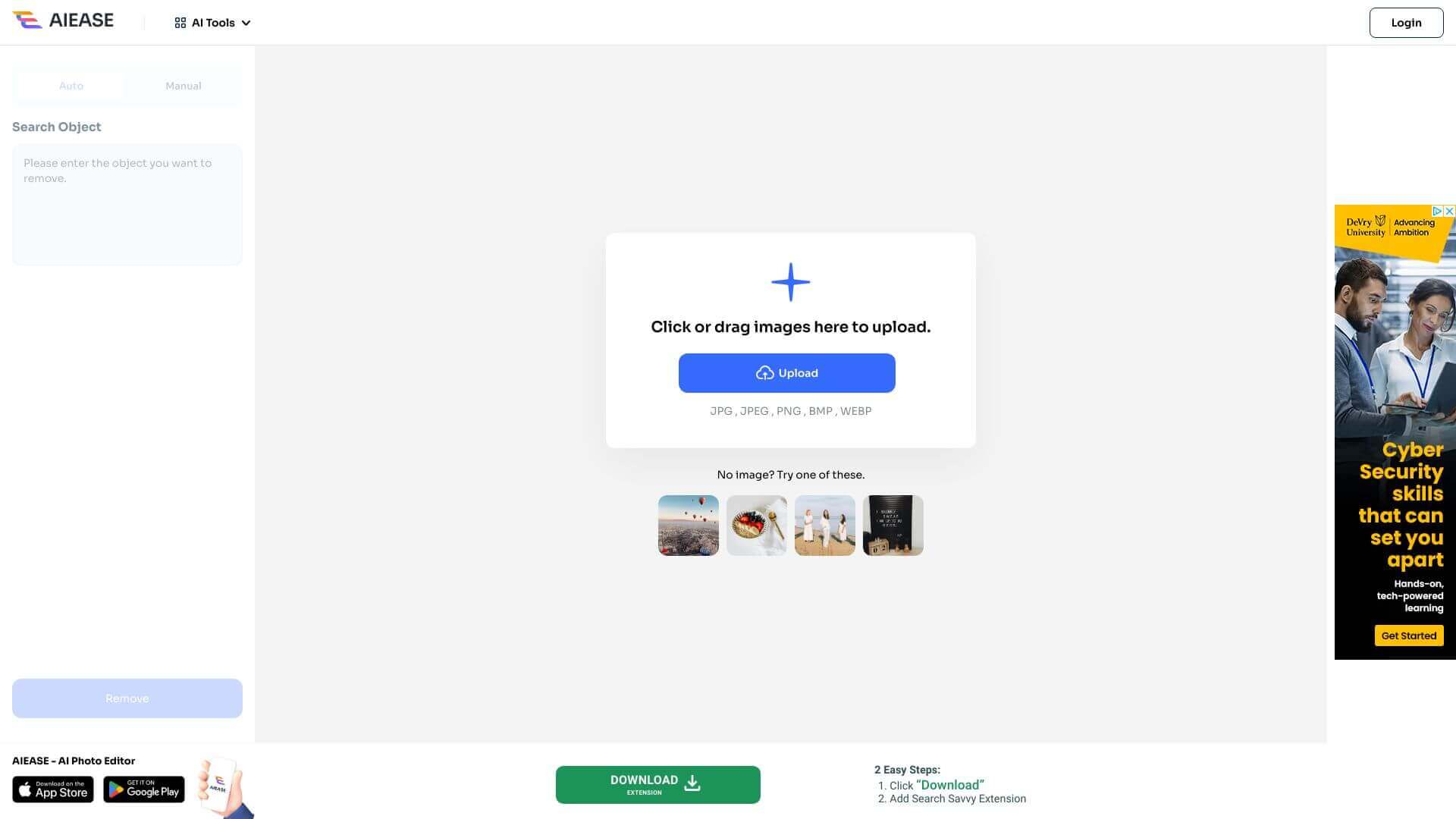
AI Ease Object Remover is an AI Image tool. Removes objects, people, text, and clutter from your photos using AI. Perfect for quick and easy photo edits. Key features include AI-Powered Object Detection, Advanced AI Inpainting, and Batch Image Uploading. Best for photographers, designers and content creators.
About AI Ease Object Remover
AI Ease Object Remover is a focused photo editing tool for one job: removing unwanted elements from images. Tourists in your travel photos, clutter in product shots, watermarks, text overlays, distracting objects. The AI handles selection, removal, and background reconstruction to make the final image look like the unwanted element was never there.
The typical workflow
Upload your image. Brush over what you want gone. The AI detects the marked area, fills it in with content matching the surrounding pixels, and outputs a cleaned image. For complex removals, you can adjust the brush size for precision or use the eraser tool to fix any over-selection. Batch uploads of up to 10 images at once handle volume work.
The features that matter
- AI-powered object detection that automatically analyzes backgrounds and identifies which objects you might want to remove, speeding up the selection step
- Advanced AI inpainting that fills in removed areas with content matching the original background, producing natural-looking results rather than obvious patch jobs
- Batch image uploading for processing up to 10 images at once, useful for cleaning up a set of travel or product photos in a single operation
- Customizable brush tool with adjustable size for precise selection. Small brush for fine details, large brush for big objects
- Eraser tool for adjustments that lets you walk back over-selection without restarting, so mistakes during the marking step don't require redoing everything
- No registration required, so the tool runs without account creation, email collection, or credit card capture for casual use
Honest trade-offs
AI Ease Object Remover works best on photos where the unwanted object has clear separation from the subject and the background isn't extremely detailed. A tourist on an empty beach removes cleanly; the same tourist standing in front of an intricate architectural detail challenges the inpainting model more. Results occasionally show artifacts that require a second pass or a different brush approach. For straightforward removals (clean backgrounds, distinct objects, social media or travel photos) the tool handles the job well without paid alternatives like Photoshop's Content-Aware Fill.
Key Features
AI-Powered Object Detection.
Advanced AI Inpainting.
Batch Image Uploading.
Customizable Brush Tool.
Eraser Tool for Adjustments.
No Registration Required.
Frequently Asked Questions
Upload your image, mark what you don't want with the brush, and click "Remove." The AI will fill in the area.
Yes, it's totally free to use as much as you want.
Nope, you don’t need an account to use AI Ease.
It works with PNG, JPG, JPEG, WEBP, and BMP files (up to 5MB).



