
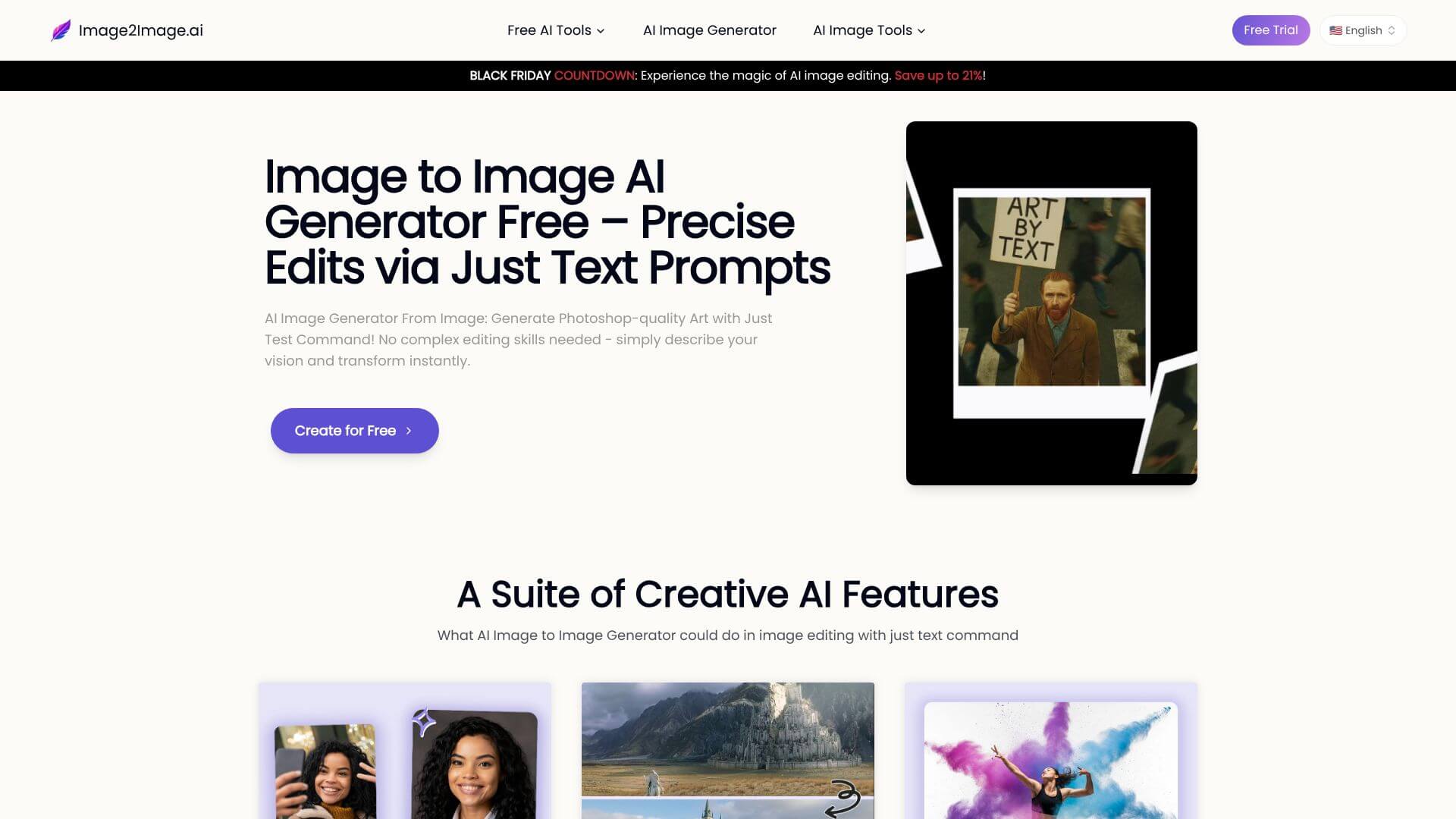
AI Image Editor by Image2image is an AI Image tool. Transform photos with AI using text prompts, making image editing easy for everyone. Key features include No-Signup Accessibility, Text-Prompt-Based Editing, and Rapid Processing Speeds. Best for designers, marketers and photographers.
About AI Image Editor by Image2image
AI Image Editor by Image2image (Image2Image.ai) is a text-prompt-based photo editor. Instead of clicking through menus to make changes, you describe what you want ("change the background to a beach," "turn this into a watercolor painting") and the AI executes the edit. The model handles JPG, PNG, and WEBP files up to 2048x2048 resolution.
The core features that matter
- No-signup accessibility. The tool runs without requiring an account, email, or payment information for the basic workflow
- Text-prompt-based editing that replaces traditional menu-driven editing with natural language commands, which lowers the barrier for users who know what they want but not how to do it in Photoshop
- Rapid processing speeds with most edits completing in 20 to 90 seconds, which is fast enough for iterative work where you tweak the prompt and re-run
- Multi-format image support for JPG, PNG, and WEBP at resolutions up to 2048x2048, covering web, social, and most print preview use cases
- Commercial license availability on paid plans, so generated images can be used in ads, product listings, or client work without legal ambiguity
- Style preservation and consistency across edits, meaning the AI maintains the subject and layout of the original rather than reinventing the image around your prompt
How it stands out
The text-prompt image editing space is competitive. Adobe Firefly, Photoshop's Generative Fill, and dozens of standalone tools cover similar ground. AI Image Editor by Image2image differentiates on simplicity and pricing rather than feature breadth: the workflow is straightforward, the tool starts free, and commercial use is explicitly allowed on paid plans rather than buried in terms of service.
The honest qualifier: a tool that handles editing through natural language is only as good as how well the model interprets prompts. Image2Image.ai handles common edits (backgrounds, style transfers, object additions or removals) reliably, but complex multi-step instructions or edits that require precise spatial control still produce inconsistent results. For straightforward edits and quick visual experiments, the tool covers the use case efficiently.
Key Features
No-Signup Accessibility.
Text-Prompt-Based Editing.
Rapid Processing Speeds.
Multi-Format Image Support.
Commercial License Availability.
Style Preservation and Consistency.
Frequently Asked Questions
It's like a magic tool that uses AI to change your photos. You just type what you want to change, and it does it!
It lets you change your photos just by describing what you want. So, you don't need to be a photo editing expert!
Nope! You can try it out without signing up.
It has a free option! If you want more, they have paid plans that start at $7 a month.



