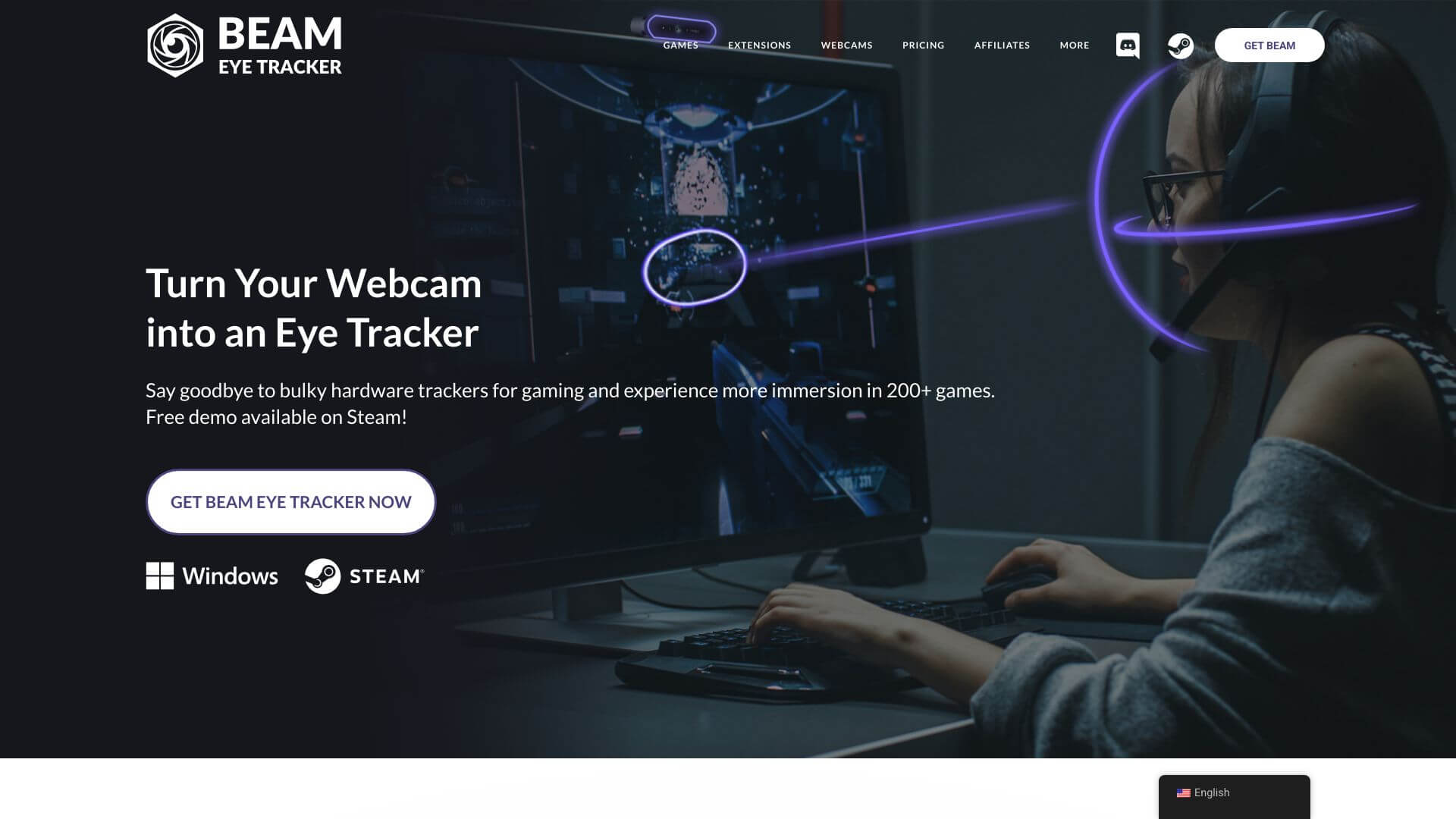
Beam Eye Tracker is a Misc AI tool. Beam Eye Tracker turns your webcam into an eye tracker using AI. It's great for gaming and streaming, no extra hardware needed. Key features include AI-Powered Eye Tracking, Webcam Compatibility, and High Frame Rate. Best for content creators.
About Beam Eye Tracker
Beam Eye Tracker uses AI to turn standard webcams into eye-tracking devices, supporting gaming, streaming, and e-sports training without dedicated hardware. The tool processes gaze direction and head movement through AI at 60+ FPS, replacing the $200-500 hardware investment that traditionally gated eye tracking.
The core features that matter
- AI-powered eye tracking with quality approaching dedicated hardware solutions through software processing on standard webcams
- Webcam compatibility working with most standard webcams plus phones used as webcams, supporting users without specialized equipment
- High frame rate at 60FPS+ with compatible webcams, providing responsive tracking suitable for gaming and real-time applications
- Gaze vector and head tracking capturing both where you look and how you move your head for more immersive gaming and simulation experiences
- Gaming extensions with OpenTrack and other gaming integration support for enhancing flight sims, racing games, and other tracking-supported titles
- iOS app extension using FaceID-enabled iPhones for better calibration with reduced computer resource usage
How it stands out
The eye tracking space has dedicated hardware leaders including Tobii (the dominant brand) and various PC peripherals. Beam Eye Tracker's specific position is the software-first approach using existing webcam hardware. For users who can't justify Tobii's $200-500 price point, Beam delivers a meaningful percentage of the capability through software at a much lower entry cost.
The honest qualifier: software-based eye tracking won't match dedicated hardware on accuracy and consistency. Beam Eye Tracker works well with modern webcams in good lighting conditions and degrades with older cameras or poor lighting. For competitive e-sports where every advantage matters, dedicated hardware still has edges. For casual gaming, streaming enhancement, and entry-level eye tracking exploration, Beam provides genuine functionality at meaningfully lower cost. The iOS calibration feature is a nice touch for users with iPhones, supporting better tracking quality than webcam-only setups.
Key Features
AI-Powered Eye Tracking.
Webcam Compatibility.
High Frame Rate.
Gaze Vector and Head Tracking.
Gaming Extensions.
iOS App Extension.
Frequently Asked Questions
It’s a tool that uses AI to turn your webcam into an eye and head tracker. No special hardware needed! Eyeware Tech made it to make gaming more real.
It lets you track where you're looking and how your head moves using your webcam. This is great for gaming, streaming, and even training for e-sports, making everything feel more immersive.
The price isn't listed clearly on their site. They might have different plans, maybe even subscriptions. Check their official website for the latest pricing info.
It's not clear if they offer a free trial or plan. You should reach out to their support team to find out for sure.