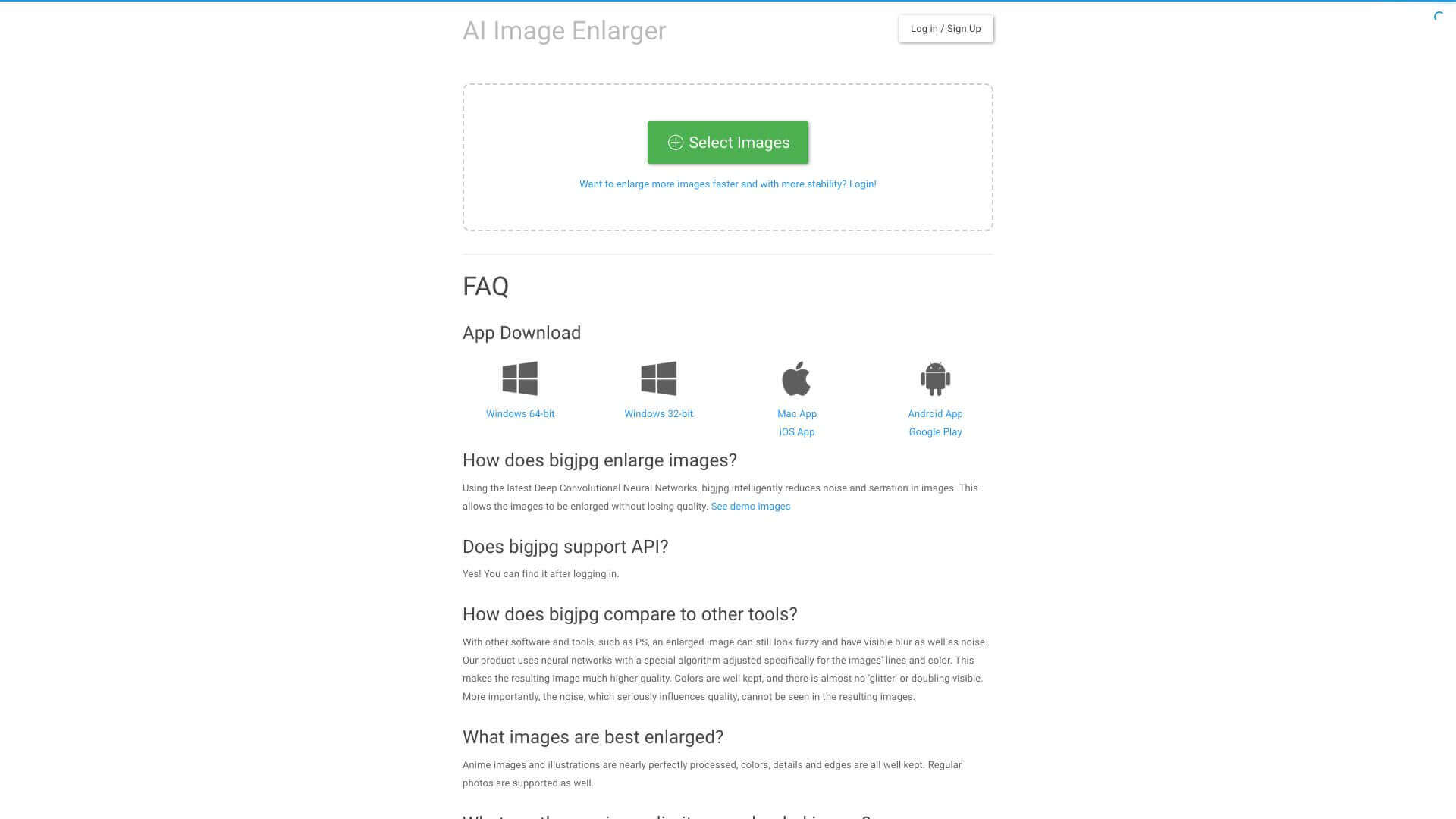
BigJPG is an AI Image tool. Bigjpg uses AI to make your images bigger without losing quality. It's great for photos, art, and anime-style pics. Key features include AI-Powered Upscaling, Noise and Artifact Reduction, and Multi-Platform Support. Best for designers and photographers.
About BigJPG
Bigjpg is an AI image upscaling tool that increases image resolution without the quality loss that traditional bicubic interpolation produces. The platform works on photos, art, and especially anime-style images, with noise reduction and artifact cleanup as part of the upscaling process.
The core features that matter
- AI-powered upscaling using neural networks to enlarge images while maintaining quality, useful for printing low-resolution photos or improving small images for design work
- Noise and artifact reduction cleaning up unwanted spots and grain during the upscaling process, producing clearer output than simple size increase
- Multi-platform support with online access plus downloadable apps for Windows, Mac, iOS, and Android, supporting different workflows and offline use
- Batch processing for upscaling many images at once, useful when you have a photo library that needs consistent treatment
- User-friendly interface with a simple design that doesn't require technical background, opening AI upscaling to general users
- Data security with uploaded images deleted after three days and scrambled URLs, addressing the privacy concern that affects users uploading personal content
How it stands out
The AI upscaling space has competitors including Topaz Gigapixel AI (premium), waifu2x (open-source anime focus), Let's Enhance, and several newer tools. Bigjpg's specific position is the broad device support combined with strong anime-style upscaling, which is a niche that Topaz handles less well than anime-specific tools.
The honest qualifier: AI upscaling quality depends on what's in the source image. Photos with clear subject details upscale well; heavily compressed images with significant detail loss can't recover what wasn't captured originally. Bigjpg handles standard cases competently but doesn't beat dedicated premium tools like Topaz at the high end. For users wanting good free upscaling with anime-style support, Bigjpg covers that use case well. For professional photography work where peak quality matters, paid alternatives may produce better results.
Key Features
AI-Powered Upscaling.
Noise and Artifact Reduction.
Multi-Platform Support.
Batch Processing.
User-Friendly Interface.
Data Security.
Frequently Asked Questions
Yes, Bigjpg can process images of different filesizes.
No, Bigjpg is easy to use, and you won't need special skills.
Yes, Bigjpg needs the internet, especially for the online version.
Bigjpg keeps your images safe by deleting them after three days, and uses encrypted links.



