
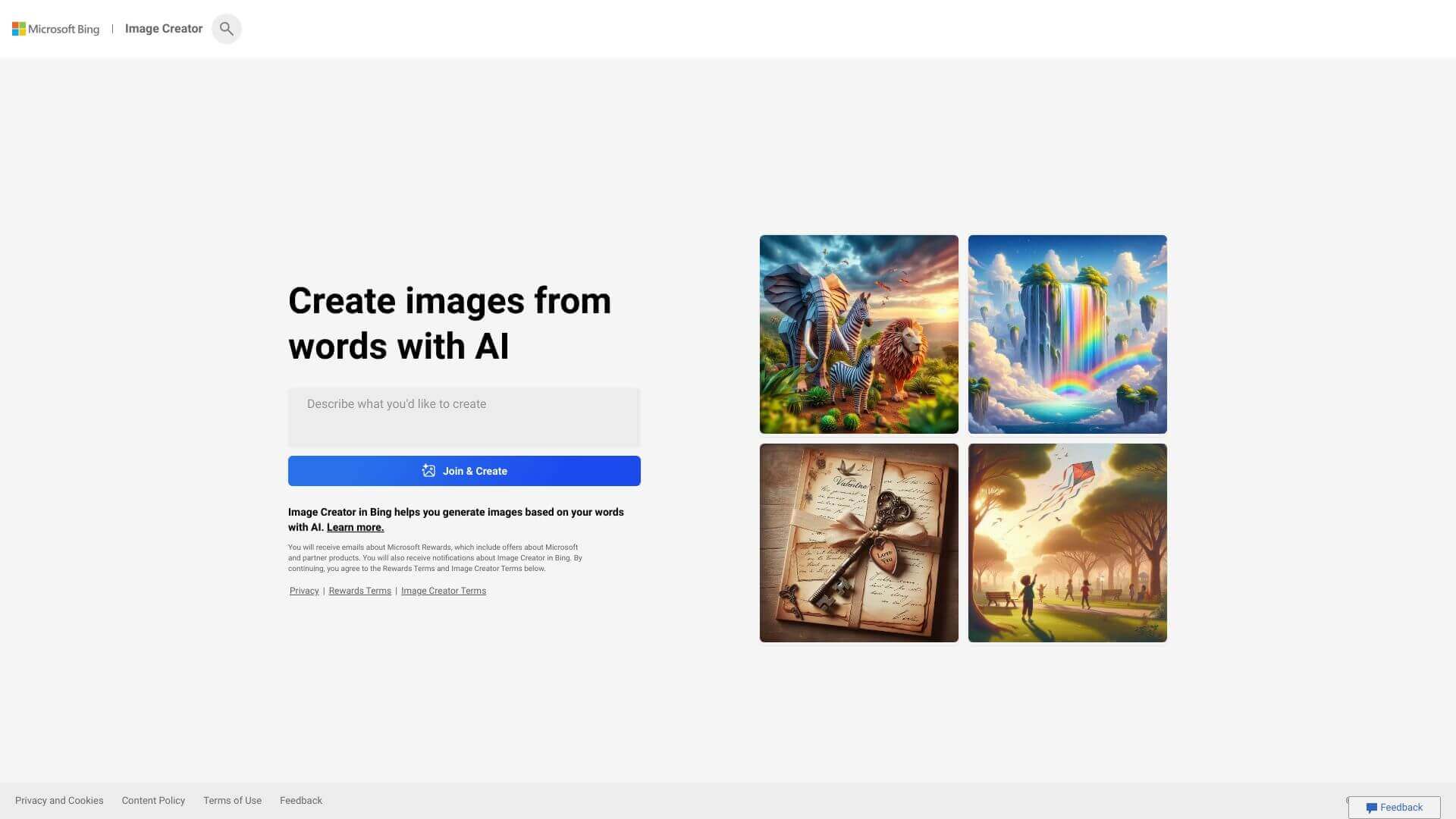
Bing Image Creator is an AI Image tool. Generates images from text. Describe what you want, choose a style, and Bing creates visuals. Key features include Text-to-Image Conversion, Customizable Styles, and Bing Chat Integration. Best for writers, designers and photographers.
About Bing Image Creator
Key Features
Text-to-Image Conversion.
Customizable Styles.
Bing Chat Integration.
Edge Browser Integration.
Unlimited Generations.
SEO-Friendly Output.
Frequently Asked Questions
It's an AI tool from Microsoft. It turns words into pictures. You type what you want, and it makes an image. It is found within Bing search and the Edge browser.
It makes images from your text descriptions. You can ask for specific styles, like realistic or abstract. You can use it directly in Bing chat or Edge. The images can be used for many things such as school or work projects.
It converts text to images. You can pick styles. It works in Bing Chat and Edge. It lets you make a lot of images. It even helps with SEO by creating image captions.
It's free and easy to use. It works on different platforms and is fast. Still, it doesn't have as many style options as some other tools. And, the images can vary in quality. Detailed prompts will yield better results.



