
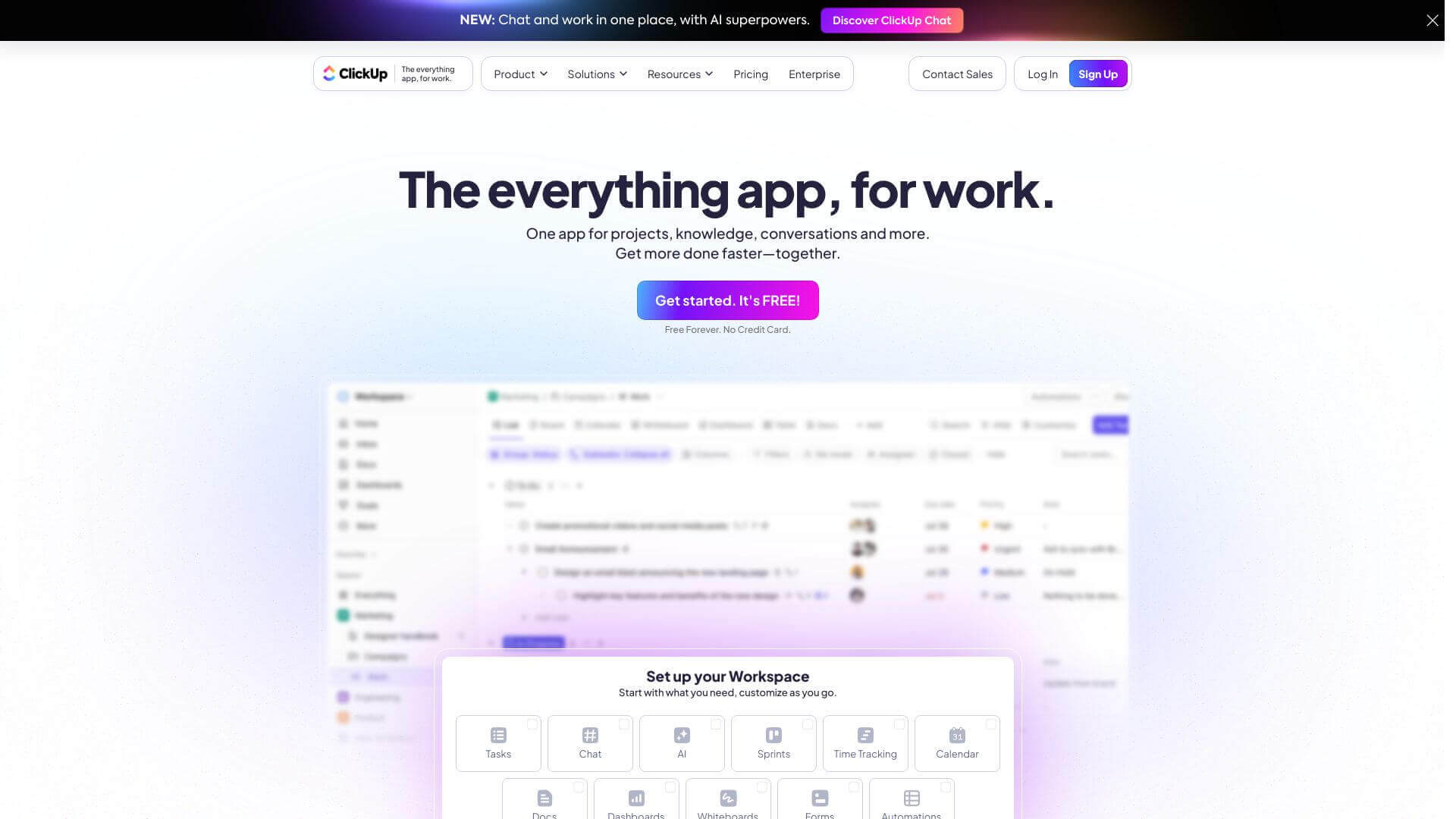
ClickUp is an AI Business tool. ClickUp helps teams organize tasks, automate workflows, and collaborate efficiently on projects. Key features include Task Hierarchy, Automation, and Collaboration Tools. Best for customer service representatives, project managers and business consultants.
About ClickUp
ClickUp is a project management tool. It lets you manage tasks and projects easily. It has many features like automation and real-time collaboration. It's great for teams of all sizes. ClickUp can be customized to fit how you work and helps improve your team's organization.
Key Features
Task Hierarchy.
ClickUp lets you sort tasks into Spaces, Folders, Lists, and subtasks. This setup helps teams handle big projects by splitting them into smaller parts.
Automation.
ClickUp has custom and ready-made automation setups. This helps speed up work by auto-assigning tasks, updating statuses, and doing routine jobs.
Collaboration Tools.
The platform has real-time commenting, document editing, and a chat area for team talk. This keeps all project chats and files in one easy-to-reach place.
Customization.
Users can pick from over 35 ClickApps to change their workspace. This lets teams fit ClickUp to what they need, like adding custom fields or connecting outside tools.
Reporting and Dashboards.
ClickUp offers custom dashboards showing lots of project stats. These include widgets for tasks, sprints, workload, and time tracking, so teams can watch progress and how well they're doing.
AI Assistant (ClickUp Brain).
ClickUp Brain uses AI to help write task details and manage work more easily. It makes it simpler to create tricky project setups by giving ideas based on the task.
Frequently Asked Questions
Yes, ClickUp has a free plan with all the main features and no limits on how many people can use it.
You can make dashboards in ClickUp. They show tasks, time tracked, and how much work everyone is doing, all in one spot.
Yes, ClickUp works well for small teams. It's free to start and can grow as your team grows.
ClickUp lets you set up automations. You can use ones that are already made or create your own to make your work easier.