
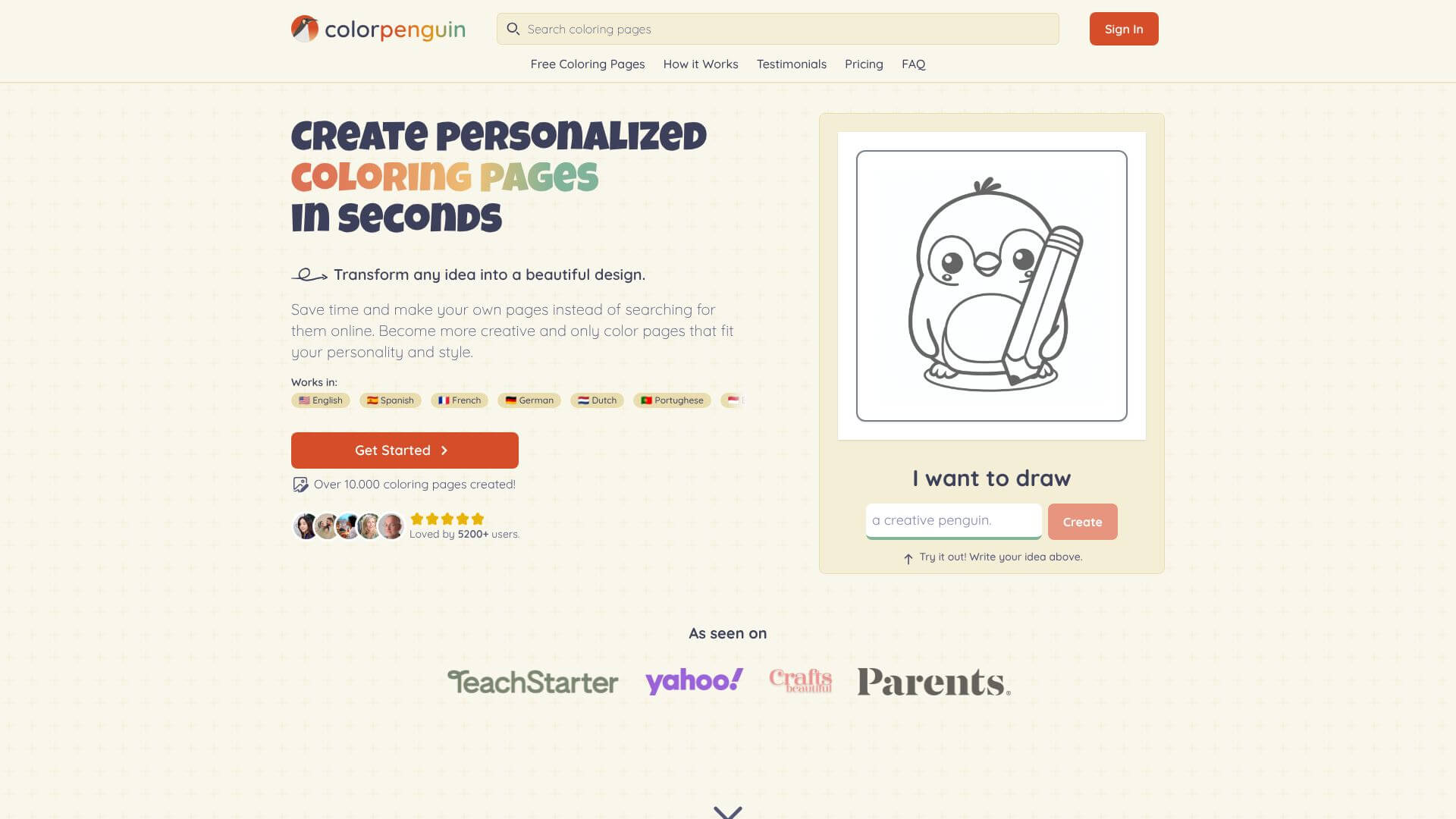
ColorPenguin is an AI Image tool. Extract colors from photos with this free AI tool. Get color palettes fast for design projects. Key features include AI-Powered Color Extraction, Customizable Palette Generation, and Multiple Color Formats. Best for designers, software developers and engineers and content creators.
About ColorPenguin
Key Features
AI-Powered Color Extraction.
Customizable Palette Generation.
Multiple Color Formats.
Image Preview and Editing.
Export Options.
Inspiration Gallery.
Frequently Asked Questions
ColorPenguin is a free online tool that helps you make color palettes from images. It uses AI to pick out the main colors in a photo and then gives you a set of matching shades.
ColorPenguin is a solid choice if you want a quick and easy way to grab colors from pictures. It's totally free and simple to use. Some folks also like tools like Coolors or Adobe Color, but ColorPenguin stands out for being free and straightforward.
Just go to the ColorPenguin website, upload an image, and it'll automatically create a color palette for you. You can tweak the number of colors and download the palette to use in your designs.
If ColorPenguin doesn't quite fit your needs, check out Coolors, Adobe Color, Colormind, or Palette Generator. They all help with creating color schemes, but each has its own set of features.



