
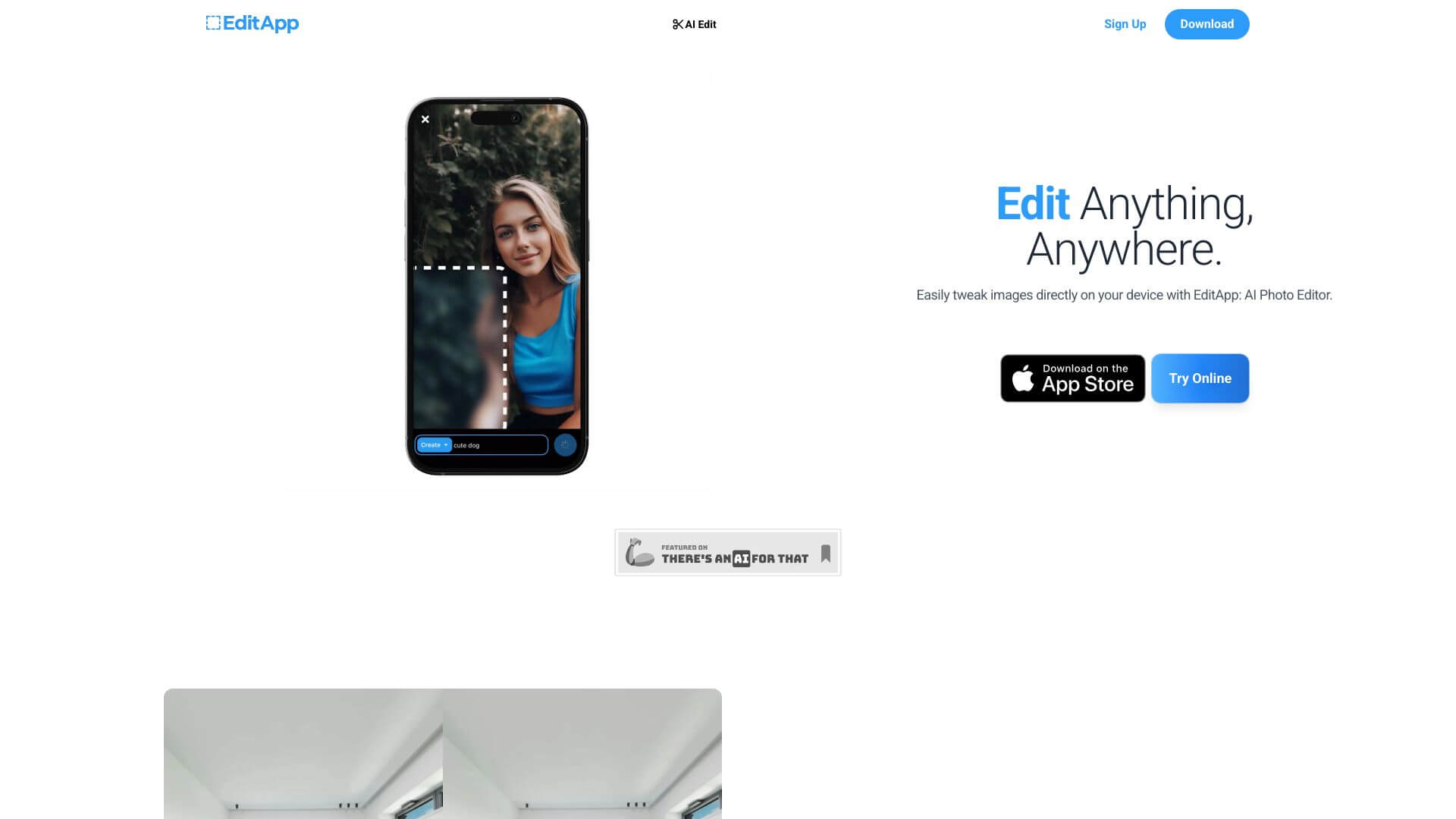
Editapp is an AI Image tool. Edit photos online with AI. Change backgrounds, fill areas, and refine details easily without downloads. Key features include Generative Fill, Background Changing Capabilities, and Detail Fine-Tuning Options. Best for marketers, content creators and designers.
About Editapp
EditApp AI is a browser-based photo editor that uses AI to handle the parts of image editing that traditional editors require manual skill for: filling in areas after object removal, replacing backgrounds cleanly, and refining detail without obvious artifacts. The platform's positioning is approachable AI editing rather than power-user-only tooling.
The core features that matter
- Generative fill for filling image areas with AI-generated content matching surrounding pixels, useful for removing objects or expanding compositions without obvious gaps
- Background changing capabilities that handle the cut-out work automatically, including hair edges and other detail that manual selection struggles with
- Detail fine-tuning options for adjusting and enhancing specific parts of an image with precision controls layered on top of the AI defaults
- User-friendly interface designed for accessibility, so users without editing experience can complete common workflows
- Support for various editing tasks across quick touch-ups, complex composites, and everything in between, so the tool covers a range of use cases rather than a single workflow
- AI-powered editing at the foundation, with the algorithms automating decisions that would traditionally require Photoshop expertise to execute
How it stands out
The AI photo editing space has fragmented across many tools: Photoshop's Generative Fill, Canva's AI features, Photoroom, dozens of single-purpose alternatives. EditApp sits in the all-in-one consumer tier, with a browser-based workflow that doesn't require software installation or subscription commitment to try out. The differentiator isn't any single capability but the integration of AI defaults across the common editing tasks.
The honest qualifier: AI editing tools handle straightforward cases well but produce visible artifacts on complex inputs. A clean background swap on a well-lit portrait usually works; the same swap on a busy crowd shot with complicated lighting tends to show seams. EditApp's quality bar is competitive at the consumer tier but doesn't replace dedicated tools for precision retouching or high-end commercial work. For social media imagery, product photos, and casual editing tasks, EditApp covers the use case efficiently.
Key Features
Generative Fill.
Background Changing Capabilities.
Detail Fine-Tuning Options.
User-Friendly Interface.
Support for Various Editing Tasks.
AI-Powered Editing.
Frequently Asked Questions
Yes, EditApp AI has a user-friendly design. It's easy to understand and use. So, it works well for both new and experienced users.
You can change image backgrounds and fine-tune small details. EditApp AI also lets you make other basic and advanced edits. All this is done with the help of AI features.
No, EditApp AI doesn't have a free trial. It only offers subscription plans.
The AI in EditApp AI helps to do complicated edits automatically. This saves time and boosts your creativity with great results.



