
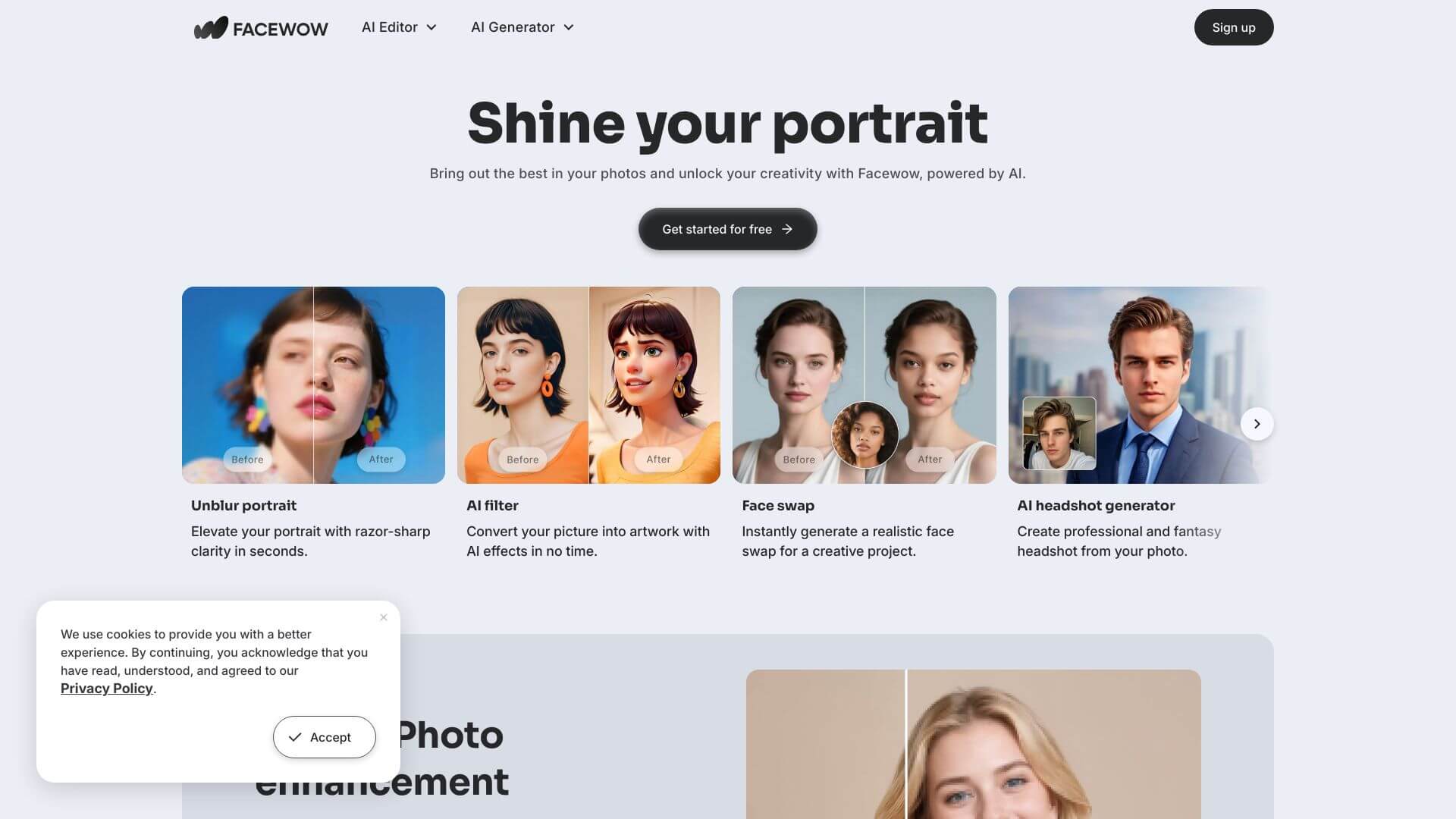
Facewow is an AI Image tool. Transforms photos into cool AI portraits and art! Key features include AI Portrait Creator, AI Photo Enhancer, and AI Filters. Best for content creators, designers and photographers.
About Facewow
Facewow is an AI-driven photo editor focused on making profile pictures and portrait shots look better automatically. The platform groups its tools around two workflows: enhancing existing photos and converting them into stylized art (cartoon, anime, painted portrait). You upload a picture, pick a treatment, and the model handles the editing in seconds.
The core features that matter
- AI portrait creator that improves or restyles photos into refined portraits, useful for social profile updates without scheduling a photo shoot
- AI photo enhancer that sharpens blurry images and recovers detail in pictures shot in poor lighting or with older phone cameras
- AI filters that convert photos into cartoon, anime, painted, or stylized art looks, beyond the Instagram-style filter overlays in stock photo apps
- Quality boosting through resolution upscaling and clarity improvements, which is the differentiator versus phone-native editing tools that can't recover detail that wasn't captured
- User-friendly interface that handles the workflow without exposing technical AI parameters, so the result-quality-vs-effort ratio stays high
- Multiple style options for personalizing the output, with several filter presets covering common aesthetic preferences
How it stands out
The AI photo editor space is crowded. Remini and Photoroom are the most-recognized competitors at the consumer end, with PicsArt and Adobe at the prosumer tier. Facewow positions itself simpler and lighter than those alternatives, with a workflow focused specifically on portrait and avatar use cases rather than full-spectrum photo editing.
That focus is the honest trade-off. If you need precise control over editing parameters, layer-based composition, or non-portrait work like landscape retouching, Facewow won't replace a more complete editor. If you want quick, good-enough portrait conversions for social media or profile pictures, Facewow handles that use case efficiently without the learning curve.
Key Features
AI Portrait Creator.
AI Photo Enhancer.
AI Filters.
Quality Boosting.
User-Friendly Interface.
Multiple Style Options.
Frequently Asked Questions
Facewow is an app that uses AI to make your photos look better. It can turn regular photos into nice portraits or profile pictures. It uses smart tech to unblur, sharpen details, and add cool art styles like cartoons.
Facewow helps you make AI portraits. It makes photos look better by unblurring them and adding details. You can also use AI filters to turn photos into art, like cartoons or anime. This helps you make great profile pics or artwork from your photos quickly.
Facewow has a bunch of cool features. It has an AI Portrait Creator that enhances photos. There is also an AI Photo Enhancer, which unblurs and sharpens images. It offers AI Filters for cool effects like cartoon styles, and it improves photo quality. Plus, it is easy to use, with many style options.
I couldn't find exact pricing for Facewow. Usually, these types of apps have a free basic version or trial. If you want more features, they often have subscription plans or you can buy credits. Check Facewow's website for the latest pricing info.



