
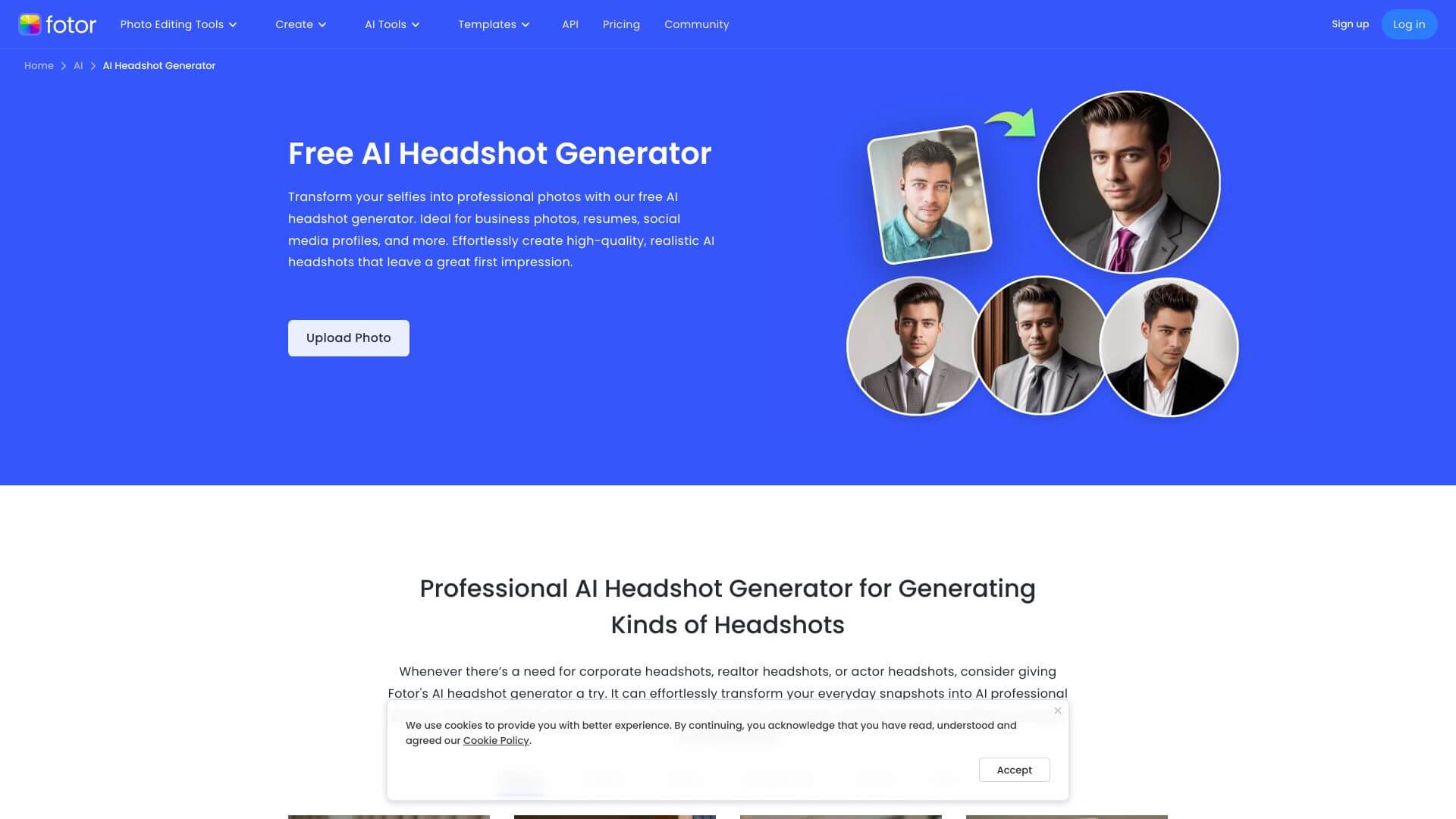
Fotor AI Headshot Generator is an AI Image tool. Transforms selfies into pro headshots using AI, perfect for sprucing up your business or social media presence. Key features include AI-Powered Transformation, Custom AI Styles, and Batch Processing. Best for marketers, content creators and business consultants.
About Fotor AI Headshot Generator
Fotor AI Headshot Generator is a focused AI tool for converting selfies into professional-looking headshots. The platform sits within Fotor's broader image editing suite but specifically targets the LinkedIn-quality headshot use case. Quick professional portraits without scheduling a photo shoot, with styling and background options that match different professional contexts.
The core features that matter
- AI-powered transformation that converts regular photos into professional headshots quickly, suitable for business profiles, actor portfolios, real estate agents, and team photos
- Custom AI styles with multiple background, lighting, and clothing options on Pro and higher plans, supporting industry-specific or brand-consistent looks
- Batch processing on the Pro+ plan for creating consistent headshots across a whole team in one operation, useful for team profile updates or organizational refreshes
- Magic Tools for AI-driven retouching including skin smoothing, blemish removal, and background object removal, producing polished output without manual editing
- Cloud storage with capacity scaling by subscription tier, so generated headshots stay accessible without local storage management
- Cross-platform support across web and iOS, supporting headshot generation from either desktop workflows or mobile camera capture
How it stands out
The AI headshot generator space has dedicated specialists like Aragon, HeadshotPro, and Try It On, plus general image platforms with headshot features. Fotor AI Headshot Generator sits in the broader-platform category, with the headshot capability layered on top of Fotor's established image editing tools. For users who want both dedicated headshot generation and access to a complete image editor, Fotor's integration delivers both in one subscription.
The honest qualifier: AI headshot quality has improved significantly but still produces output recognizable as AI-generated to careful viewers. For LinkedIn, internal team directories, and contexts where convenience matters more than absolute authenticity, the output is fully usable. For high-end professional contexts where a traditional headshot is expected, the AI version may not be appropriate. The free tier adds watermarks, which is the standard pattern but worth knowing if you're evaluating quality.
Key Features
AI-Powered Transformation.
Custom AI Styles.
Batch Processing.
Magic Tools.
Cloud Storage.
Cross-Platform Support.
Frequently Asked Questions
It's a tool that uses AI to turn your selfies or portraits into professional-looking headshots. You can use it on the web or on your phone.
It takes your uploaded pictures, like selfies, and makes them look like studio-quality headshots. It's good for improving your online presence on places like LinkedIn or social media.
It has AI that transforms photos, different styles with backgrounds and clothing options. You can also make headshots for whole teams and it has tools that retouch your skin and remove backgrounds. Plus, it stores your pictures in the cloud, and you can use it on your computer or phone.
It's quick, easy and versatile. It's also cost-effective and customizable, and it works on different devices. But the free version adds watermarks to your pictures.



