
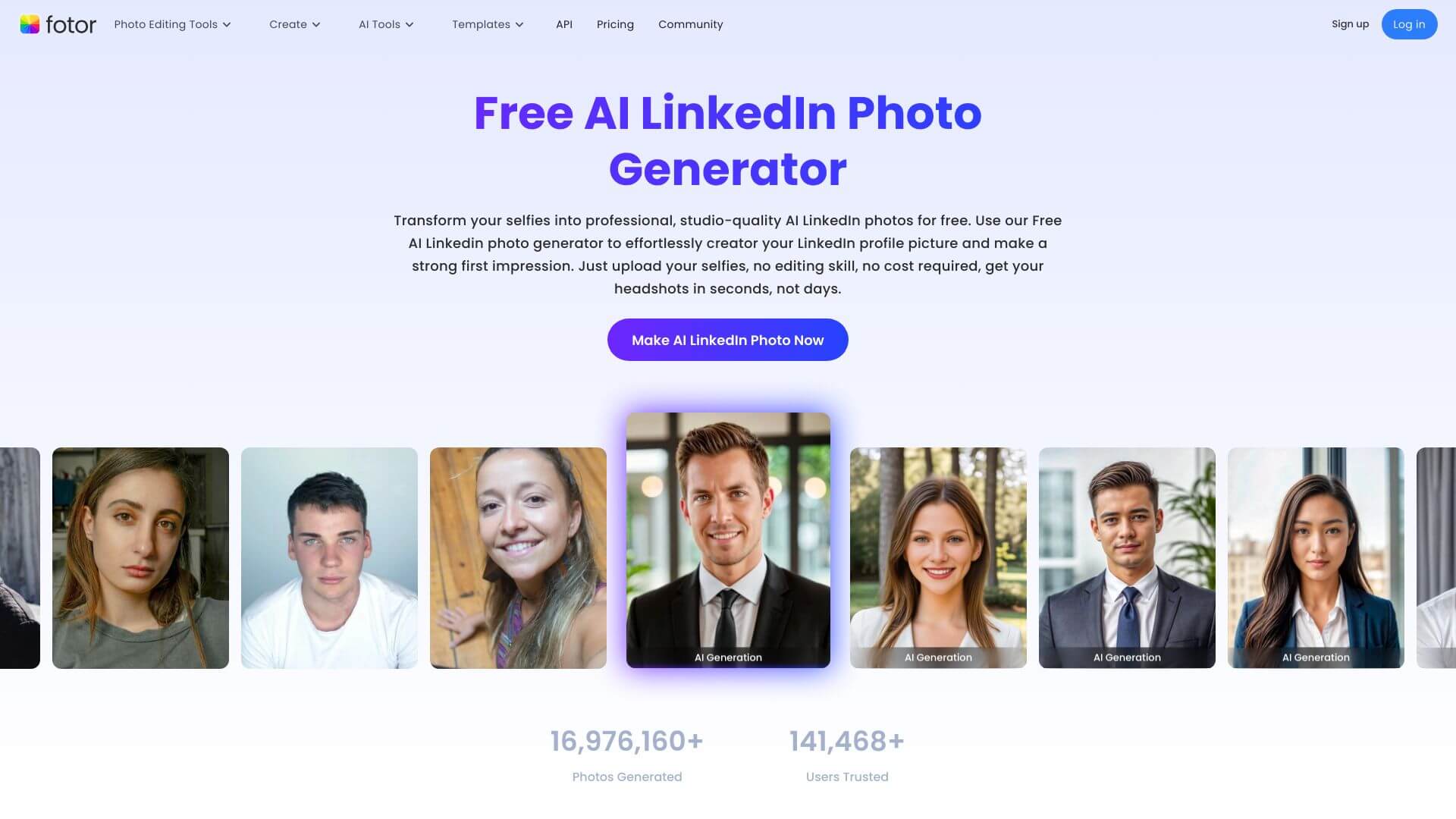
Fotor AI LinkedIn Photo Generator is an AI Image tool. Transforms your selfies into perfect LinkedIn profile pics using AI. No photoshoot needed! Key features include AI-Powered Photorealistic Headshots, Facial Expression Optimization, and Outfit and Background Customization. Best for teachers, marketers and content creators.
About Fotor AI LinkedIn Photo Generator
The Fotor AI LinkedIn Photo Generator turns a few smartphone selfies into professional headshots that look like they were taken by a studio photographer. For job seekers, consultants, founders, and anyone whose LinkedIn profile picture is doing real work — bringing in inbound, building credibility, closing deals — the gap between a phone selfie and a proper headshot can be the gap between getting a reply and getting ignored.
What the AI actually changes
Upload a handful of photos, and Fotor's model regenerates you in a controlled professional setting. That means a clean background instead of your kitchen, business-appropriate clothing instead of a hoodie, studio-style lighting instead of phone-flash shadows, and a subtle adjustment to facial expression so you look approachable rather than tense or overly serious.
Style options worth knowing
- Industry-specific templates — finance, tech, education, healthcare, and creative fields each have their own visual conventions
- Outfit customization — from formal suits to smart-casual blazers, matched to the role you're presenting
- Background variation — neutral studio, office, outdoor, or branded environments
- Multiple generations per session — pick the strongest result rather than committing to one output
Privacy and editing flexibility
Uploaded source photos are deleted automatically after processing, which matters when the input is your face. The built-in editor lets you crop, retouch, and adjust the AI output without exporting to another tool — useful if a result is 90% right but needs a small tweak. Free regeneration means you can iterate if the first batch misses, rather than paying again for each attempt.
For anyone who can't justify a $500 photographer session but knows the difference shows up in interviews and inbound, the Fotor AI LinkedIn Photo Generator hits a practical middle ground: studio-quality output, smartphone-level effort.
Key Features
AI-Powered Photorealistic Headshots.
Facial Expression Optimization.
Outfit and Background Customization.
Variety of Style Templates.
Built-in Photo Editor.
Data Privacy and Free Regeneration.
Frequently Asked Questions
It's a tool that uses AI to turn your selfies into professional-looking LinkedIn profile pictures. You don't need a photoshoot!
It takes your selfie and makes it better. It fixes the lighting, your expression, your clothes, and the background to create a great headshot. You can even change outfits and backgrounds!
It's free, easy to use, and gives you high-quality results quickly. You don't even need to sign up! Plus, there are lots of styles to choose from for different industries.
It's really only for LinkedIn-style photos. If you need something super specific, the customization might not be enough, and advanced editing might need extra software.



