
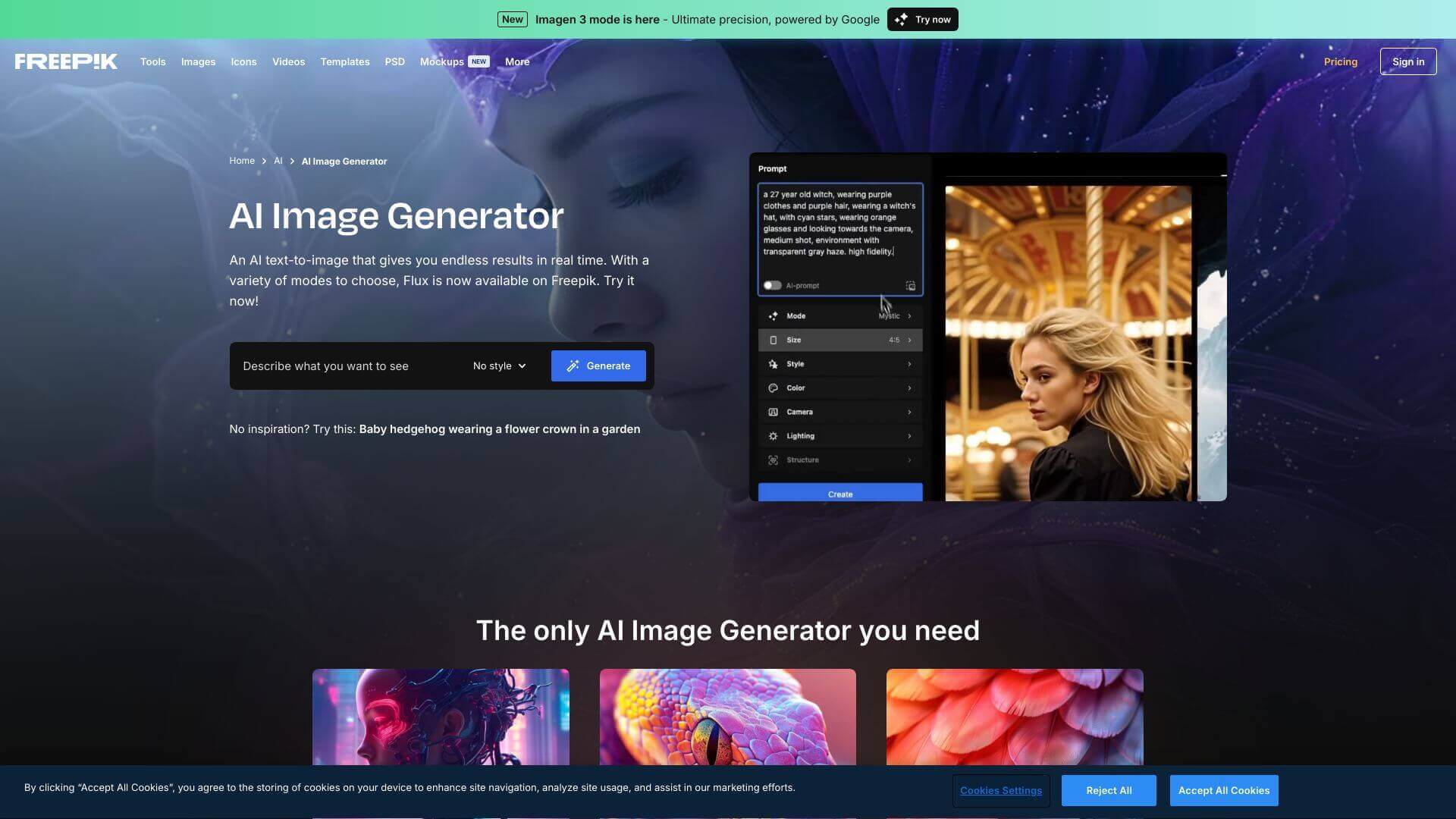
Freepik AI Image Generator is an AI Image tool. Converts text into pictures fast! Great for making visuals without needing design skills. Try different styles and get creative! Key features include Real-Time Generation, Multiple AI Modes, and Permutation Prompts. Best for writers, designers and photographers.
About Freepik AI Image Generator
Turns your words into cool images! Create marketing stuff, social media posts, or just fun art. Easy to use, even if you're not a pro. Free plan available. Get creative today!
Key Features
Real-Time Generation.
Get images instantly so you can keep creating without delays.
Multiple AI Modes.
Pick between modes like Flux and Freepik Mystic. Choose what works best: high quality or faster results.
Permutation Prompts.
Make many versions from one prompt. Try using pipes to create options (like "A (dog|cat) on a (beach|mountain)").
Customizable Presets.
Tweak your images without needing hard prompts. Select styles, color filters, and views to get it right.
High-End Textures and Realism.
Get images with great detail. Skin looks real, and textures pop, often looking like photos.
Integration with Other Tools.
Turn images into videos. Connect to Freepik's AI Video Generator to make more.
Frequently Asked Questions
It uses AI to turn your text descriptions into pictures instantly. You don't need to be a tech expert, just type what you want.
Yes, you can! It's available on both iOS and Android through the Freepik app.
The free version only lets you make 20 images each day.
Simple, clear prompts usually work best. Freepik has a guide on writing good prompts if you want more tips.



