
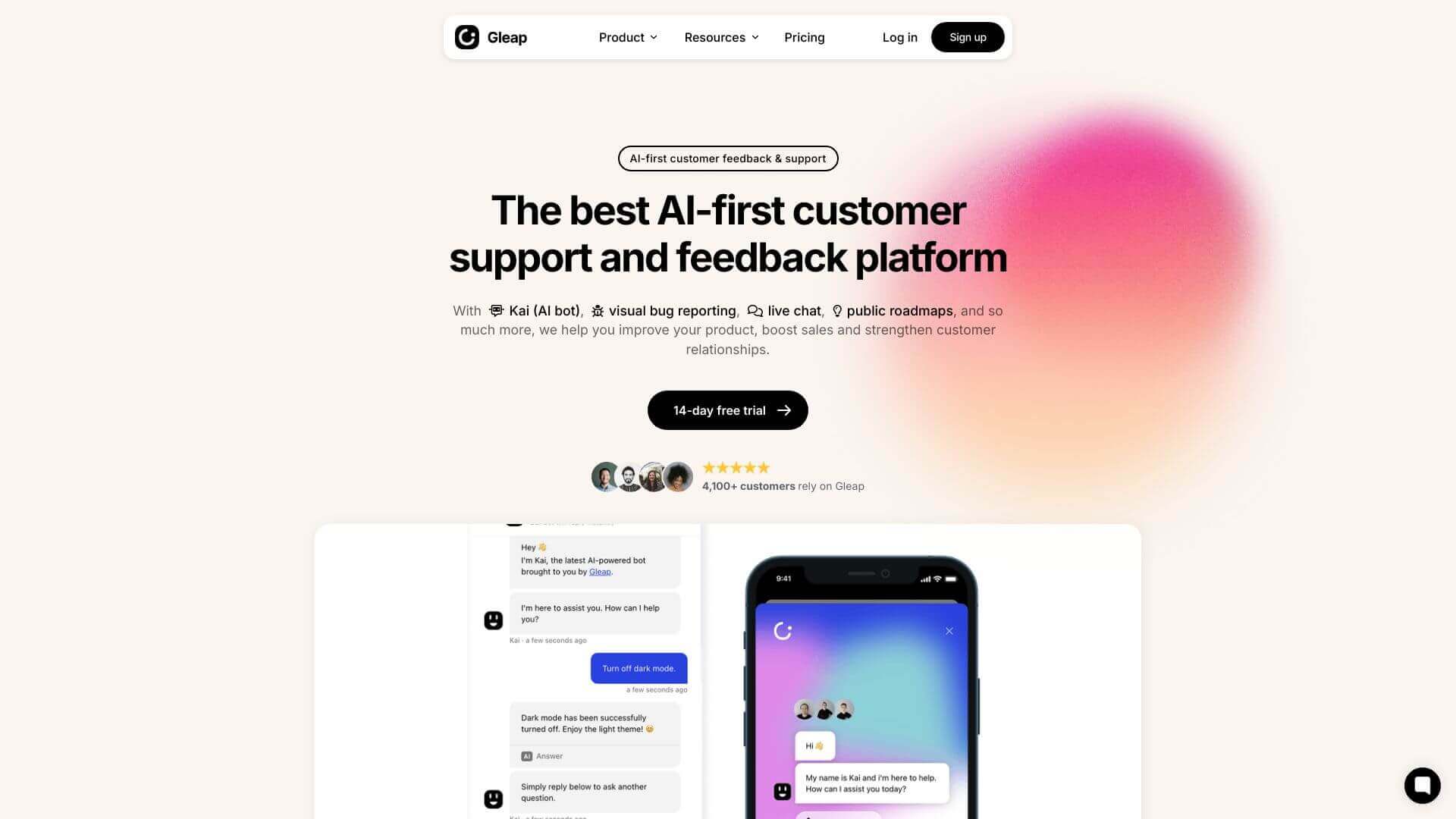
Gleap is an AI Business tool. Gleap helps you catch bugs and gather feedback on your apps and websites with handy visual reports. Key features include Visual Bug Reporting, Live Chat, and Customer Surveys. Best for software developers and engineers, project managers and customer service representatives.
About Gleap
It's a tool that snaps screenshots, videos, and tech data when bugs pop up. You can chat with users live and let them vote on new features. It also connects to Jira and Slack. While the desktop version is great, the mobile app can be a bit shaky.
Key Features
Visual Bug Reporting.
Gleap automatically grabs screenshots, video replays, console logs, and other techy stuff so you can see exactly what went wrong with bug reports.
Live Chat.
Talk directly with your users. This helps you get more details about issues or update them on bug fixes.
Customer Surveys.
Use in-app and on-site surveys to gather feedback. This helps you boost customer satisfaction and nail your product-market fit.
Feature Request Board.
Let users suggest and vote on new features. That way, you know what to build next based on what they actually want.
Public Product Roadmap.
Share your feature request board externally so customers can see what's coming down the line.
Integrations.
Hooks right up to popular tools like Jira, Slack, and Zapier to keep your workflow smooth.
Frequently Asked Questions
Gleap captures screenshots, video replays, and technical data to provide comprehensive bug reports.
Yes, Gleap works with tools like Jira, Slack, and Zapier, plus more.
Gleap offers live chat for talking directly with users and public product roadmaps, which involve users in the development process.
Yes, Gleap works well on both web and mobile platforms.