
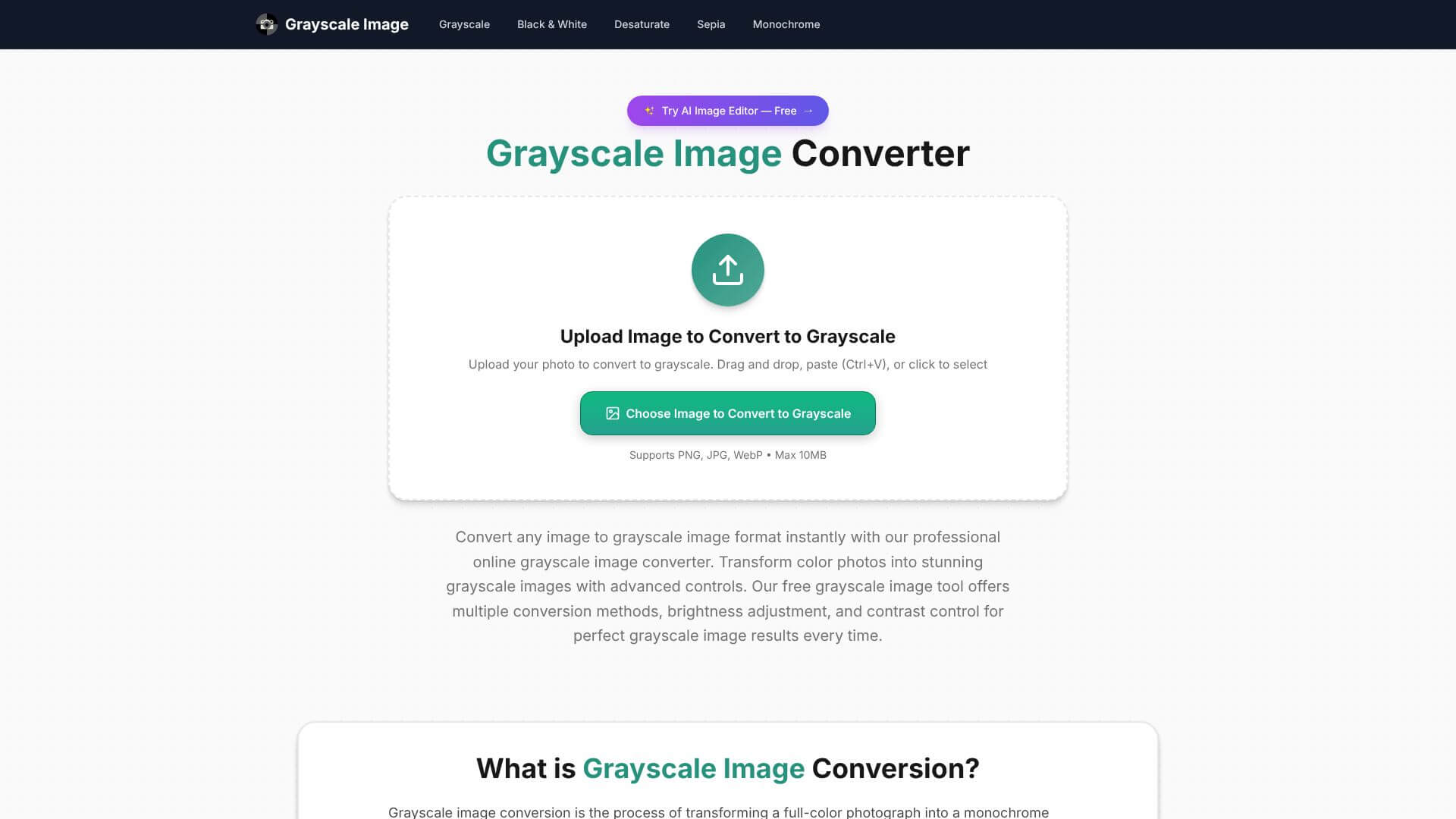
Grayscale Image is an AI Image tool. Converts color images to various grayscale formats in your browser, fast and private. Key features include Weighted Algorithm Conversion, Multiple Conversion Methods, and Brightness and Contrast Adjustment. Best for photographers, designers and content creators.
About Grayscale Image
Grayscale Image is a free browser-based tool that converts color images to grayscale using multiple algorithm options. The platform supports JPG, PNG, and WebP files up to 10MB with brightness and contrast adjustment, processes everything client-side for privacy, and produces watermark-free PNG output.
The core features that matter
- Weighted algorithm conversion producing natural-looking grayscale that accounts for how human eyes perceive different colors rather than basic desaturation
- Multiple conversion methods including average for simple desaturation, max for preserving highlights, and min for deepening shadows
- Brightness and contrast adjustment for fine-tuning grayscale output without exporting to a separate editor
- Real-time processing with instant conversion as you upload, supporting fast experimentation with different settings
- Privacy-first processing running entirely in the browser so images never reach the platform's servers
- No watermarks and high-quality output producing clean PNG files at high quality without branding overlays
How it stands out
The image conversion utility space has many simple tools handling similar tasks. Grayscale Image's specific position is the multiple algorithm options combined with browser-side processing. Most competitors offer only single desaturation methods or require uploading images to servers. The algorithm variety matters for photographers and designers who want specific tonal results, while browser-side processing matters for users handling private or sensitive images.
The honest qualifier: grayscale conversion is a simple task that most photo editors handle adequately. Grayscale Image's value comes from convenience (browser-based, no installation) and privacy (client-side processing) rather than capability differentiation. For users doing occasional grayscale conversions who don't want to open Photoshop or upload to a service, the tool covers the use case efficiently. For users doing serious black-and-white photography work, dedicated tools like Silver Efex Pro provide more sophisticated tonal control than any browser utility.
Key Features
Weighted Algorithm Conversion.
Multiple Conversion Methods.
Brightness and Contrast Adjustment.
Real-time Processing.
Privacy-First Processing.
No Watermarks and High-Quality Output.
Frequently Asked Questions
Grayscale Image uses advanced algorithms that mimic how humans see color, unlike basic desaturation which can make images look dull.
No, your images are processed directly in your browser. They never go to any external servers ensuring complete privacy.
Grayscale Image handles images one at a time, not in batches so you need to upload them separately. However, the process is still quick.
Grayscale Image outputs images in lossless PNG format without watermarks, retaining original quality.



