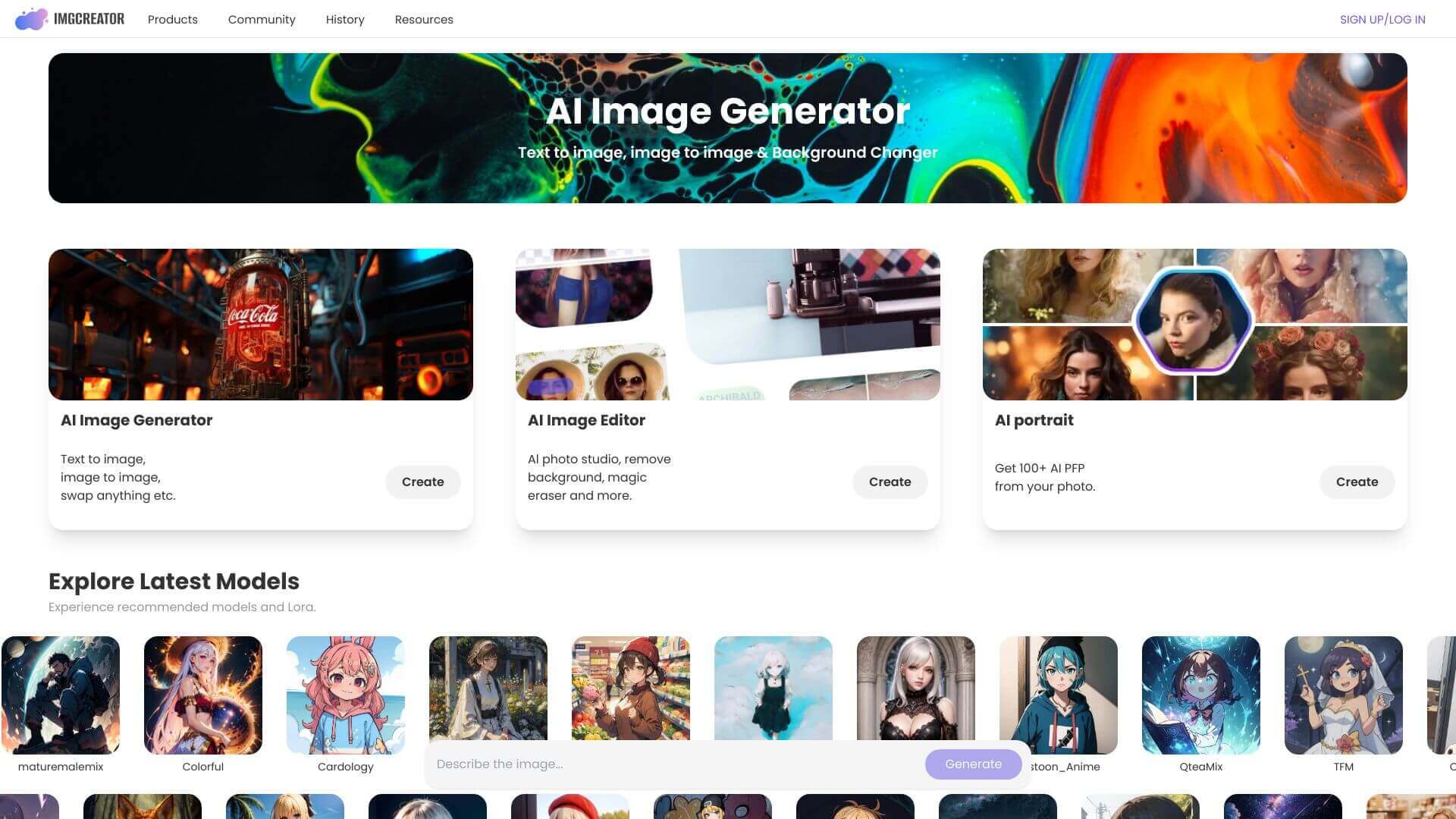
ImgCreator is an AI Image tool. Generates and edits images with AI. Create art, remove backgrounds, retouch photos, and more, all in one platform. Key features include Magic Remove, Background Remover and Changer, and AI Photo Retouching. Best for marketers, content creators and designers.
About ImgCreator
ImgCreator is an AI image platform from ZMO.AI that bundles image generation, editing, retouching, and stylization into one tool. The platform sits at the consumer-friendly end of AI image work. Most editing decisions happen automatically, with the user telling the system what they want rather than configuring detailed parameters.
The core features that matter
- Magic remove for erasing unwanted elements from images, with the AI filling in the background based on surrounding context
- Background remover and changer that isolates subjects precisely (including hair edges and other detail) and lets you swap to solid colors, alternative backgrounds, or transparent output
- AI photo retouching covering brightness, contrast, and noise reduction adjustments. The kind of basic enhancement work that improves most casual photos meaningfully
- AI-powered creative filters that convert photos into stylized art rather than applying overlay effects, with multiple style options for different aesthetic targets
- AI anime generator for converting realistic photos into anime or manga style with consistent character handling
- AI photo generator that produces studio-quality portrait photos from existing images, useful for professional-style headshots or product photography without a real shoot
How it stands out
The AI photo tool category is dominated by single-feature specialists. Remove.bg for backgrounds, Photoroom for product photos, dedicated anime generators, dedicated portrait tools. ImgCreator bundles those capabilities into one platform, so users don't need separate subscriptions or interfaces for each task. The integration is the practical differentiator: for users running multiple photo workflows, having one tool handle most of them removes friction.
The honest qualifier: bundled tools rarely beat specialists on any individual capability. Dedicated background removers produce slightly cleaner edges, dedicated anime generators have more style options, dedicated portrait tools offer more granular control. What ImgCreator delivers is the integrated experience at a single price point, which for casual users and small businesses tends to be more valuable than peak quality on any single task.
Key Features
Magic Remove.
Background Remover and Changer.
AI Photo Retouching.
AI-Powered Creative Filters.
AI Anime Generator.
AI Photo Generator.
Frequently Asked Questions
It uses AI to accurately remove backgrounds from images quickly.
Yes, you can start with a free plan. It includes 60 credits.
Yes, it's very intuitive. It's good for beginners.
Yes, you can. It depends on your plan. You can make images up to 2K resolution.



