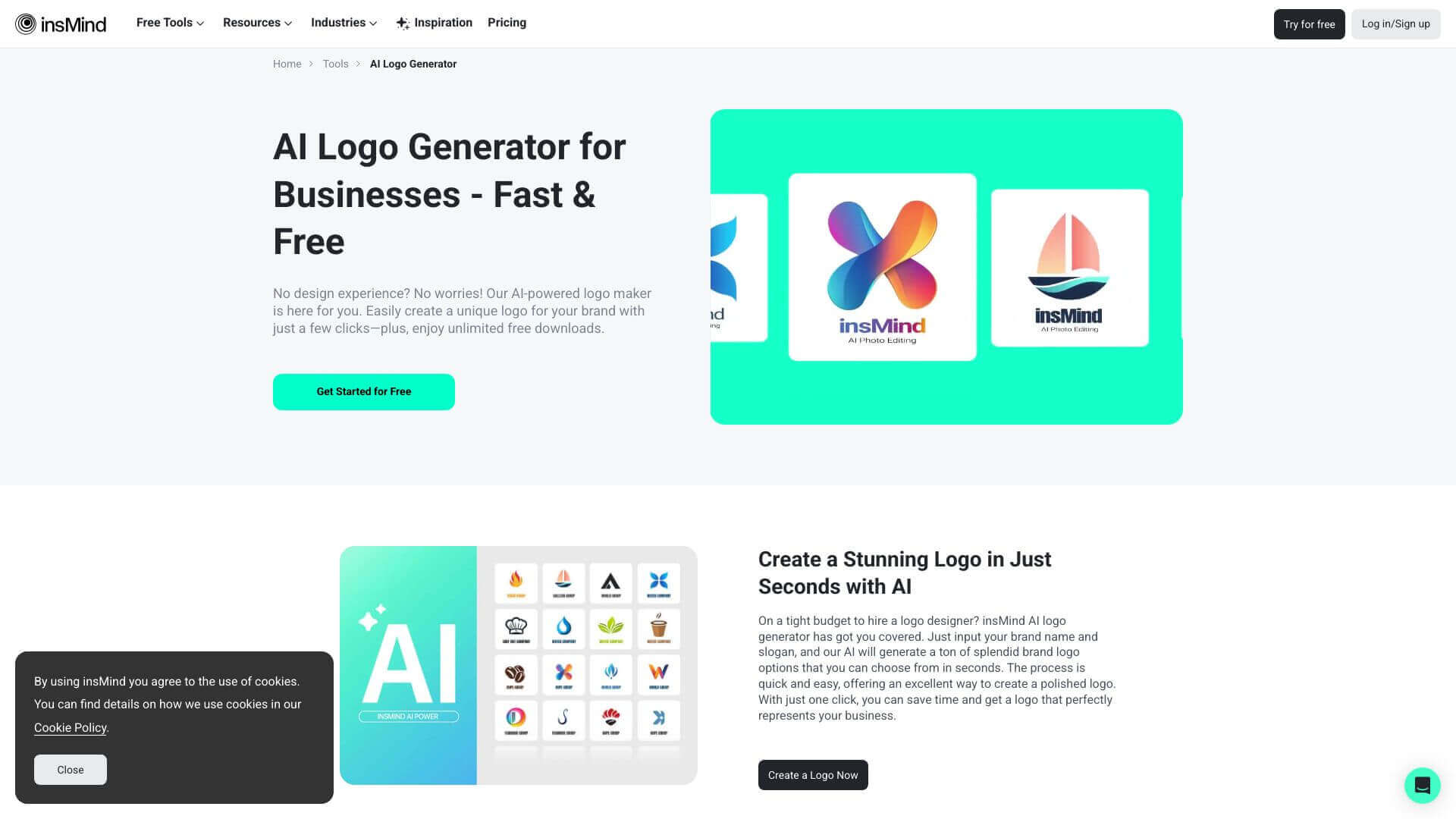
insMind AI Logo is an AI Image tool. Creates unique logos fast. AI helps generate designs; then, you can tweak everything to fit your brand. Key features include AI-Driven Logo Creation, Customization Options, and High-Resolution Output. Best for designers, content creators and business consultants.
About insMind AI Logo
Need a logo but don't have design skills? This tool uses AI to make logo options based on your brand name. Edit fonts, colors, and sizes easily. It's quick and cost-effective, great for startups or personal brands wanting a professional look without hiring a designer. High-res downloads are available.
Key Features
AI-Driven Logo Creation.
Generate multiple professional logos in seconds using AI that analyzes your brand name and slogan to create unique options.
Customization Options.
Easily edit logos by changing fonts, sizes, colors, and more to perfectly match your specific brand identity and preferences.
High-Resolution Output.
Export your finished logos in high-resolution JPG and PNG formats, making them suitable for various uses from web to print.
Instant Preview.
See your changes live and instantly with real-time preview capabilities, allowing you to refine your logo design effectively.
Versatility for Different Brands.
Create logos suitable for a wide range of industries, including e-commerce, startups, personal brands, and many others.
No Design Experience Required.
Anyone can easily create a professional-looking logo thanks to the user-friendly interface, regardless of their design skills.
Frequently Asked Questions
Yes, insMind has a free plan. It gives you basic tools but adds a watermark and limits storage space.
It uses AI. You enter your brand name and slogan, and the AI creates logos for you.
Yes, you can. Logos can be saved as high-quality PNG and JPG files.
No, you don't. It's made to be easy for everyone, even if you've never designed anything before.



