
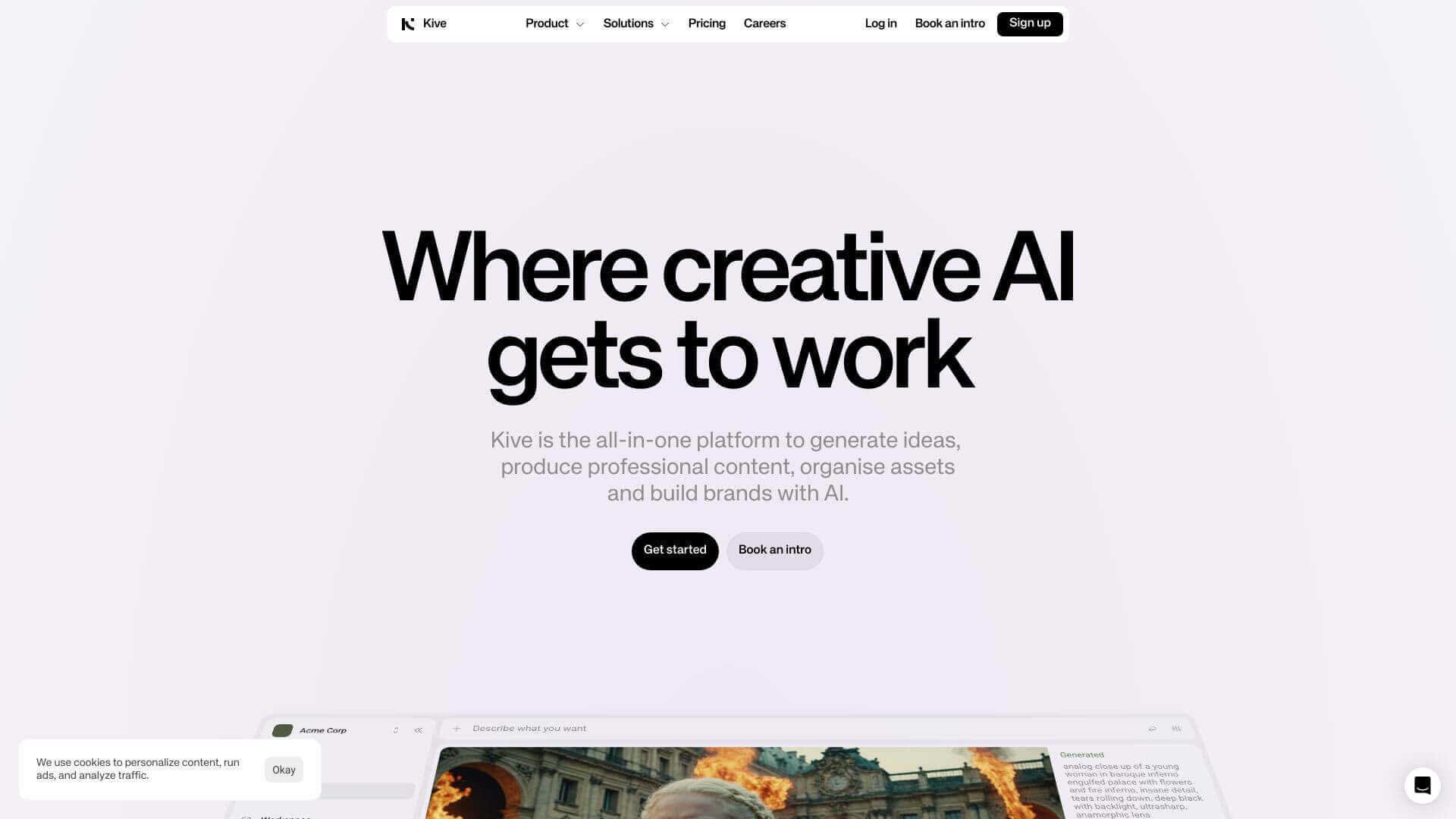
Kive is an AI Image tool. Kive AI helps creatives manage visuals, make AI images, and work together easily. It's good for designers, marketers, and filmmakers. Key features include AI-Tagged Reference Library, Interactive Mood Boards, and Collaboration Tools. Best for software developers and engineers and project managers.
About Kive
Kive AI is a cool tool for creative folks. Make images from text, organize your stuff, and team up with others. It can even grab frames from videos. Great for designs, marketing, and making videos. It's easy to use, but might take some time to learn everything.
Key Features
AI-Tagged Reference Library.
Users can create a collection of inspirational images and ideas. It's searchable so it's easy to find visual elements for reference.
Interactive Mood Boards.
Organize and present creative concepts in a visually appealing format. Mood boards make ideas easy to understand.
Collaboration Tools.
Team members can share work and get feedback in real-time. This improves communication and makes collaboration more efficient.
Style Presentation.
Create polished presentations that match your brand. This helps keep a consistent look across all your projects.
Video Frame Extraction.
Easily grab frames from videos. These frames can be added to projects for extra visual context.
AI Image Generation.
Generate realistic images from text. This gives you endless possibilities for creative projects.
Frequently Asked Questions
Kive AI can create many kinds of images. This includes realistic visuals from text and automatic tagging and organization.
Yes, Kive AI has strong features for teams. You can easily share projects and get feedback in real-time.
Yes, you can grab frames and GIFs from videos on Kive AI. Just upload a video or paste a video URL.
Yes, Kive AI lets you try all features for free. This way, you can test it before you pay.



