
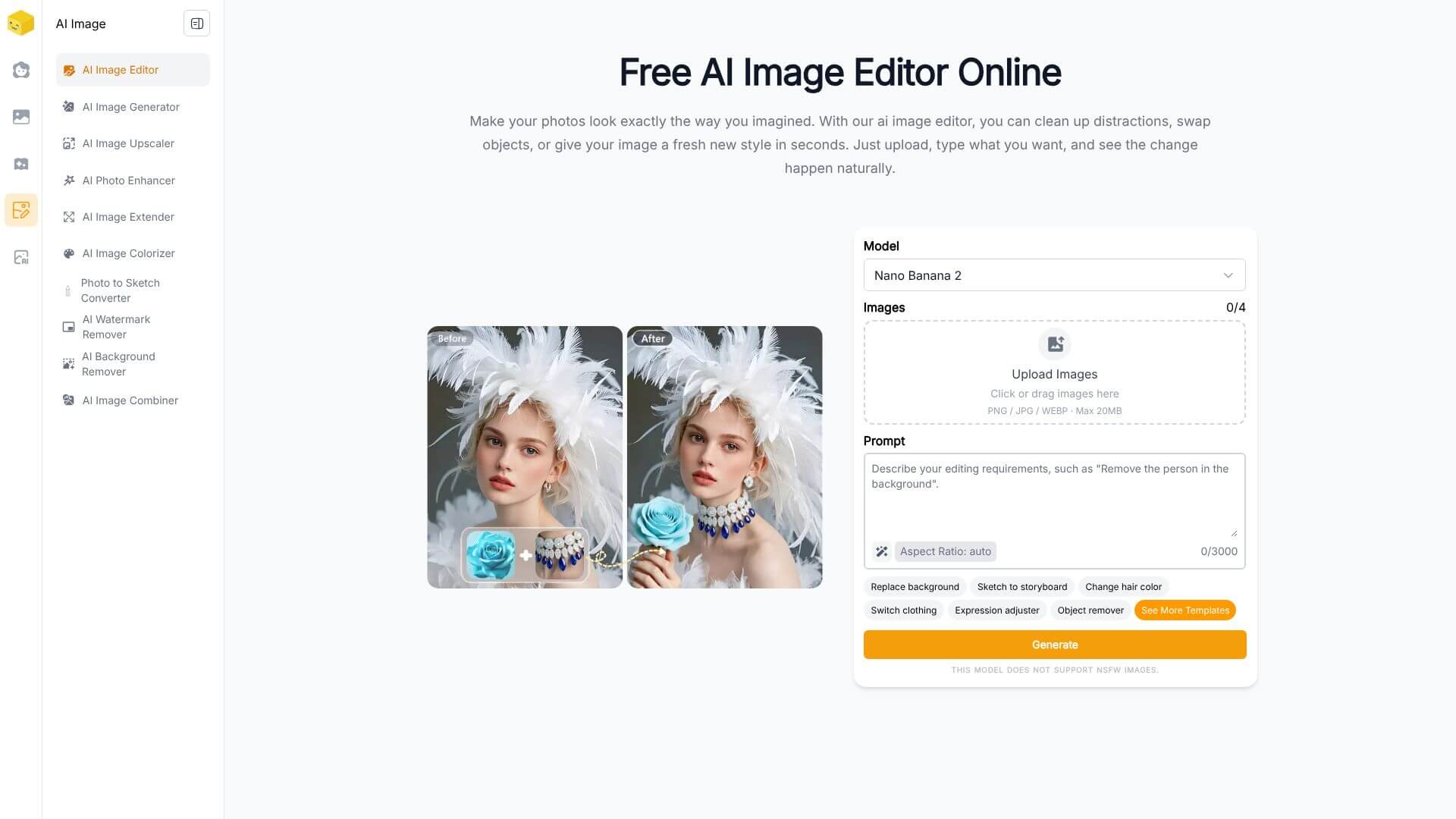
Live3D AI Image Editor is an AI Image tool. Transform photos with AI. Edit images, remove backgrounds, upscale, and apply styles using text prompts. Key features include Prompt-Based Image Editing, Instant Background Removal, and Intelligent Style Transfer. Best for marketers, content creators and designers.
About Live3D AI Image Editor
Live3D AI Image Editor is a browser-based AI image editor that accepts plain-English instructions and applies the edits automatically. Background removal, style transfer, upscaling, portrait optimization, and general editing all happen through prompts rather than menu navigation or technical photo editing knowledge.
The typical workflow
Upload your image. Describe what you want done. Change the background, remove an object, apply a painted style, increase resolution. The AI processes the instruction and returns the edited result. For specific touchups like portrait improvement or text replacement in images, the same prompt-based workflow handles those too.
The features that matter
- Prompt-based image editing using natural English instructions, so users can describe what they want rather than learning menu hierarchies or shortcut keys
- Instant background removal with automatic subject detection and clean edges, useful for product photos, design assets, and portrait work
- Intelligent style transfer that converts photos into painted or drawn looks while preserving the underlying image structure, suitable for artistic and creative projects
- AI-assisted upscaling that increases resolution up to 4x while maintaining natural colors and adding plausible detail, useful for print or large-format display
- Face and portrait optimization for improving lighting and smoothing skin without producing the obviously over-processed look that cheap retouching tools create
- Comprehensive editing features covering backgrounds, lighting, filters, object removal, and even text replacement in images, all from the same prompt-driven interface
Honest trade-offs
The browser-based AI photo editor space is crowded with similar tools. Live3D AI Image Editor's specific position is the prompt-driven workflow combined with the breadth of edit types. The trade-off is that prompt-based editing produces inconsistent results when prompts are ambiguous or when the requested edit pushes against model limitations. For straightforward edits, the natural language approach is faster than learning a traditional editor. For complex composites or precise retouching, dedicated professional tools still have edges.
Key Features
Prompt-Based Image Editing.
Instant Background Removal.
Intelligent Style Transfer.
AI-Assisted Upscaling.
Face and Portrait Optimization.
Comprehensive Editing Features.
Frequently Asked Questions
It’s a tool that uses AI to change your photos with simple words. Instead of using complicated software, you just tell it what you want.
You upload a photo, then describe the changes you want. The AI figures out the image and makes the edits for you.
It can change backgrounds, upscale the resolution, improve faces, and even turn photos into art. You can also remove objects and add text.
It’s totally free to use. You don’t even need to sign up. There are paid options for other tools the company offers, but the image editor is completely free.



