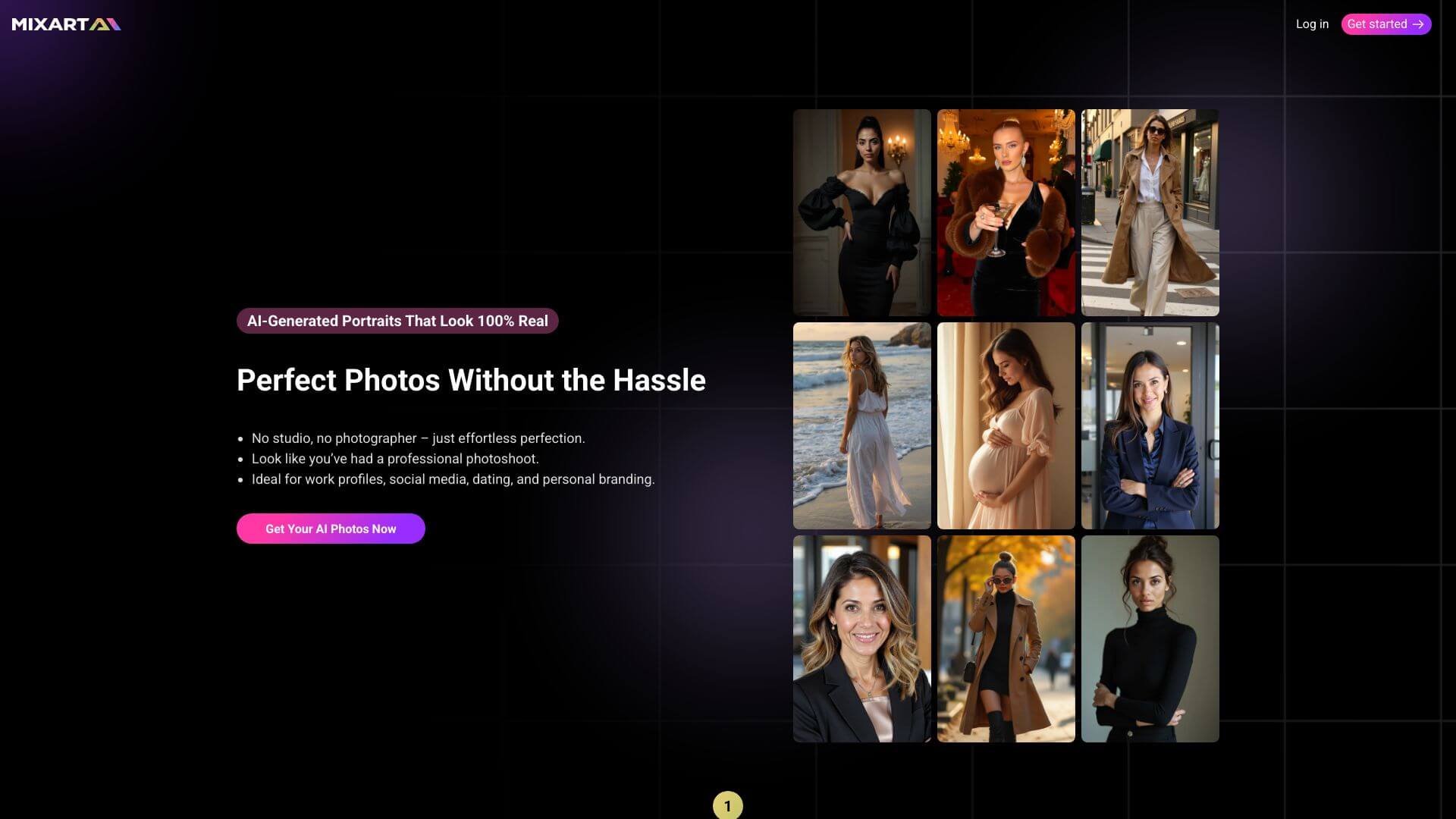
Mixart AI is an AI Art Generators tool. Creates cool art from your words using AI. It turns your ideas into pictures in different styles. Key features include Multi-Model AI Art Generation, Advanced Style Transfer and Customization, and Batch Generation and Variations. Best for project managers, journalists and reporters and content creators.
About Mixart AI
Mixart AI is a multi-model text-to-image platform offering style transfer, batch generation, high-resolution output, prompt assistance, and API access. The platform draws on multiple AI models including Stable Diffusion and DALL-E variations, targeting creators who want stylistic variety from one tool rather than committing to a single model.
The core features that matter
- Multi-model AI art generation using Stable Diffusion, DALL-E variations, and other models for different artistic outputs from the same prompts
- Advanced style transfer and customization supporting photo, abstract, anime, oil painting, and other style targets with color and composition tuning
- Batch generation and variations producing multiple versions of the same idea concurrently, supporting fast comparison and selection
- High-resolution output options up to 4K quality suitable for printing, web use, and professional contexts
- Prompt engineering assistant suggesting prompts for users who don't know what to ask for, lowering the barrier for less experienced creators
- API access for developers integrating image generation into their own applications and workflows
How it stands out
The text-to-image space is dominated by Midjourney, DALL-E (through ChatGPT), and Stable Diffusion variants. Mixart AI's specific position is the multi-model bundle with style variety. Most competitors lock to one model; Mixart's variety appeals to users who want to compare outputs across approaches.
The honest qualifier: aggregator image platforms inherit the capabilities and limitations of their underlying models. Mixart AI's quality on any specific generation depends on which model you pick and how well its training matches your prompt — there's no single "best" model across all use cases. For creators producing diverse visual work who benefit from style variety, Mixart AI consolidates that need into one platform. For users primarily focused on one style or workflow, going direct to the specialist model (Midjourney for stylized art, DALL-E for compositional control) typically produces better individual results.
Key Features
Multi-Model AI Art Generation.
Advanced Style Transfer and Customization.
Batch Generation and Variations.
High-Resolution Output Options.
Prompt Engineering Assistant.
Seamless Integration and API Access.
Frequently Asked Questions
Mixart AI is like a super cool tool that uses smart AI to help you make awesome digital art, pictures, and cool stuff to look at. You just tell it what you want in words, and it makes it for you!
Mixart AI turns your words into pictures! You type in what you want to see, and it uses AI to create a picture based on your description. You can even pick different styles to make it look exactly how you want.
Mixart AI has a bunch of cool features! It can use different AI styles, let you customize your art style, make lots of pictures at once, and create really high-quality images. Plus, it even helps you come up with ideas for what to create.
Mixart AI can make pictures in different sizes, all the way up to super detailed 4K quality. This means you can use your art for anything, from posting on the internet to printing it out and hanging it on your wall.