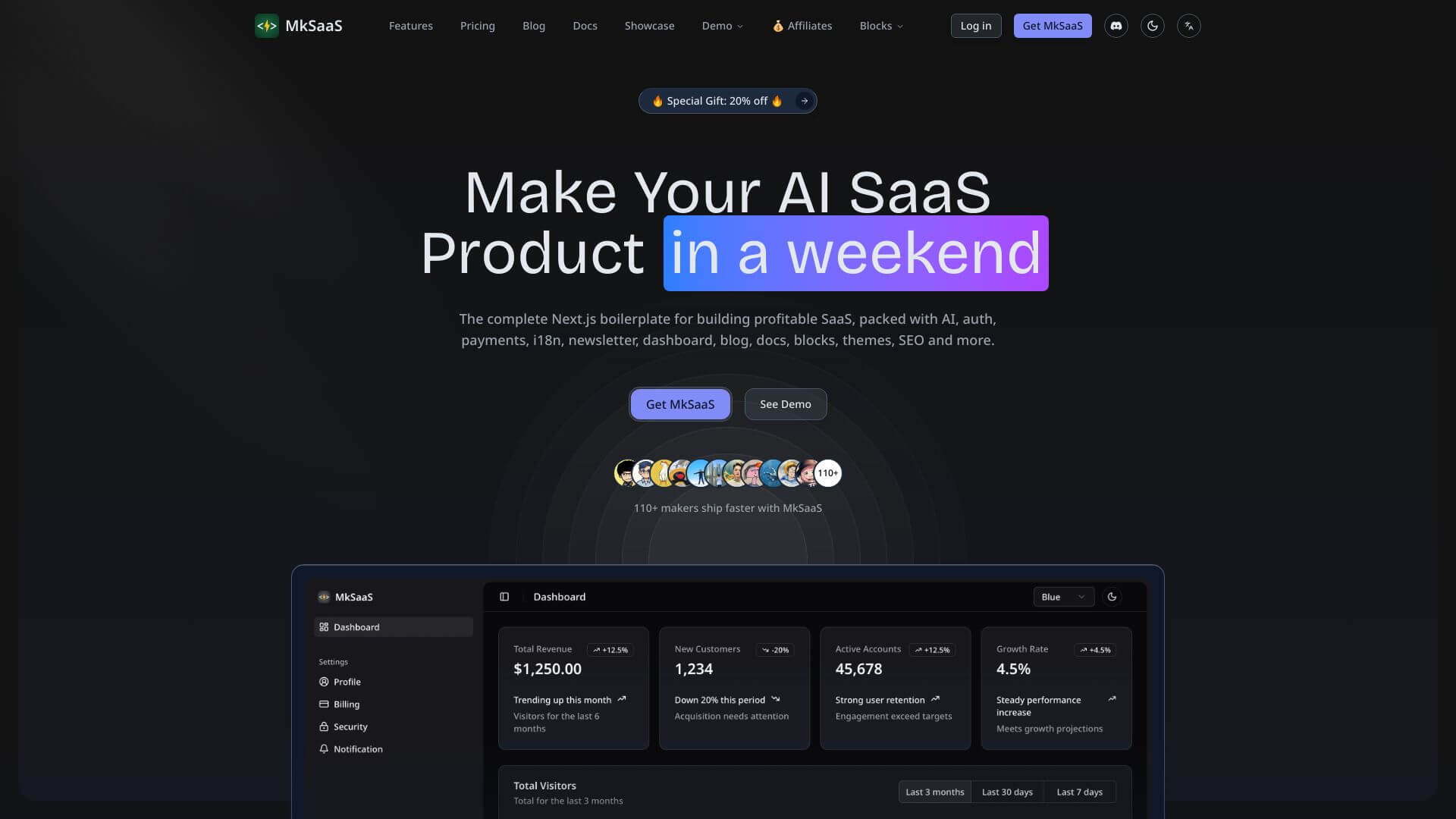
MkSaaS is an AI Business tool. MkSaaS helps teams manage projects and tasks in one place. It's built to make teamwork and automation easy. Key features include Project Management Dashboard, Team Collaboration Tools, and Workflow Automation. Best for project managers, marketers and business consultants.
About MkSaaS
MkSaaS is a team workspace platform combining project management, file sharing, team communication, workflow automation, time tracking, and reporting under one interface. The platform targets teams that want unified project and collaboration tools without managing separate subscriptions to specialized apps for each function.
The core features that matter
- Project management dashboard with milestones, Gantt charts, customizable templates, and multiple views (Kanban, list, calendar) for tracking project progress
- Team collaboration tools including real-time messaging, video calls, shared workspaces, and document collaboration with version control
- Workflow automation through drag-and-drop builders for custom flows, condition-based triggers, automatic task assignment, and API integrations
- Time tracking and resource management with manual and automatic time capture, supporting accurate billing and resource allocation
- Reporting and analytics producing detailed reports on project performance, team productivity, and resource use with customizable dashboards
- Integrations and API access for connecting MkSaaS with other business tools through pre-built integrations and developer-accessible APIs
How it stands out
The team workspace space has serious competitors including Notion, ClickUp, Asana, and Monday.com. MkSaaS's specific position emphasizes the breadth of bundled capabilities at a single subscription cost. Most competitors charge separately for advanced features or scale features by user count in ways that escalate quickly.
The honest qualifier: all-in-one workspace platforms succeed or fail on whether teams actually consolidate their work into them. Partial adoption (using MkSaaS for some functions while keeping Slack and Asana for others) loses most of the integration benefit. For small to mid-sized teams starting fresh without entrenched tooling, MkSaaS simplifies the setup decision. For established teams with mature workflows on competing platforms, the migration cost should be weighed against the consolidation benefits before committing.
Key Features
Project Management Dashboard.
Team Collaboration Tools.
Workflow Automation.
Time Tracking and Resource Management.
5. Reporting and Analytics
Generate detailed reports on project performance, team productivity, and resource allocation. Customizable dashboards allow users to track key metrics and identify trends. Reporting features include data visualization tools, export options, and custom report templates.
Reporting and Analytics.
6. Integrations and API Access
Integrate MkSaaS with other business tools and platforms through pre-built integrations and API access.
Get detailed reports on how your projects and teams are doing. Customize dashboards to see key metrics and spot trends. Visualize data
Frequently Asked Questions
MkSaaS is a platform that helps businesses work more smoothly. It puts project management, teamwork, and automation all in one place. It's made for small and medium businesses that want to simplify their tools.
MkSaaS is like a central spot for your business stuff. It has tools to help with projects and teamwork. You can make projects, assign tasks, track time, create reports, and automate things. It brings everything together so teams can plan, do, and watch their work in one place.
The project management tool helps you oversee projects. You can create projects, track milestones, see Gantt charts, and view progress. It lets you make custom templates, link tasks, and monitor how things are going with real-time info.
The collaboration tools help teams communicate. There's messaging, video calls, and shared workspaces. You can share files, edit documents together, and use team calendars. People can comment and mention each other to stay updated.