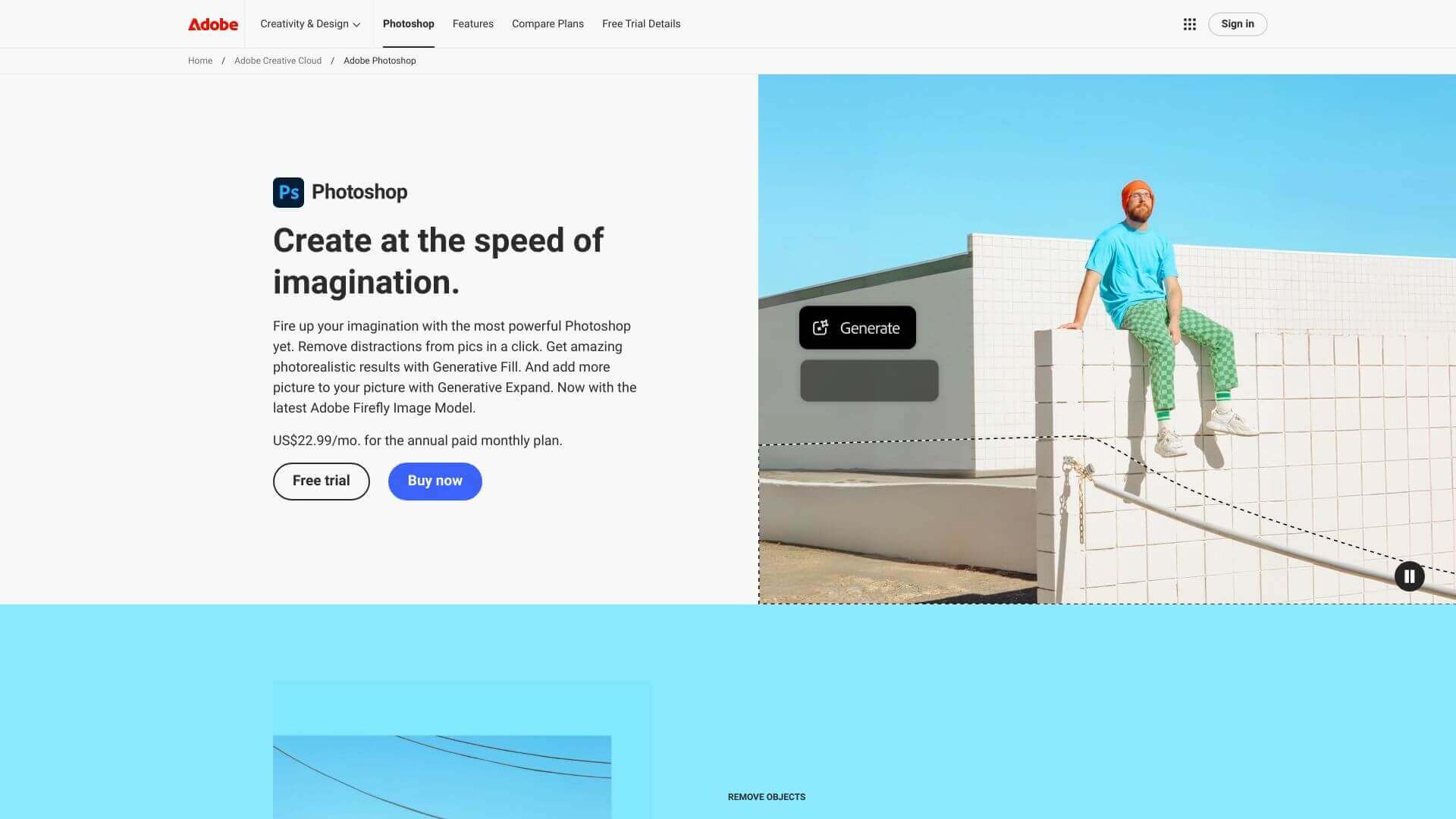
Photoshop AI is an AI Image tool. Photoshop: Edit images like a pro. Adjust colors, remove flaws, and create cool graphics easily. Key features include Layers System, Adjustment Layers, and Improved Object Selection Tool. Best for designers, photographers and content creators.
About Photoshop AI
Photoshop is the top choice for editing photos and making art. It's packed with tools to fix images, design graphics, and even work with 3D stuff. It works with other Adobe apps, making projects easy.
Key Features
Layers System.
Edit image layers for adjustments without changing original pixels.
Adjustment Layers.
Modify color, contrast, and exposure in a non-permanent way.
Improved Object Selection Tool.
Automatically find and select objects for easy editing.
Historical Workflow Tracking (History Panel).
Go back to previous steps to try different edits.
Crop Tool.
Resize images and fix alignment.
Color Balance Adjustments.
Fix color issues and improve warm/cool tones.
Frequently Asked Questions
It's Adobe's version you subscribe to. You get updates and cloud features.
Yes, there’s a basic app called Photoshop Express. It has limited tools.
It resizes layers proportionally without making them distorted/weird.
No, there’s just a 7-day trial. After that, you need a Creative Cloud subscription.



