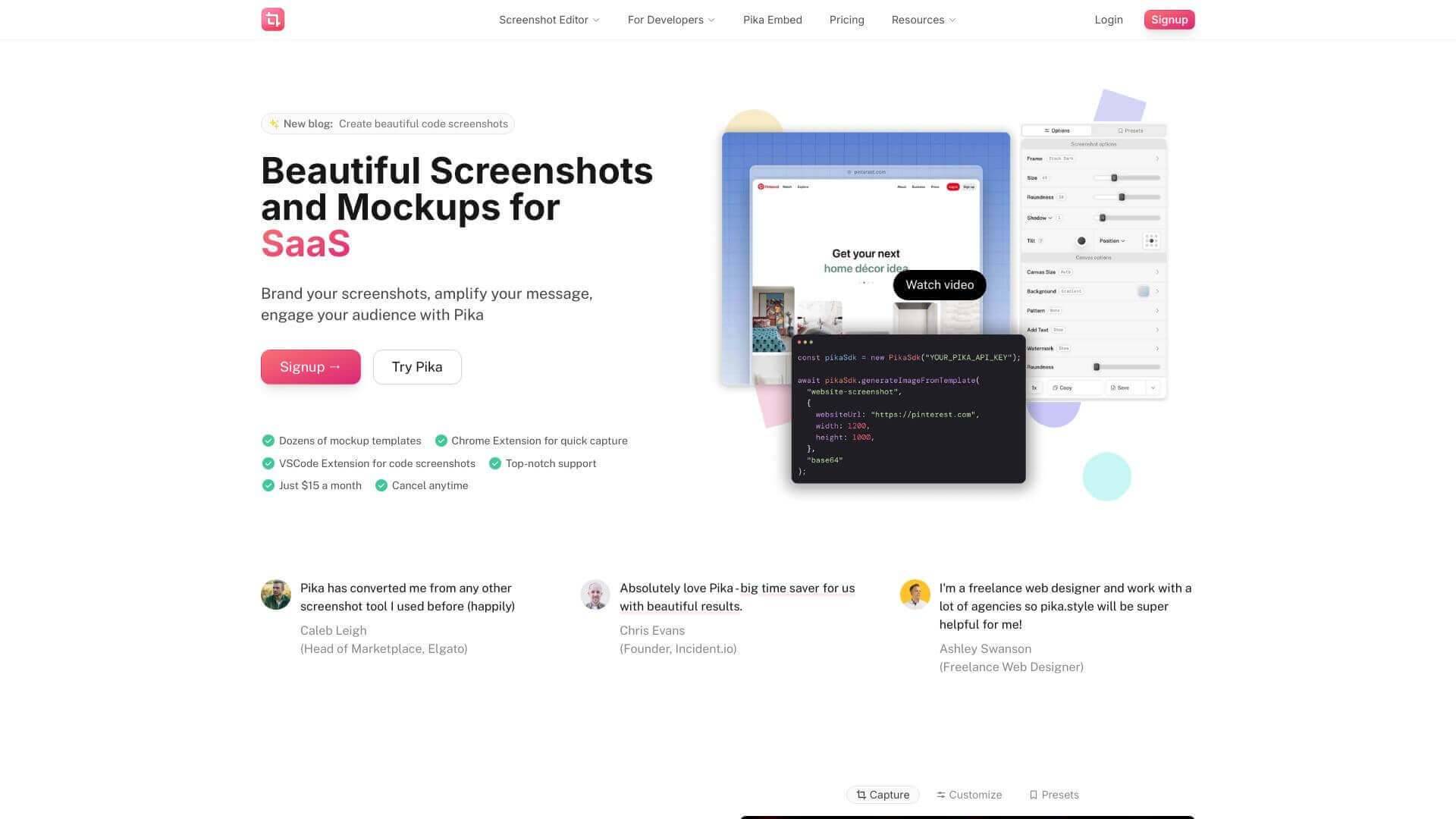
Pika 2.0 is an AI Image tool. Pika.style makes screenshots look great for social media, websites, and more. It's like a makeover for your images. Key features include API-Driven Automation, Screenshot Editor, and Customizable Templates. Best for content creators, filmmakers and video editors and marketers.
About Pika 2.0
Key Features
API-Driven Automation.
Screenshot Editor.
Customizable Templates.
Decent Chrome Extension.
Advanced Pro Features.
Developer SDKs.
Frequently Asked Questions
No, Pika.style doesn't have a mobile app right now. You can use it best on your computer with the Chrome extension.
Yes, you can use Pika.style for free, but some features are limited. To get rid of watermarks and use all the advanced tools, you'll need the Pro plan.
You have a couple options. Use the Chrome extension for quick screenshots. Or, if you want something more custom, use the API SDKs to embed Pika.style in your apps.
Pika.style is really good for screenshots and mockups with your branding. Canva is better if you need general graphic design stuff.



