
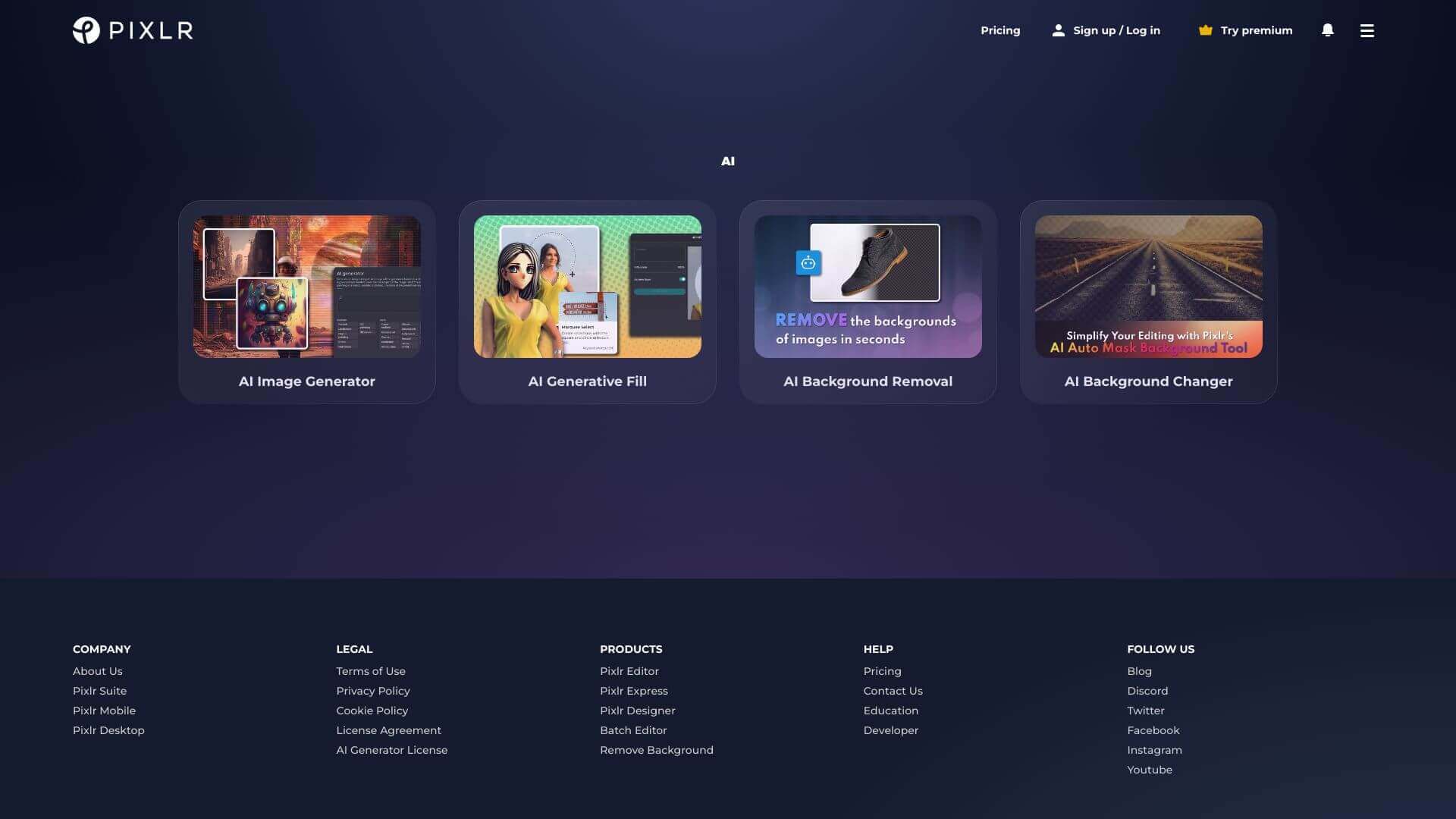
PIXLR is an AI Image tool. Pixlr AI Photo Editor quickly edits photos with AI. Remove backgrounds, objects, and more! Free, with paid upgrades. Key features include AI Remove Background, AI Remove Object, and AI Generative Fill. Best for designers, photographers and content creators.
About PIXLR
PIXLR (Pixlr AI Photo Editor) is a browser-based photo editor combining traditional editing tools with AI features for background removal, object removal, generative fill, image upscaling, face swap, and double exposure effects. The platform offers a free tier alongside paid upgrades that remove ads and add more advanced capabilities.
The core features that matter
- AI Remove Background automatically removing image backgrounds so subjects can be placed against new contexts
- AI Remove Object with selection-and-fill that lets users mark unwanted elements and have the AI replace them with surrounding context
- AI Generative Fill creating new content to fill marked image areas, supporting creative composition adjustments
- AI Super Scale enhancing blurry images by scaling while maintaining clarity, useful for restoring lower-quality source material
- Face swap for creative photo edits and humorous content through AI-driven face exchange
- Double exposure creating artistic effects by layering images with adjustable transparency
How it stands out
The browser-based photo editor space has competitors including Photopea (Photoshop-like free editor), Canva (design-focused), Photoroom (product focus), and Fotor. PIXLR's specific position is the established brand with extensive AI features at the consumer-friendly tier — Pixlr has been around since before the AI photo editor boom and has integrated AI features into its existing editor rather than rebuilding from scratch.
The honest qualifier: bundled photo editors handle most consumer use cases well but rarely match specialized tools on individual capabilities. Remove.bg often produces cleaner background work; dedicated upscalers like Topaz produce better high-resolution recovery. PIXLR's free tier includes ads and the most basic features only — paid tiers open up the more useful AI capabilities. For casual photo editors who want broad capability in one tool without specialist switching, PIXLR covers the workflow at reasonable cost. For users primarily focused on one capability at professional quality, dedicated tools may produce better results.
Key Features
AI Remove Background.
AI Remove Object.
AI Generative Fill.
AI Super Scale.
Face Swap.
Double Exposure.
Frequently Asked Questions
Yes, Pixlr offers mobile apps for both Android and iOS devices.
AI Generative Fill uses AI to generate content to fill marked areas in images.
Yes, Pixlr can be used directly from a web browser, with no download required.
Yes, Pixlr supports editing images with transparent backgrounds.



