
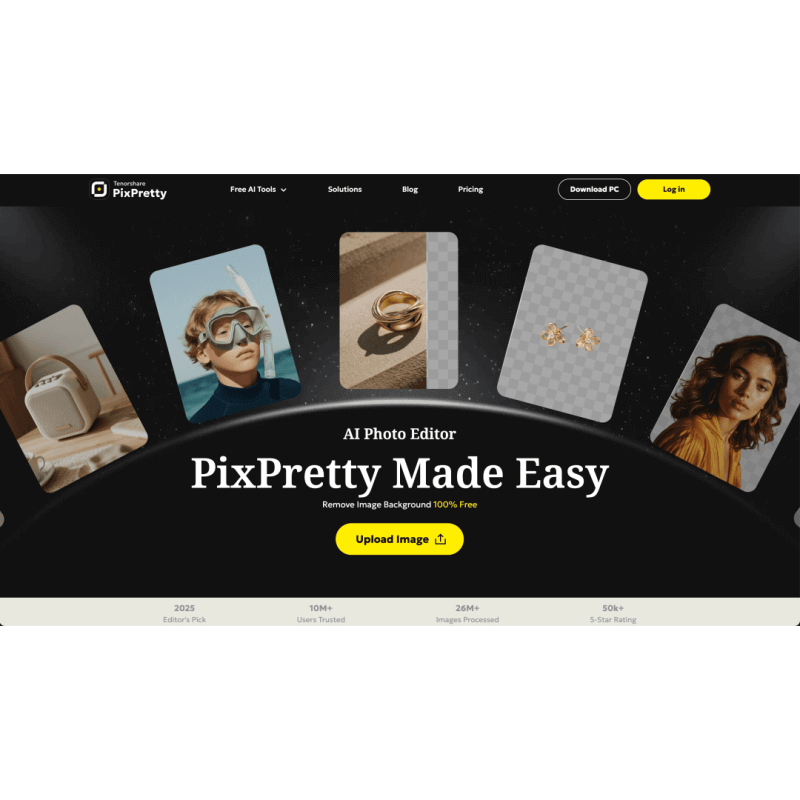
PixPretty is an AI Image tool. PixPretty is an all-in-one AI image toolbox with GPT Image 2 & Nano Banana 2 — generate, edit, and transform images with pro results. Key features include AI Image Generation, AI Background Removal, and Batch Photo Editing. Best for entrepreneurs, photographers and content creators.
About PixPretty
PixPretty is an all-in-one AI photo toolkit built around the latest GPT Image 2 and Nano Banana 2 generation models. The platform pulls together image generation, portrait retouching, background removal, batch editing, and color adjustment under one interface, with the underlying models updated as new generations release.
The features that matter
- AI image generation using current-generation models including GPT Image 2 and Nano Banana 2, with curated trending prompts as starting points for quick output
- AI background removal that handles tricky edges like hair and shadow detail, with the option to swap in colors, alternate backgrounds, or transparent output
- Batch photo editing for up to 50 images at once, applying consistent treatments (background removal, resizing, renaming) across a set rather than one at a time
- Portrait retouching suite covering skin smoothing, blemish removal, feature refinement, and teeth whitening, with the AI tuned toward realistic enhancement rather than obvious over-processing
- Professional RAW processing for Canon, Sony, and other major camera formats, preserving color depth and detail that JPG-only editors lose
- Comprehensive color adjustment with exposure, curves, HDR, and look presets, giving advanced users the manual control to push beyond AI defaults
Who this is built for
PixPretty targets the middle ground between consumer photo apps and professional editing software. The AI defaults and batch capabilities favor casual users and small businesses; the RAW support and detailed color tools acknowledge users who occasionally want manual control. The integration of current-generation image models also makes it appealing to creators who want to generate as well as edit.
Realistic expectations
PixPretty's breadth means each individual capability isn't necessarily best-in-class. Photoshop still leads on precision retouching, dedicated upscalers like Topaz Photo AI lead on noise and resolution work, and dedicated background removers like remove.bg lead on edge quality. What PixPretty offers is the bundled workflow with current-generation AI image models built in. For users who want one tool covering most photo work and don't need to chain together five specialized apps, PixPretty fits the use case well.
Key Features
AI Image Generation.
AI Background Removal.
Batch Photo Editing.
Portrait Retouching Suite.
Professional RAW Processing.
Comprehensive Color Adjustment.
Frequently Asked Questions
PixPretty is an all-in-one AI image toolbox with latest models like GPT Image 2 & Nano Banana 2. It can generate professional-quality AI images, automatically remove backgrounds, touch up portraits, and edit bulk images at once. Developed by Tenorshare, it offers both online sites & downloaded PC version. Best for e-commerce businesses, social media promotion & everyday users.
PixPretty has lots of stunning features like: AI Image Generator, AI Clothes Changer, AI Image Describer, Batch Image Editor, AI Background Remover, AI Action Figure Generator, AI Object Remover, AI Image Extender, and AI Effects with consistent updates!
PixPretty supports images in JPG, JPEG, PNG, WebP, JFIF. It also supports resizing images for most marketplace platforms & most social media platforms!
Lots of people! It's useful for casual users, social media enthusiasts, marketers, photographers, and e-commerce businesses wanting marketplace-ready images & bulk editing.



