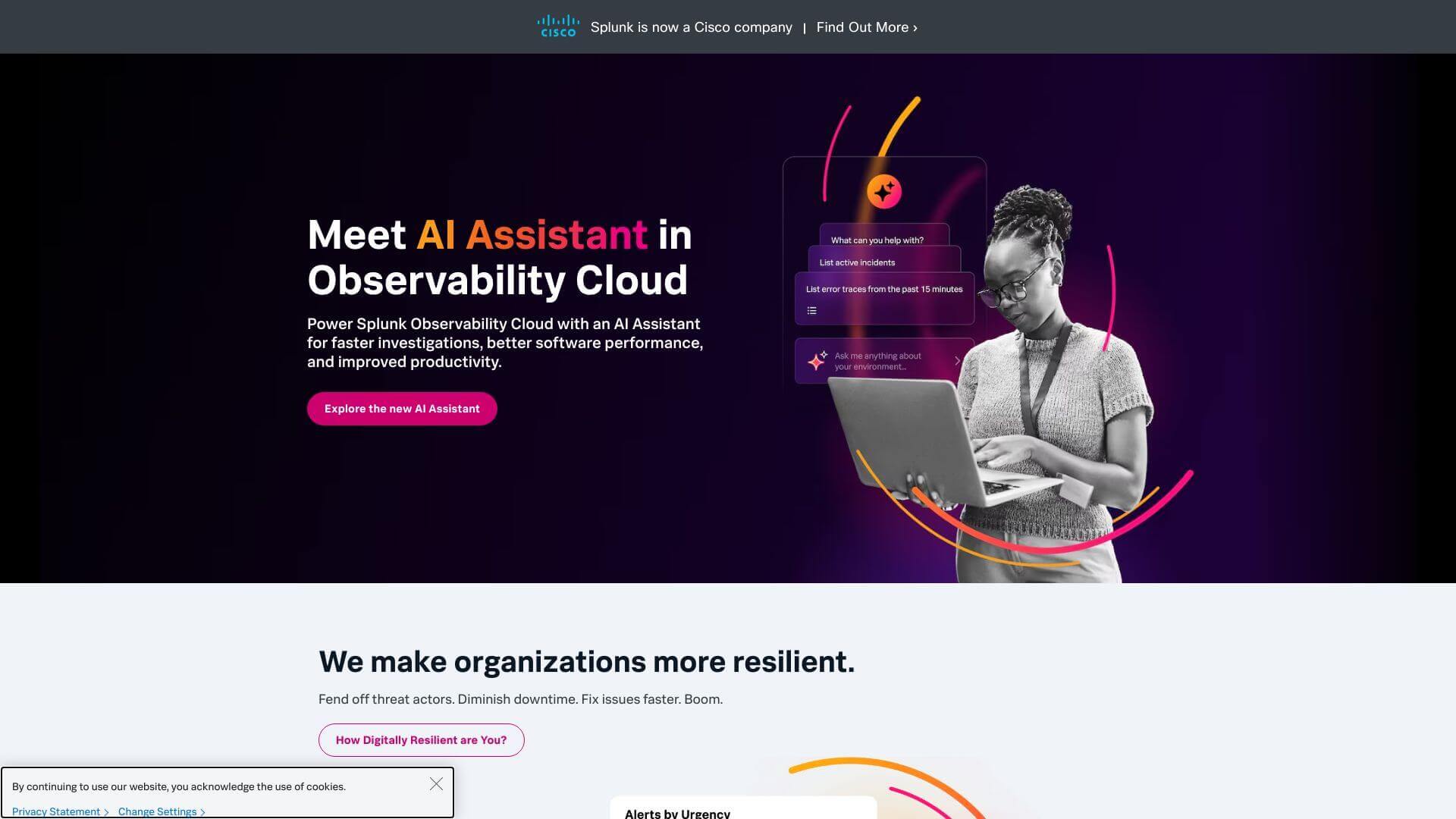
Splunk is an AI Business tool. Analyzes big data from machines. Turns it into insights for IT, security, and business. Shows you system Health and threats. Key features include Data Ingestion and Indexing, Real-Time Data Analysis and Visualization, and Workload Management. Best for data scientists and analysts and software developers and engineers.
About Splunk
Splunk takes in machine data (logs, etc) and makes sense of it. Think real-time dashboards and alerts! It helps spot issues in IT, find security risks, and see how your business is doing – all from data. It's helpful, though setup needs some skill.
Key Features
Data Ingestion and Indexing.
Splunk takes in tons of machine-generated data from all sorts of places. It turns that mess of data into something you can actually use to make smart decisions.
Real-Time Data Analysis and Visualization.
Splunk gives you dashboards that update live. Think charts and graphs that make it easy to see what’s going on.
Workload Management.
Admins can set aside system resources for the important stuff. That way, high-priority tasks always run smoothly.
Search Processing Language (SPL).
SPL lets you dig into data with simple searches or get super advanced. It's designed to be friendly for both tech experts and those who are less skilled.
Integration Extensibility.
Splunk plays well with other tools and platforms. This helps you add to what Splunk can already do.
Monitor, Alert, and Report.
You can set up Splunk to watch for certain things and send out alerts when they happen. This helps you fix problems before they become big issues.
Frequently Asked Questions
Splunk analyzes machine-generated data, like logs, metrics, and events.
No, Splunk uses indexes to store and find your data, no database needed.
Yes, Splunk gives you real-time search and data views.
Splunk is super scalable, so it handles tons of data easily.