Unstuck AI is an AI for Education tool. Transforms PDFs, videos, and notes into study tools. Chat with files and get instant answers to understand material faster. Key features include Instant Transcription, Comprehensive Summaries, and Multiple File Interaction. Best for marketers, content creators and writers.
About Unstuck AI
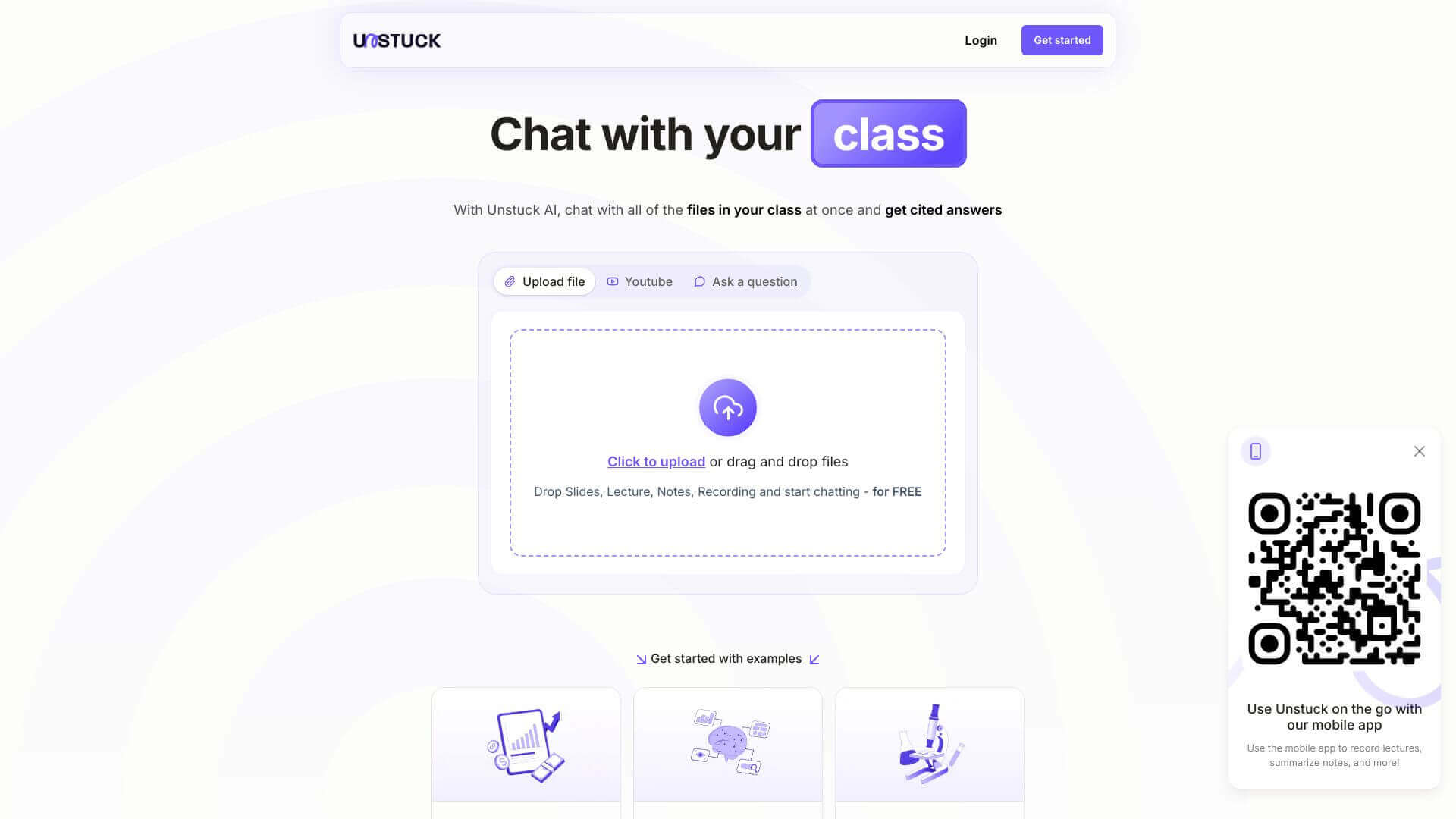
Unstuck AI is a study assistant focused on a specific problem: students and researchers have piles of source materials (lecture recordings, PDFs, video tutorials, notes) and need to actually engage with the content rather than just collect it. The platform converts those materials into something interactive: chat with your files, ask questions, get summaries. The source material becomes useful rather than just stored.
The typical workflow
You upload your materials. Lecture recordings get transcribed automatically. PDFs and videos become queryable. From there you can ask the AI questions about the content, get summaries of long documents, or chat with multiple files at once to find connections across your sources. Answers come with citations back to the specific source material, which matters for research and academic work where you need to verify or cite what you learn.
The features that matter
- Instant transcription of lectures and meetings, turning audio into searchable text you can review later without re-listening to the original recording
- Comprehensive summaries of recordings and documents, distilling long content down to the main points without manually skimming
- Multiple file interaction supporting PDFs, videos, and audio uploads, with the AI able to answer questions about any of them
- Chat functionality across all uploaded files at once, so you can find connections between your sources rather than treating each one as isolated
- Smart note organization with structured retrieval, making it easier to find specific information later rather than scrolling through a long folder
- Citation and references attached to AI answers, which keeps research honest by linking claims back to source material
Honest trade-offs
Unstuck AI competes with general-purpose AI assistants (ChatGPT with custom GPTs, Claude with projects) that handle similar workflows. The differentiation is the education-focused interface and the citation behavior, both of which matter for academic work where general AI tools require more configuration to be useful. The trade-off is that broader AI assistants can be more flexible for non-study tasks. For students with a specific need to study faster from their existing materials, Unstuck AI removes the friction of using a general tool for a specific workflow.
Key Features
Instant Transcription.
Comprehensive Summaries.
Multiple File Interaction.
Chat Functionality.
Smart Note Organization.
Citation and References.
Frequently Asked Questions
Unstuck AI lets you upload many files, like videos and documents. Then, you can ask questions to get answers and clear things up.
Yes, Unstuck AI can write down lectures and meetings as they happen. This saves you time and effort on taking notes.
Right now, Unstuck AI has an app for iPhones. They might add it to other platforms later.
No, Unstuck AI needs the internet to work its best.