
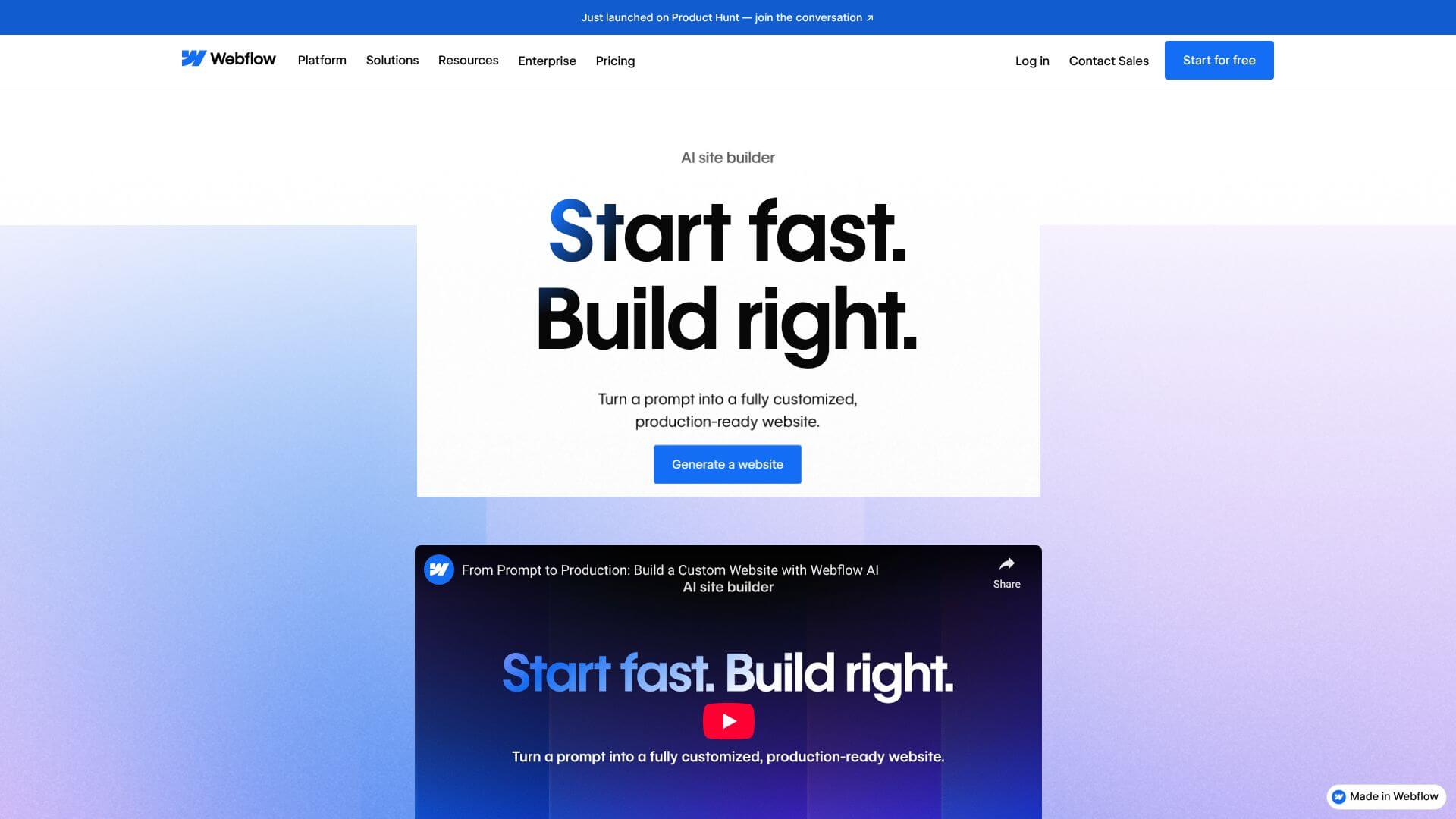
Webflow AI site builder is an AI Business tool. Builds multi-page websites fast from text. No design or tech skills needed. Key features include Multi-Page Site Generation, Integrated Design System Creation, and Built-In Animation and Interaction Support. Best for designers, marketers and business consultants.
About Webflow AI site builder
Key Features
Multi-Page Site Generation.
Integrated Design System Creation.
Built-In Animation and Interaction Support.
AI Assistant for Ongoing Refinement.
SEO and AEO Optimization Integration.
Frequently Asked Questions
Webflow AI Site Builder is a tool powered by AI that lets you build professional websites from simple text descriptions. You don't need design or technical skills. It's part of the bigger Webflow platform, which is a visual development environment that makes real code.
The AI Site Builder makes the first part of building a website much faster. You give it a description of your business, and it creates a full website foundation. This includes a homepage, design styles, navigation, and content placeholders. You can then change pages, colors, fonts, and animations. It learns from existing designs to keep things consistent. It turns weeks of planning into minutes of creation.
It can generate whole multi-page sites (up to five pages) from your business idea. It creates a complete design system with global colors, fonts, and spacing that apply across all pages. You can also add animations powered by GSAP. There's an AI Assistant to help you generate new pages, write copy, and answer questions. It also helps with SEO by creating search-optimized content and meta descriptions. Lastly, the sites go straight into Webflow's full development environment for more customization.
It might not create very unique or specialized designs, often sticking to common styles. If you have very specific design needs, you'll likely need to do a lot of manual adjusting. The quality of the output depends on how clear and specific your prompts are; vague inputs lead to generic results. For complex systems, it only builds the visual part, so you'll need to add advanced features and integrations yourself. There are also limits to how much content it can manage. Sites are tied to Webflow's hosting, and some features won't transfer if you move to another platform.