
Adobe Podcast logo

Adobe Podcast Review

An AI tool to clean up audio, make transcripts, record remote guests, and create podcasts online.

No ratings yet
Visit Adobe Podcast
View Alternatives
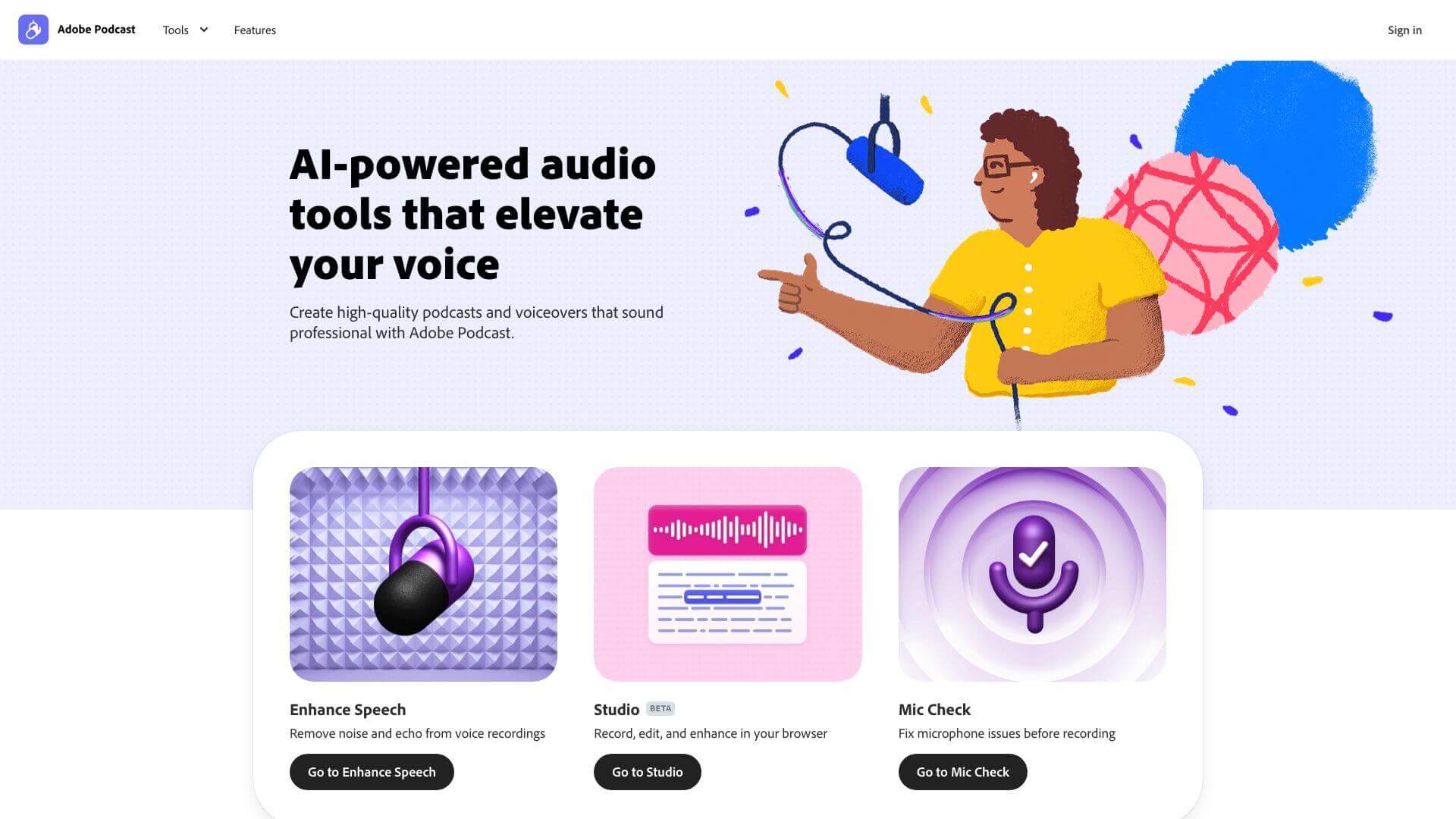
Adobe Podcast screenshot

Adobe Podcast is an AI Audio Generators tool. An AI tool to clean up audio, make transcripts, record remote guests, and create podcasts online. Key features include Enhance Speech, Mic Check, and Studio. Best for content creators, filmmakers and video editors and musicians and music producers.

✓ Verified4.8 (5 reviews)125 upvotes6 key features6+ alternatives →

About Adobe Podcast

Adobe Podcast AI helps you create great-sounding podcasts easily. It uses AI to remove noise, transcribe audio, and let you record interviews remotely. You can edit the audio by editing the text! It's still in beta, so it's not perfect, but it's a handy tool if you want to sound professional without complex software.

Key Features

Enhance Speech.

This feature uses AI to clean up your audio. It removes background noise and echoes, making your voice clearer. It works with files up to 500MB or 1 hour long, but sometimes the AI can make voices sound a bit unnatural.

Mic Check.

Mic Check is like having an AI sound engineer. It checks your microphone settings before you record. It helps fix problems like your audio being too quiet or distorted. You'll need to give it permission to access your microphone.

Studio.

Studio is your cloud-based recording and editing suite. It lets you record and edit with multiple tracks. You can work with remote guests in real-time, add music and sound effects, and trim or cut audio.

AI-Powered Transcription & Editing.

This feature turns your audio into text automatically. You can then edit the audio by editing the text. It's like magic! However, the transcriptions can sometimes have errors, so you might need to make some corrections.

Professional-Grade Remote Recording.

Record remote interviews in high quality. It captures each person's audio on separate tracks, even if their internet connection isn't great.

Custom Music Integration.

Add royalty-free music to your podcasts. There are pre-made tracks for intros, outros, and background music. You can also upload your own music.

Frequently Asked Questions

Yes, Adobe Podcast AI captures individual tracks from each participant. This is in a professional 48k WAV format! It works even with unstable internet.

Yes, it has basic features. They are free. To get premium tools, you need Adobe Express Premium.

It's generally reliable, but can mishear phrases. For example, it might hear “Fahad Hamid” as “Five Comments.” You might need to fix some parts.

Yes, it is ideal for creating learning content with transcripts and sound-cleaning features.

User Reviews

Similar Tools

View all →