
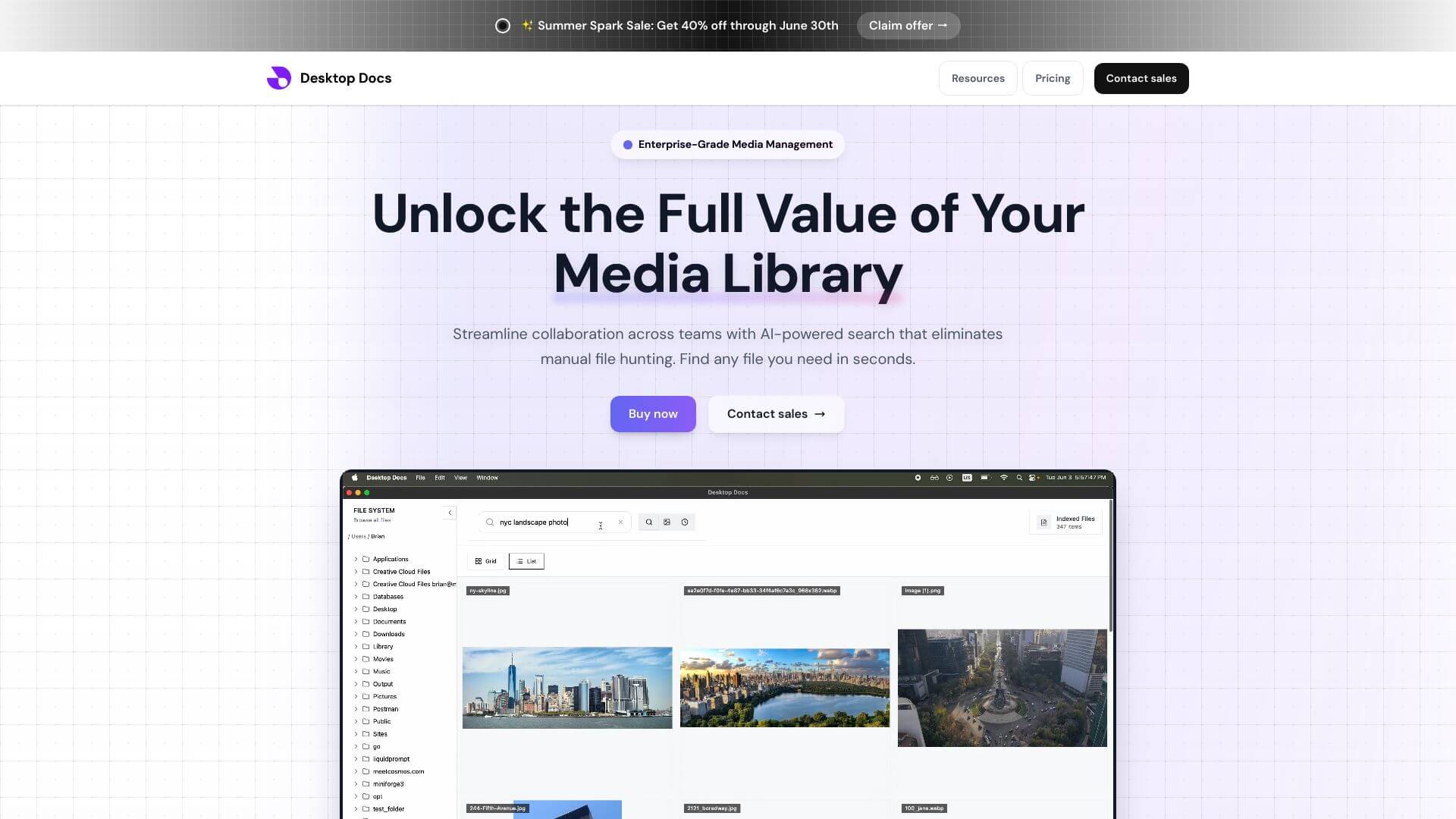
Desktop Docs is an Automation tool. Desktop Docs simplifies document handling with automation and e-signatures. It helps businesses go paperless and work smarter. Key features include Advanced Workflow Automation, Electronic Signature Integration, and Intelligent Form Builder. Best for marketers, content creators and business consultants.
About Desktop Docs
Desktop Docs is a document workflow automation platform centered on electronic signatures, automated approval flows, and digital form management. The pitch targets businesses moving away from paper-based or manual document processes (contracts, approvals, internal forms) without committing to enterprise-scale software like DocuSign at its higher tier pricing.
The core features that matter
- Advanced workflow automation for building multi-step processes with logic, parallel paths, and automatic decision routing, plus alerts and escalation rules for tasks that stall
- Electronic signature integration meeting legal standards with audit trails, signature tracking, and compliance documentation
- Intelligent form builder with drag-and-drop construction, conditional logic, calculations, and dynamic content, supporting embeddable forms on websites and form-driven workflows
- Document template management with standardized templates, fillable fields, conditional content, and version control across organizational use
- Real-time analytics and reporting tracking workflow performance, processing times, completion rates, and compliance metrics through dashboards and exportable reports
- Integration hub connecting Desktop Docs to other business applications, supporting data flow into and out of the platform
How it stands out
The document workflow and e-signature space is dominated by DocuSign at the enterprise tier and Dropbox Sign (formerly HelloSign) at the SMB tier, with several other competitors. Desktop Docs sits in the SMB-to-mid-market range with feature density that approaches the enterprise tools. For organizations needing more than basic e-signature but not enterprise-scale customization, Desktop Docs targets that middle ground.
The honest qualifier: document workflow platforms succeed or fail on integration with existing business systems. Desktop Docs has reasonable integration coverage but specific business systems may require custom work. The compliance side (audit trails, e-signature legal validity) is competent for most use cases but specific regulatory requirements should be verified against the platform's actual implementation rather than relying on general claims of compliance.
Key Features
Advanced Workflow Automation.
Electronic Signature Integration.
Intelligent Form Builder.
Document Template Management.
Real-time Analytics and Reporting.
Integration Hub.
Frequently Asked Questions
Desktop Docs is a cloud-based platform that helps you manage documents and automate workflows. It's designed to make your business more efficient by handling documents digitally.
Desktop Docs turns your paper-based processes into digital workflows. You can create, manage, distribute, and track documents easily. The platform also automates tasks like routing, approvals, and notifications.
Desktop Docs has advanced workflow automation, electronic signature integration, an intelligent form builder, document template management, real-time analytics and reporting, and an integration hub.
Desktop Docs helps you meet compliance standards with electronic signature functionality, detailed audit trails, and robust analytics to ensure you are always audit-ready.