
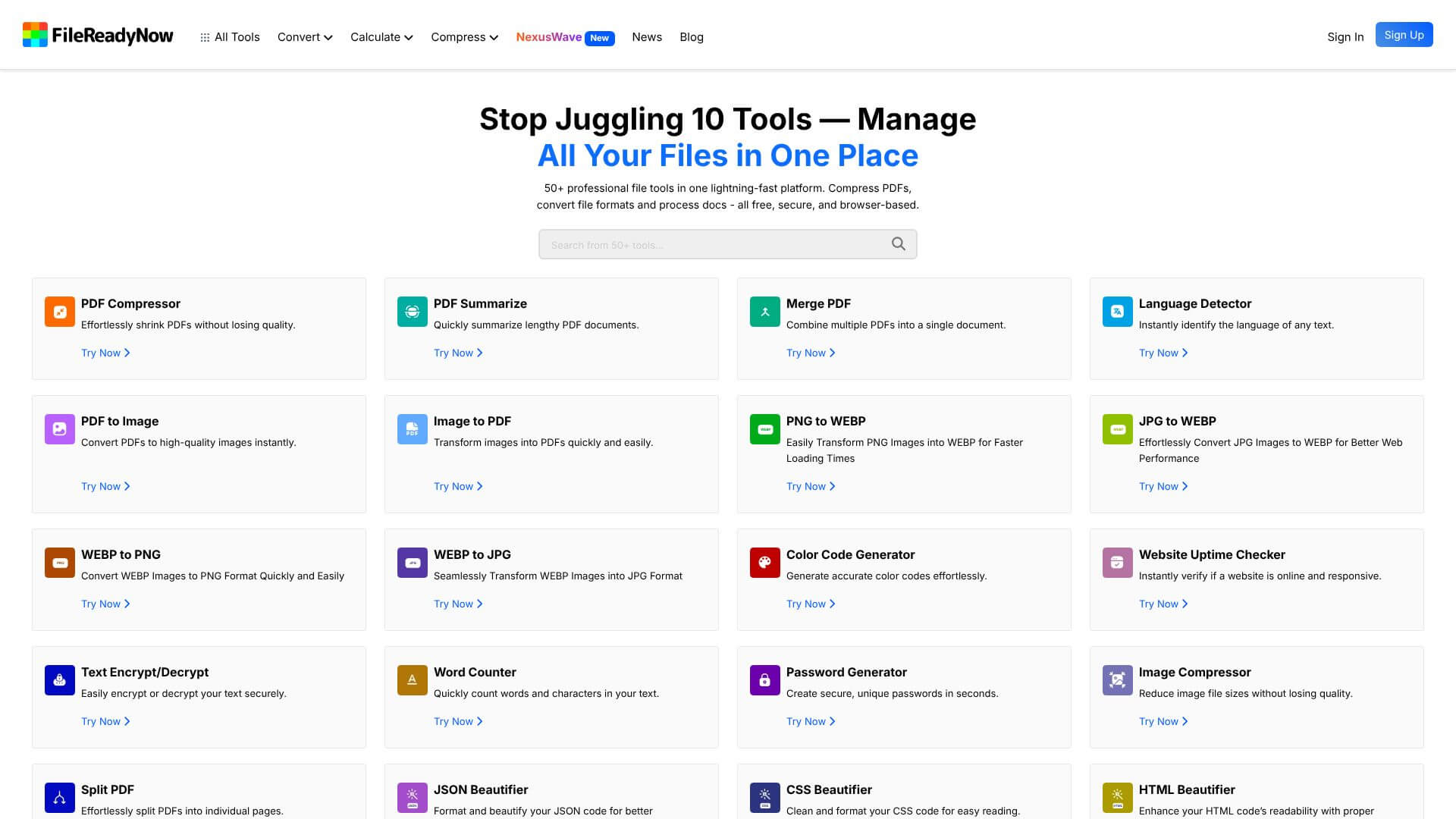
FileReadyNow is an AI Productivity tool. Manage, convert, and optimize all your files with 50+ free tools, directly in your browser. Key features include Comprehensive PDF Toolkit, Versatile Image Converter, and Efficient Document Transformation. Best for teachers, content creators and writers.
About FileReadyNow
FileReadyNow is a free in-browser toolkit for everyday file work covering PDFs, images, documents, and a long tail of developer utilities. It handles the operations most people would otherwise pay a SaaS subscription or install desktop software for, with most processing happening client-side to keep files private.
The core features that matter
- Comprehensive PDF toolkit with compression, merging, splitting, and conversion to Word, Excel, PowerPoint, or image formats. That covers the bulk of routine PDF tasks that send people to paid services
- Versatile image converter handling JPG, PNG, GIF, and WebP, with resizing options that preserve quality during the conversion. Useful for prepping images for web, email, or social media size requirements
- Efficient document transformation for converting between Office formats and PDFs, with batch support for processing many files in one operation
- Smart utility features including instant language detection on pasted text, two-way text comparison, encryption and decryption, and QR code generation for marketing or sharing
- Developer-friendly tools covering color code references, website status checks, word and character counting, and code beautifiers for JSON, CSS, HTML, and JavaScript
- 50+ tools under one roof rather than scattered across multiple sites, so common workflows don't require remembering which converter site handled which format
How it stands out
The free file-tool space is dominated by SmallPDF, iLovePDF, and a handful of others that gate basic operations behind freemium walls and sell premium tiers. FileReadyNow's positioning is broader and more genuinely free: every tool stays accessible without daily limits or upgrade prompts in the middle of a task.
The trade-off for that breadth is depth. Compared to dedicated tools like Acrobat for PDF editing, Photoshop for image work, or professional code editors for development utilities, FileReadyNow handles the common cases well but won't replace specialized software for serious work. For the everyday file-conversion and quick-utility tasks that pull people to web tools in the first place, FileReadyNow is a sensible default to bookmark.
Key Features
Comprehensive PDF Toolkit.
Versatile Image Converter.
Efficient Document Transformation.
Smart Utility Features.
Developer-Friendly Tools.
</p>
Frequently Asked Questions
FileReadyNow is a free online tool with 50+ tools for managing your files. You don’t need to download anything!
It helps with PDFs, images, and documents. You can compress PDFs, convert images, and change document formats easily.
Yes! FileReadyNow processes your files on your device, so your data stays private.
It's great for remote workers, students, small business owners, and anyone who needs to manage files.



