
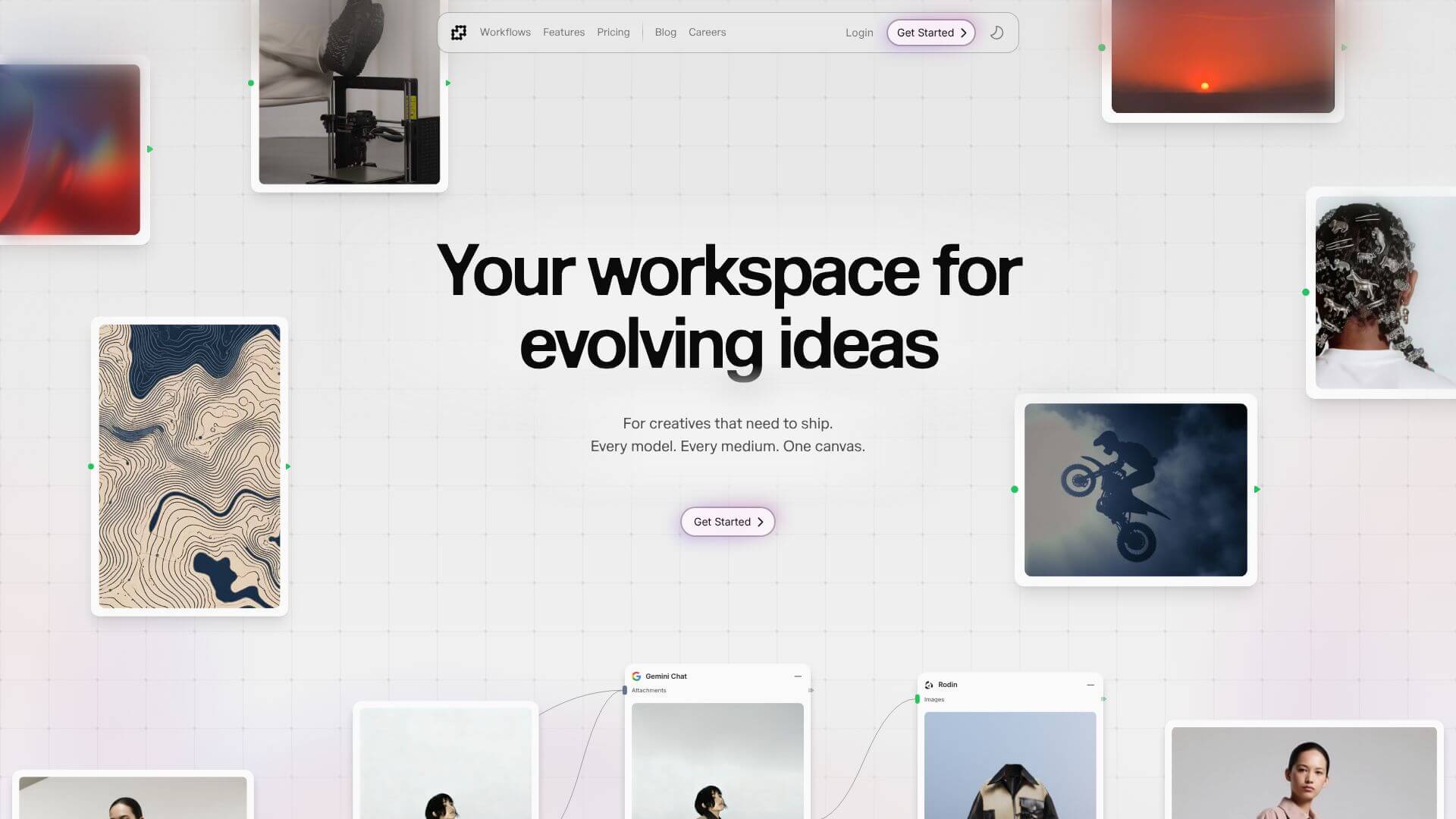
Fuser is an AI Productivity tool. Connects AI models for creative workflows: text, image, video, audio, 3D. Create anything. Key features include Unified Node-Based Canvas, Huge AI Model Library with Easy Access, and Seamless Multi-Format Conversion. Best for content creators, designers and filmmakers and video editors.
About Fuser
Fuser Studio is a node-based AI creative workspace that connects over 150 AI models and 300+ language models into a single visual canvas. The metaphor is closer to Blender's node editor or a digital audio workstation's signal flow than to traditional creative apps. You wire AI tools together, pass output from one to another, and build complex workflows visually rather than scripting them.
The core features that matter
- Unified node-based canvas where AI tools connect through drag-and-drop visual links, eliminating the file-moving step between separate apps
- Huge AI model library with 150+ specialized AI tools and 300+ language models from OpenAI, Midjourney, and others. All accessible without separate accounts or per-model subscriptions
- Multi-format conversion between text, image, video, audio, and 3D, so creative work can flow across modalities without manual file conversion or format negotiation
- Ready-made workflow templates covering common tasks across fashion, social media, and other creative verticals, giving users quick starts even without prior node-based tooling experience
- Team collaboration built into the platform with real-time multi-user editing, supporting distributed creative teams working on the same project together
How it stands out
The AI creative platform space splits between single-purpose tools (Runway for video, Midjourney for images) and aggregation hubs (Poe, OpenRouter) that mostly stack chat models. Fuser Studio is closer to ComfyUI than to those. A node-based visual workspace where the workflow itself becomes a reusable artifact you can share, modify, and build on. For creative professionals working across multiple modalities, that workflow-as-artifact approach is meaningfully different from running separate tools in sequence.
The honest qualifier: node-based interfaces have a steeper learning curve than chat interfaces. Fuser Studio is more powerful but takes more setup time to use effectively, especially for users who haven't worked with workflow tools before. For creative professionals building complex multi-step processes that they'll run repeatedly, the upfront investment pays back fast. For users running one-off generations, simpler chat-based tools may fit better.
Key Features
Unified Node-Based Canvas.
Huge AI Model Library with Easy Access.
Seamless Multi-Format Conversion.
Ready-Made Workflow Templates.
Team Collaboration Built-In.
Frequently Asked Questions
Fuser Studio is a creative workspace that uses AI to help you build things. It brings together over 150 different AI models and 300 language models into one place. This means you don't have to switch between many apps to work on text, images, videos, audio, or 3D creations.
You can visually connect different AI models in Fuser Studio. It's like building with blocks, where each block is an AI tool. The output from one tool automatically goes to the next. This helps you create complex projects without needing to code.
Anyone involved in creative fields can benefit. This includes graphic designers, video editors, content creators, marketers, fashion designers, and architects. If you're building complex visual content, Fuser Studio can help streamline your work.
Yes, Fuser Studio plans to offer a free trial when it launches publicly in 2025. It will also have a free tier with basic features and paid plans for more advanced tools and resources.



