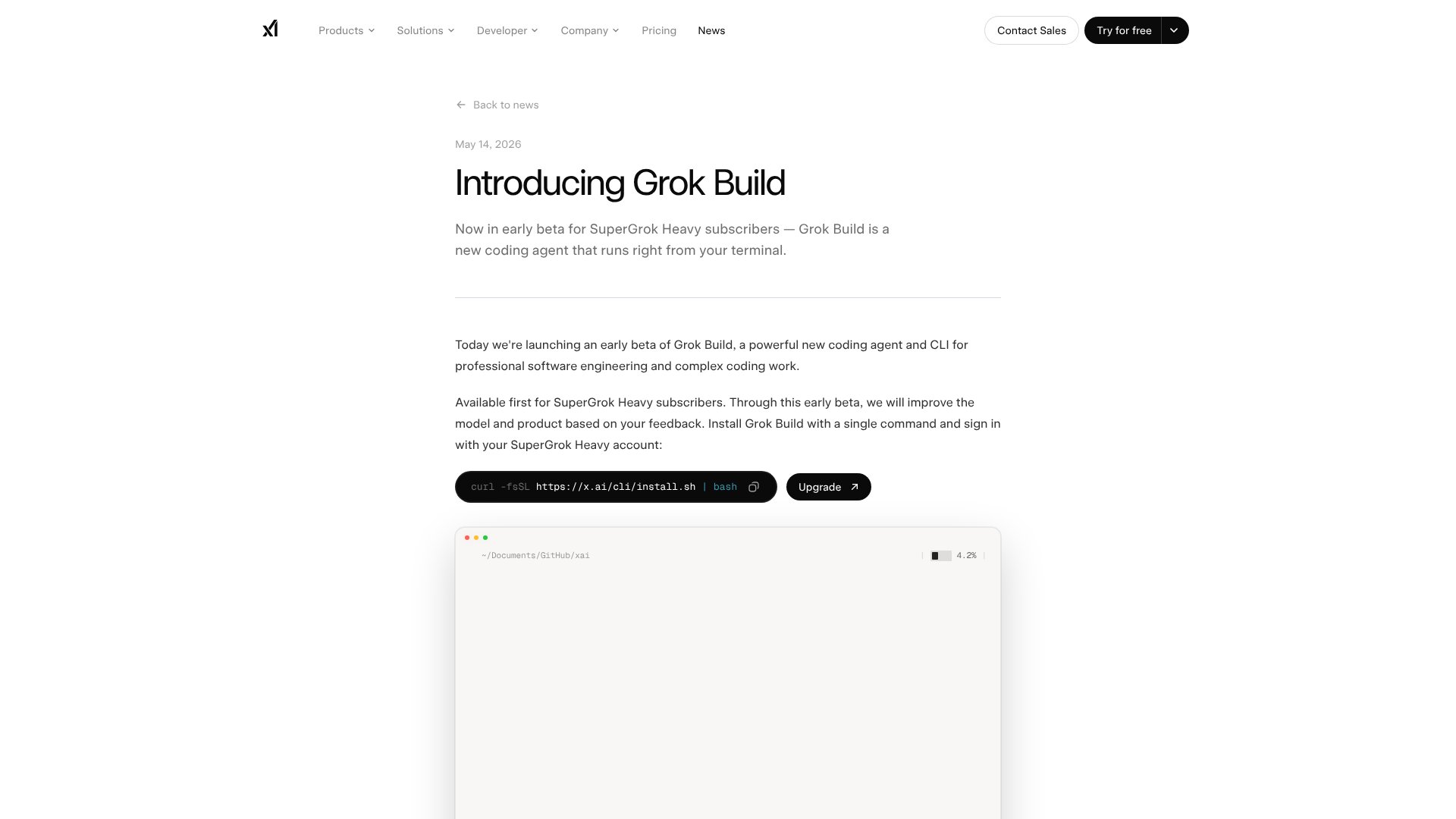
Grok Build is an AI Code tool. Terminal-based coding agent that plans, writes, and edits code with parallel subagents. Key features include Plan Mode, Parallel Subagents, and Terminal-Native Workflow. Best for software developers and engineers, data scientists and analysts and project managers.
About Grok Build
Grok Build is xAI's terminal-based AI coding agent that plans multi-step coding tasks, writes and edits files, runs shell commands, and delegates work to parallel subagents. The platform combines plan mode for review before execution with parallel subagent delegation, terminal-native workflow, skills support, headless automation, and Git worktree integration — targeting software engineers working on complex projects.
The core features that matter
- Plan mode creating step-by-step execution plans before touching code, with approval, comment, or rewrite options before changes apply
- Parallel subagents delegating to up to eight specialized subagents running simultaneously on isolated tasks like writing tests or exploring legacy code
- Terminal-native workflow running directly from command line in fullscreen UI without IDE integration requirement, working with any codebase and language
- Skills and MCP support automatically picking up AGENTS.md files, plugins, hooks, skills, and Model Context Protocol servers to adapt to existing workflows
- Headless automation mode running Grok Build in scripts, CI/CD pipelines, and automations with the headless flag for code reviews and report generation
- Deep Git worktree integration letting subagents work in isolated Git worktrees to avoid conflicts and produce cleaner diff reviews
How it stands out
The AI coding agent space has competitors including Claude Code (Anthropic's CLI), Cursor (IDE), Aider (CLI), Cline (VS Code agent), and various other tools. Grok Build's specific position is the terminal-native workflow with parallel subagent delegation. For engineers comfortable in terminal environments handling complex multi-file changes, that combination matches the use case more directly than IDE-bound alternatives.
The honest qualifier: AI coding agent quality depends heavily on the underlying model and your specific codebase. Grok Build inherits Grok's model strengths and weaknesses for code work. The parallel subagent feature is genuinely useful for large refactors but adds complexity that can mask agent mistakes if not monitored. For engineers working on complex codebases who want CLI-based agent assistance with the option for parallel work, Grok Build provides specialized infrastructure. For users comfortable with IDE-based AI assistance or working on simpler projects, other tools may be more practical.
Key Features
Plan Mode.
Parallel Subagents.
Terminal-Native Workflow.
Skills and MCP Support.
Headless Automation Mode.
Deep Git Worktree Integration.
Frequently Asked Questions
Grok Build is an AI coding agent from xAI that runs in your terminal. It helps developers with complex coding tasks by planning changes, writing and editing files, running shell commands, and using parallel subagents. It's currently in early beta for SuperGrok Heavy subscribers.
Grok Build requires a SuperGrok Heavy subscription, which costs around $300 per month. There's no free tier during the early beta phase. The subscription includes access to the CLI tool and underlying Grok models.
Grok Build is similar to Claude Code and Codex CLI but emphasizes Plan Mode for reviewing execution steps before changes are made. It also features native parallel subagents and full ACP support for agent orchestration. However, it's still in early beta with some rough edges, while competitors are more mature.
Yes. Grok Build supports headless mode, which lets you run it inside scripts, GitHub Actions, or other automation workflows. You can use it for automated code reviews, security scans, or generating reports without needing a browser or interactive terminal.