
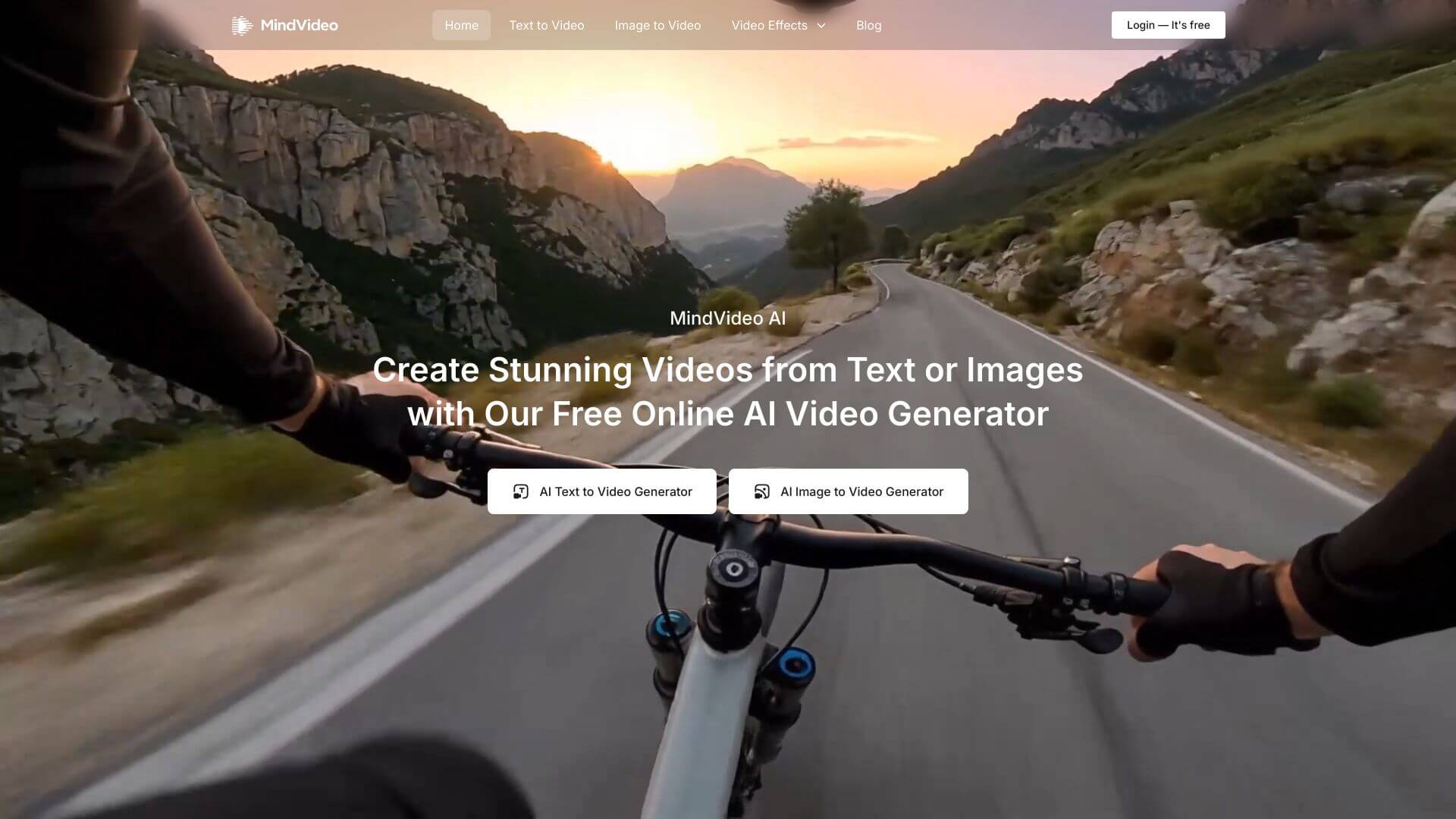
MindVideo AI is an AI Video tool. Turns text into videos! Just type what you want to see, and it creates a video for you. That's it! Best for teachers, marketers and content creators.
About MindVideo AI
MindVideo AI is a text-to-video platform built around one question: can you describe a scene clearly enough that an AI model produces it on the first try? The product covers the full pipeline from a written prompt to a finished video clip, with controls that let you steer style, resolution, and motion the way a director would.
The basic loop
Describe what you want — scenes, characters, environments, and the actions taking place — and MindVideo AI's model parses the description into a video sequence. The system handles spatial layout, motion physics, and visual consistency across frames, so output clips look like coherent footage rather than disconnected stills strung together.
Controls that actually matter
- Style range — photorealistic, animated, cartoon, artistic, or cinematic, picked to match brand aesthetics or creative direction
- Output format — duration, aspect ratio, and resolution adjustable per project (vertical for social, widescreen for landing pages)
- Motion intensity — control how much movement the AI introduces; static shots for product photography, dynamic camera moves for narrative content
- Batch processing — queue multiple prompts and generate variations in parallel, useful for A/B testing creative directions or producing a content series
Who this fits
Marketers producing campaign creative, indie developers needing cutscenes, educators building visual lessons, and content teams shipping social videos all land in MindVideo AI's sweet spot — projects where the bottleneck is video production effort, not creative vision. The no-code interface means a marketing manager who's never opened a video editor can ship usable content in an hour. The trade-off, as with any text-to-video model, is that you give up the precise frame-level control a human editor brings. For a lot of content, that's a worthwhile exchange.
Key Features
The core feature is converting text descriptions into full-motion videos. Input scenes, actions, characters, and environments, and the AI generates detailed video content.
The platform uses state-of-the-art artificial intelligence models trained on vast video datasets. It understands complex scene descriptions and generates realistic video sequences with proper motion dynamics and visual coherence.
Control video parameters, including duration, aspect ratio, resolution, style preferences, and motion intensity. Tailor content to meet specific project needs and platform requirements.
Supports multiple visual styles, from photorealistic to animated, cartoon-like, artistic, and cinematic styles. Create content that aligns with brand aesthetics or creative vision.
Offers batch processing for generating multiple videos simultaneously from different text prompts, significantly speeding up content creation workflows and enhancing productivity.
It’s designed for ease of use with an intuitive interface. It requires no coding skills, thus enabling both beginners and experts to quickly create and customize video content.
Frequently Asked Questions
MindVideo AI is a tool that uses artificial intelligence to turn text into videos. It helps anyone make videos without needing fancy equipment or lots of video editing skills.
MindVideo AI makes videos from your written descriptions. It takes your words and creates videos with scenes, movements, and effects.
MindVideo AI can make videos from text. You describe what you want to see, and it creates the video for you.
You can change how long the video is, the size, how clear it is, the style, and how much movement there is. This helps you make the video exactly how you want it.



