
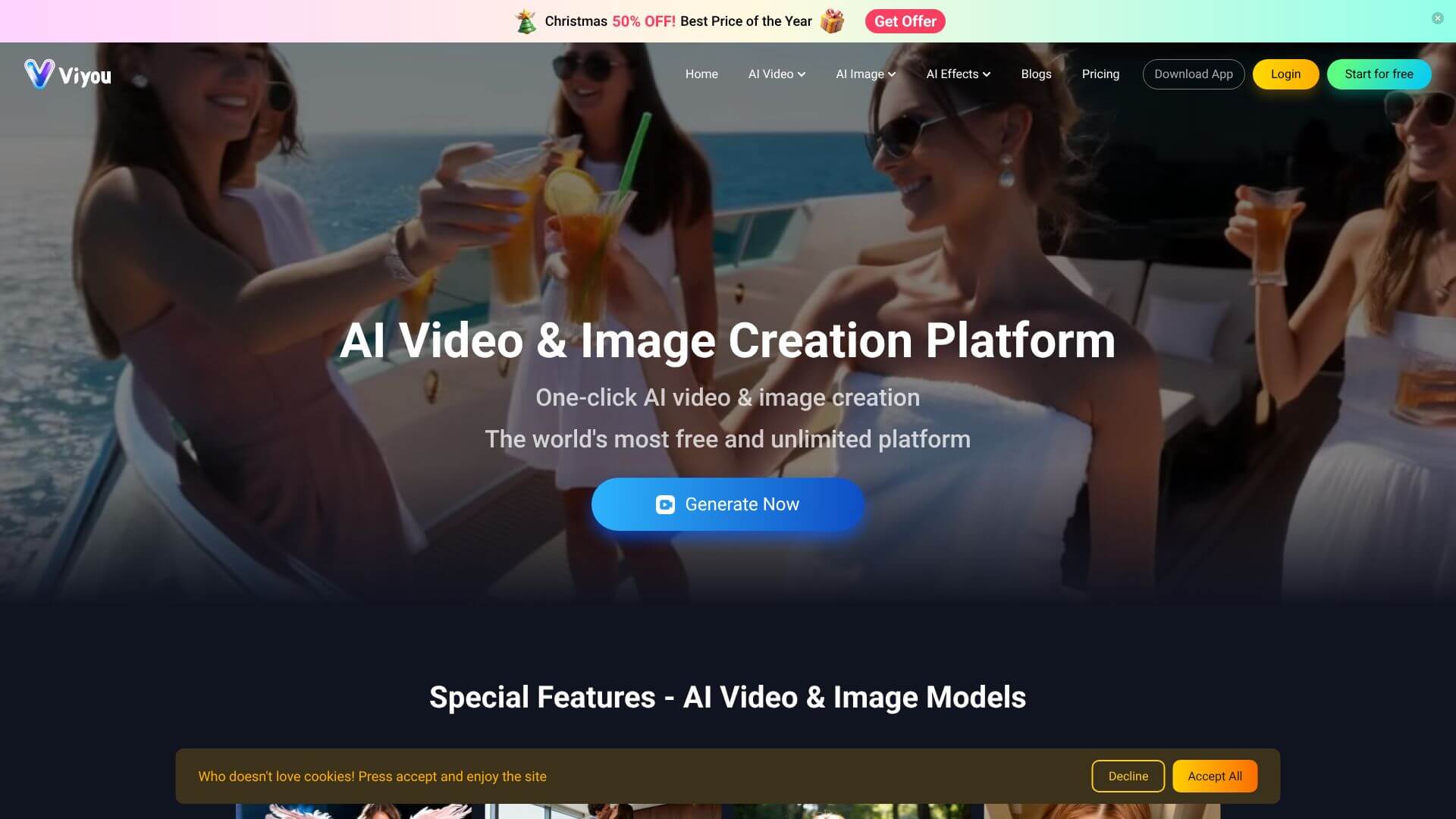
Viyou AI is an AI Video tool. Viyou AI instantly turns photos into videos and generates stunning visuals using AI. Key features include AI Video Generator, AI Image to Video, and AI Text to Video. Best for marketers, content creators and designers.
About Viyou AI
Viyou AI is a creative app that bundles photo and video generation tools into a single mobile and web interface. The platform draws on a library of over 100 underlying AI models, which is the technical differentiation against single-model competitors. Outputs can vary in style and approach because they're not all running through the same engine.
The features that matter
- AI video generator that turns a photo and a prompt into short videos using ready-made templates for romantic scenes, dance clips, or meme-style outputs
- AI image-to-video conversion that animates still photos based on natural language motion descriptions, preserving the original picture while adding plausible movement
- AI text-to-video generation that produces cinematic clips from written scene descriptions, without requiring storyboard skills or video editor experience
- AI image generator for static art creation across many styles like avatars, anime, and photorealistic portraits, driven by either prompts or reference style transfer
- First-frame-to-last-frame technology that interpolates motion between two specified keyframes, giving more directorial control than typical generative video tools that produce undirected motion
Who this is built for
Viyou AI targets social media creators, casual artists, and people who want quick visual content without learning specialized tools. The mobile-first design and template-driven workflows favor speed over precision, so it's a better fit for high-volume social posting than for commercial production work where every shot needs specific framing.
Realistic expectations
The multi-model approach means quality varies. Some templates produce polished results, others reveal the rough edges typical of consumer AI video. Generated videos are short (typically a few seconds), and complex motion or fine detail still trips up the models. For quick concept tests, social posts, and personal creative experiments, Viyou AI delivers enough variety to keep things interesting. For client work or video that needs to land specific creative direction, more dedicated tools remain the better choice.
Key Features
AI Video Generator.
AI Image to Video.
AI Text to Video.
AI Image Generator.
First Frame to Last Frame Technology.
Frequently Asked Questions
Viyou AI helps you make videos and images using artificial intelligence. It’s like having a creative helper that doesn’t need special skills, just your ideas.
You can turn a still picture into a video. The AI figures out how to make it move based on what you tell it. It's great for making photos come alive.
It can be. You need to use coins for each video you make, and they cost money. There's a free option, but it’s pretty limited.
Kind of. There's no free trial with all the features. You can use the free account to get a small taste of how it works by watching ads for coins.



