
MixDoctor logo

MixDoctor Review

MixDoctor analyzes your audio mixes, gives feedback, and suggests ways to make them sound better.

No ratings yet
Visit MixDoctor
View Alternatives
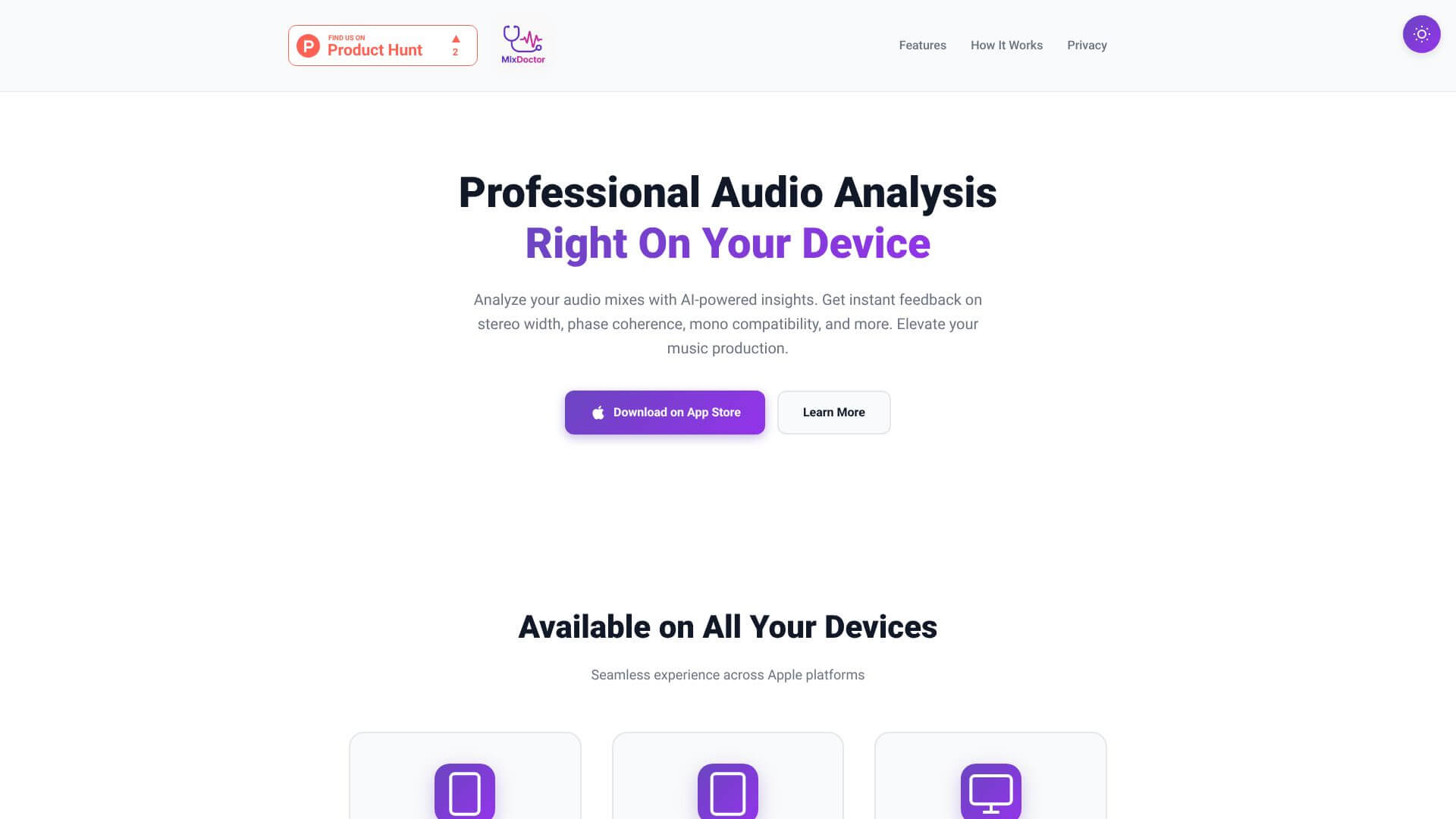
MixDoctor screenshot

MixDoctor is an AI Audio Generators tool. MixDoctor analyzes your audio mixes, gives feedback, and suggests ways to make them sound better. Key features include Frequency Balance Analysis, Stereo Width Assessment, and Dynamic Range Evaluation. Best for musicians and music producers, filmmakers and video editors and content creators.

4.0 (5 reviews)28 upvotes6 key features6+ alternatives →

About MixDoctor

MixDoctor is an AI-powered audio analysis app. It gives music producers instant, expert feedback on their mixes. The app helps users find sound issues and get better at mixing. It works right on your phone.

Key Features

Frequency Balance Analysis.

It has a 7-band spectrum analysis. This includes customized EQ recommendations. This helps you get optimal sound.

Stereo Width Assessment.

This measures stereo imaging and width. It also checks phase coherence. This ensures proper spatial positioning.

Dynamic Range Evaluation.

You get professional loudness analysis. It also gives compression recommendations.

Mix Quality Scoring.

This feature gives you quantifiable scores. These scores help you benchmark your mixing improvements.

Phase Coherence Detection.

It finds phase issues. These issues could cause mono compatibility problems.

Progress Tracking.

It keeps track of your analysis history. It also monitors quality metrics across many sessions.

Frequently Asked Questions

MixDoctor gives professional-level analysis. It's like the tools experienced sound engineers use, but you still make the final mixing decisions.

Yes, you can. Just export your mix, upload it to MixDoctor for analysis, and then use the suggestions in your music software.

MixDoctor works with common audio formats. This includes MP3, WAV, and FLAC files for analysis.

Absolutely. MixDoctor is great for new producers. Its easy-to-use interface and AI explanations make understanding mixing basics simple.


User Reviews

Similar Tools

View all →