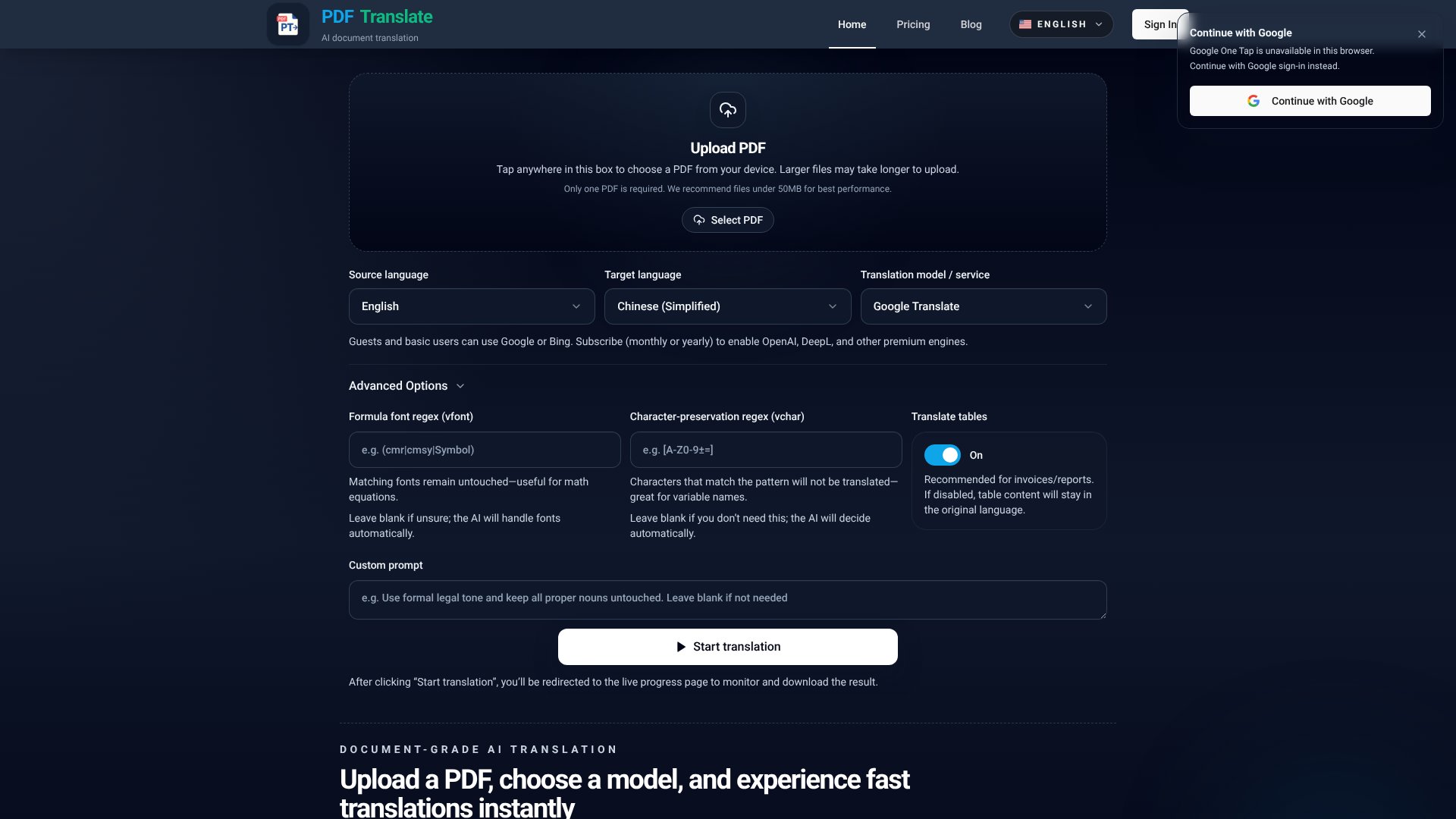
PDF Translator is an AI Productivity tool. Translate PDFs to 100+ languages while keeping original layout, fonts, and images intact. Key features include Layout Preservation, 100+ Languages Supported, and OCR for Scanned PDFs. Best for translators and interpreters.
About PDF Translator
PDF Translator is an AI-powered translation tool that converts PDF documents into 100+ languages while preserving the original layout, fonts, tables, and images. The platform combines layout-aware translation with OCR for scanned documents, bilingual output options, document summaries, and browser-based access — targeting users who need translated PDFs that don't look obviously machine-generated.
The core features that matter
- Layout preservation keeping original formatting intact including fonts, tables, images, and complex layouts so translated documents look like the source
- 100+ languages supported across major world languages and regional dialects for global use cases
- OCR for scanned PDFs recognizing and translating text from image-based PDFs and scanned documents that text-only tools can't handle
- Bilingual output options for single-language translations or side-by-side comparison documents
- Document summaries and Q&A beyond translation, supporting faster understanding of lengthy documents
- Browser-based access with free initial translations and no software installation requirement
How it stands out
The PDF translation space has competitors including DeepL with PDF support, Google Translate, DocTranslator, and various dedicated tools. PDF Translator's specific position is the layout preservation combined with OCR support. Most competitors either translate text well but lose formatting, or preserve formatting but skip scanned documents. The combination matters for users translating legal, academic, or business PDFs where presentation matters.
The honest qualifier: translation quality varies by language pair and content type. Common pairs (English-Spanish, English-Chinese) produce more accurate results than less-resourced languages. Highly technical or legal content may need human review regardless of how good the AI is. The layout preservation works well for standard documents but can struggle with unusual formatting. For users translating business documents at volume where appearance and accuracy both matter, PDF Translator addresses real gaps. For occasional simple translations, free alternatives like Google Translate may be sufficient.
Key Features
Layout Preservation.
100+ Languages Supported.
OCR for Scanned PDFs.
Bilingual Output Options.
Document Summaries and Q&A.
Browser-Based and Free to Start.
Frequently Asked Questions
Yes, PDF Translator offers free translations to get started. You can translate entire PDFs before deciding to upgrade. The tool runs directly in your browser with no signup required for basic use.
Yes. PDF Translator preserves layout, fonts, tables, images, and complex formatting elements. The translated PDF maintains the same visual structure as your original document, including headings, footnotes, and cross-references.
PDF Translator supports more than 100 languages including English, Spanish, Chinese, Hindi, Japanese, Arabic, French, German, Russian, and many regional languages. You can translate between any supported language pair.
Yes. PDF Translator includes OCR technology that recognizes text in scanned PDFs and image-based documents. Even old scanned pages can be translated while maintaining the original layout.



