
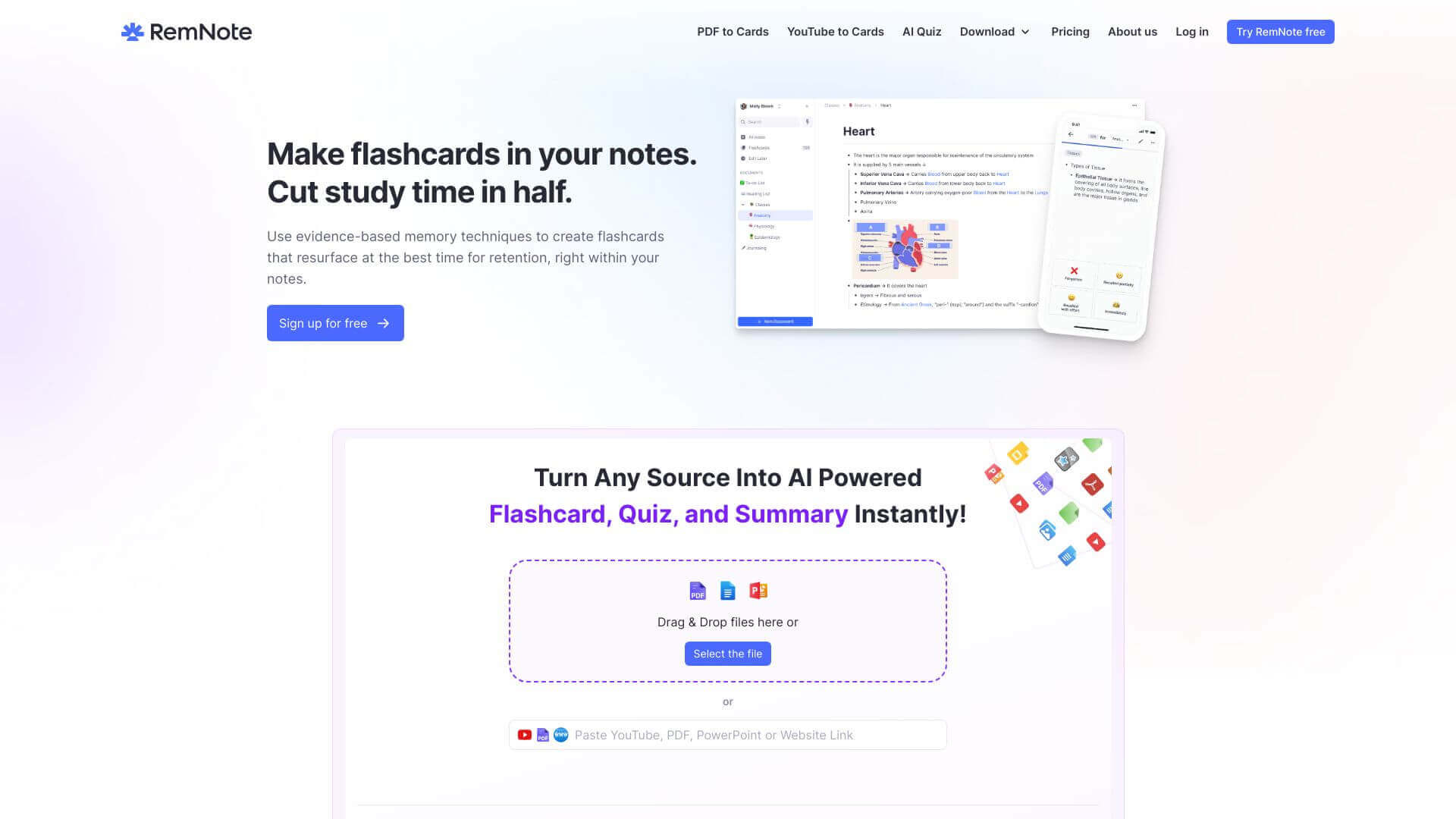
RemNote is an AI for Education tool. RemNote helps you organize notes, create flashcards, & learn better with spaced repetition. Great for students! Key features include Notes Organization, Flashcard Creation, and PDF Annotation. Best for teachers, students and scientists and researchers.
About RemNote
RemNote's where you build structured notes & flashcards. Tag stuff easily, add pics & videos. Review with spaced repetition, so you remember what's important. Free version available; upgrade for unlimited everything! Students & professionals find it useful!
Key Features
Notes Organization.
RemNote lets you create notes that link together. It’s like a digital web for all your ideas. You can easily connect related topics and build a well-organized structure. This helps you see how everything fits together.
Flashcard Creation.
Turn your notes into flashcards directly in RemNote. This includes cool visual flashcards with image occlusion. The app also reminds you to review them at the best times, so you remember things better.
PDF Annotation.
Upload PDF documents and highlight important sections. You can then add these annotated parts into your notes. This keeps everything in one clear place. Keep in mind full PDF access is in the paid version.
Tagging and Search.
Use tags to sort your notes. This way, you can quickly find what you need by searching for specific keywords. It's a simple way to cross-reference different topics.
Image and Media Integration.
Add pictures, videos, and other media to your notes. Making learning more engaging, adding media elements can to enhance your studies. Enriching your notes with visuals can improve understanding.
Spaced Repetition.
RemNote uses a smart system that tests you more on what you find difficult. This spaced repetition technique reinforces your memory. It helps you remember things over the long term.
Frequently Asked Questions
You can make flashcards right from your notes. Just use keyboard shortcuts or pick parts of your notes to turn into cards.
Yes, you can annotate PDFs, but the free version only lets you do three.
RemNote works offline, but some of its AI features need the internet.
RemNote lets you import from formats like Markdown, Dynalist, Obsidian, and Workflowy.