
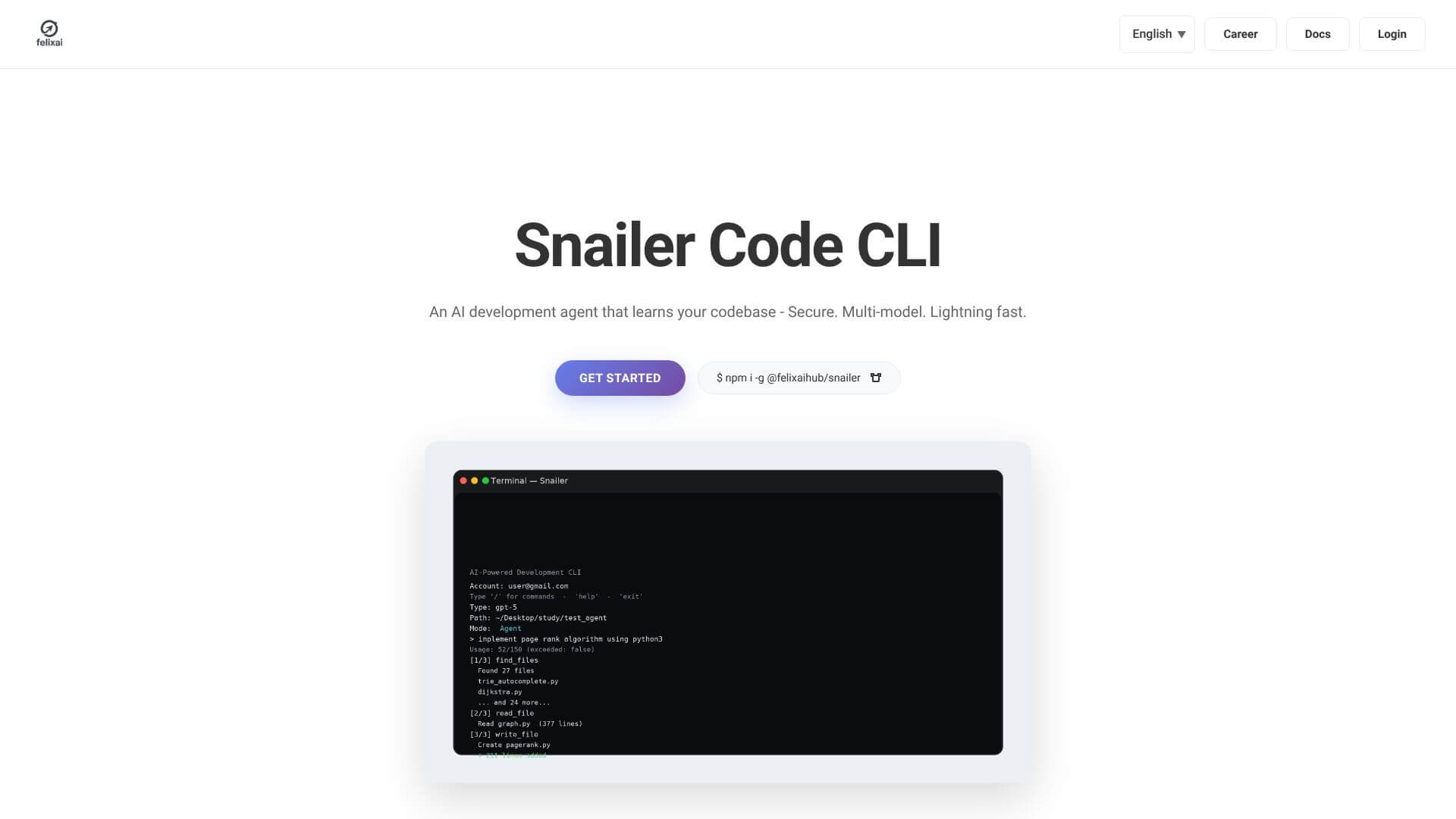
Snailer is an AI Code tool. Snailer is a multi-model coding agent CLI tool for AI-assisted code generation and task automation. Key features include Multi-Model Architecture, Works with Your Tools, and Unlimited Code Projects. Best for software developers and engineers, data scientists and analysts and business consultants.
About Snailer
Snailer is a multi-model AI coding agent CLI tool that integrates into developer workflows in Terminal, VS Code, and other editors. The platform's position is the multi-model architecture: rather than locking you to one AI provider, Snailer lets you pick the best model for each task and brings your own API keys to control costs.
The core features that matter
- Multi-model architecture supporting different AI providers, so you can pick the best AI for each coding job rather than being stuck with one engine
- Works with your existing tools in Terminal, VS Code, and other popular editors, fitting into your established workflow rather than requiring a separate app
- Unlimited code projects with no cap on what you can create, supporting both small scripts and large projects without hitting artificial limits
- Talk to your code with plain English descriptions rather than special syntax, lowering the barrier for less experienced developers
- Bring your own API keys for direct provider billing, giving you cost control and avoiding markup that aggregator platforms add
- Workflow automation beyond code generation, supporting multi-step workflows that chain operations together
How it stands out
The AI coding agent space has competitors including Cursor (IDE-focused), Cline (VS Code agent), Aider (CLI-based), and various others. Snailer's specific position is the multi-model architecture combined with BYOK pricing in a CLI format. For developers who want maximum flexibility and direct cost control, that combination differs from competitors that lock to specific models or include AI costs in their subscription pricing.
The honest qualifier: AI coding agent quality depends more on the underlying model and your specific codebase than on the wrapper tool. Snailer benefits from frontier model improvements as they happen but inherits their limitations as well. The CLI format suits developers comfortable with terminal workflows and feels less polished to developers who prefer visual editors. For developers already living in Terminal and VS Code who want flexible multi-model AI access, Snailer fits naturally. For developers wanting full-IDE AI integration, more integrated alternatives may produce better experiences.
Key Features
Multi-Model Architecture.
Works with Your Tools.
Unlimited Code Projects.
Talk to Your Code.
Use Your Own AI Keys.
Automate Your Tasks.
Frequently Asked Questions
Snailer is a smart command-line tool. It acts like an AI helper for developers. It uses different AI models to understand what you want to do in plain English and then helps you write code or automate tasks.
You describe what you need in plain English. Snailer then picks the best AI model to help. It can create code, change existing code, or set up automated tasks for you. It works right in your terminal or editors like VS Code.
Snailer uses many AI models instead of just one. This makes it more flexible. Also, it fits into your existing setup, like your terminal or VS Code, so you don’t have to change your tools.
From what we can see, Snailer doesn't have a free plan or a free trial currently listed. You can start with their Starter Plan.