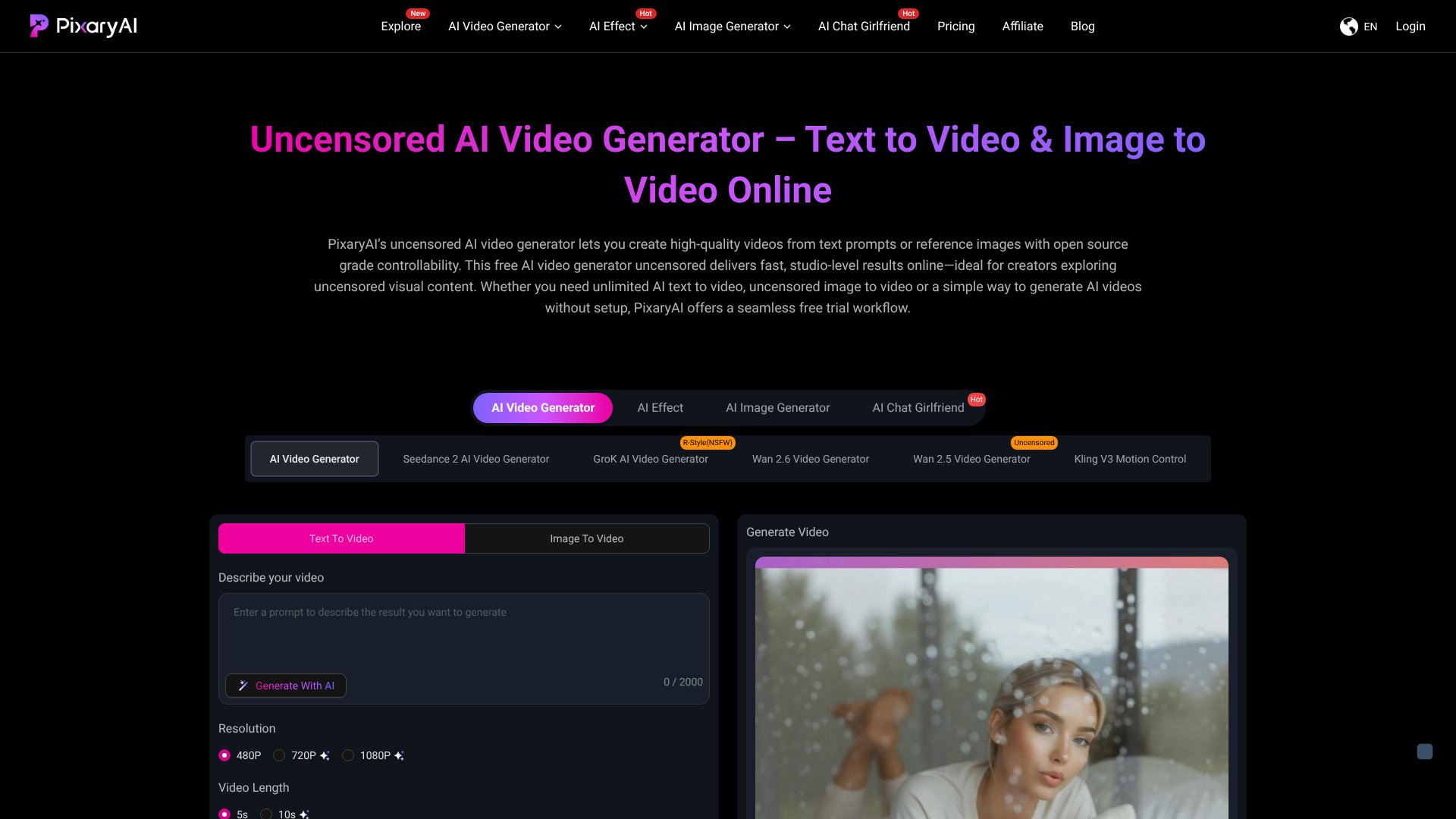
Uncensored AI Video Generator is an AI NSFW tool. Create videos from text or images with minimal restrictions and full creative freedom. Key features include Text-to-Video Generation, Image-to-Video Conversion, and Uncensored Creative Freedom. Best for content creators.
About Uncensored AI Video Generator
Uncensored AI Video Generator (PixaryAI) is a browser-based AI video tool aimed at creators who run into the content moderation walls that mainstream AI video platforms impose. The tool converts text prompts and source images into video without the heavy filtering that gates platforms like Runway or Sora from generating content outside narrow safety guardrails.
The core features that matter
- Text-to-video generation turning written prompts into cinematic video sequences with automated camera movement, animation curves, and physics handling that don't require local GPU configuration
- Image-to-video conversion taking a single source image and producing video with character motion, dynamic environments, and visual continuity for product demos, character reveals, and motion tests
- Open prompt input without the heavy moderation constraints that limit other AI video tools, supporting creative work that mainstream platforms decline to render
- Multiple AI models including Grok AI, Wan 2.5, Wan 2.6, Kling V3, and Seedance 2, letting users pick the engine that fits a specific output style or subject
- Fast browser-based workflow running entirely online without software downloads or complex setup, with instant previews and quick rendering for iterative work
- Free trial access including full video generation without watermarks, allowing meaningful quality evaluation before committing to a paid plan
How it stands out
The AI video category has consolidated around a few high-profile models with strict content policies. Uncensored AI Video Generator's specific position is the absence of those moderation layers combined with multi-model access. For creators producing content that bumps against mainstream platforms' content rules, that gap is the practical reason to use the tool rather than the cheaper or more polished alternatives.
The honest qualifier: less content moderation also means less protection against the AI generating output you didn't actually want. The multi-model access works in the user's favor when one engine produces poor results on a specific prompt, but quality still varies meaningfully across the models. For users who specifically need creative latitude that mainstream tools won't provide, Uncensored AI Video Generator covers that use case. For users who can work within mainstream platform constraints, those alternatives produce more reliable output at lower cost.
Key Features
Text-to-Video Generation.
Image-to-Video Conversion.
Uncensored Creative Freedom.
Multiple AI Models.
Fast Browser-Based Workflow.
Free Trial Access.
Frequently Asked Questions
PixaryAI is an AI video generator that creates videos from text prompts or images. It's used for short-form content, marketing teasers, concept visualization, product demos, and social media clips. The platform works entirely in your browser without requiring video editing skills.
Yes, PixaryAI offers a free trial that lets you generate videos without upfront payment. The free tier includes access to video generation features with fast rendering and instant previews, though paid plans provide higher limits and additional features.
PixaryAI positions itself as an uncensored video generator with fewer content restrictions than typical AI video tools. It's built on open-source models, offers multiple generation engines, and focuses on fast iteration without heavy moderation constraints.
PixaryAI is best for content creators, marketers, agencies, and indie creators who need fast video generation with creative freedom. It's also useful for developers and AI researchers who want to test prompts and compare outputs across different models.