
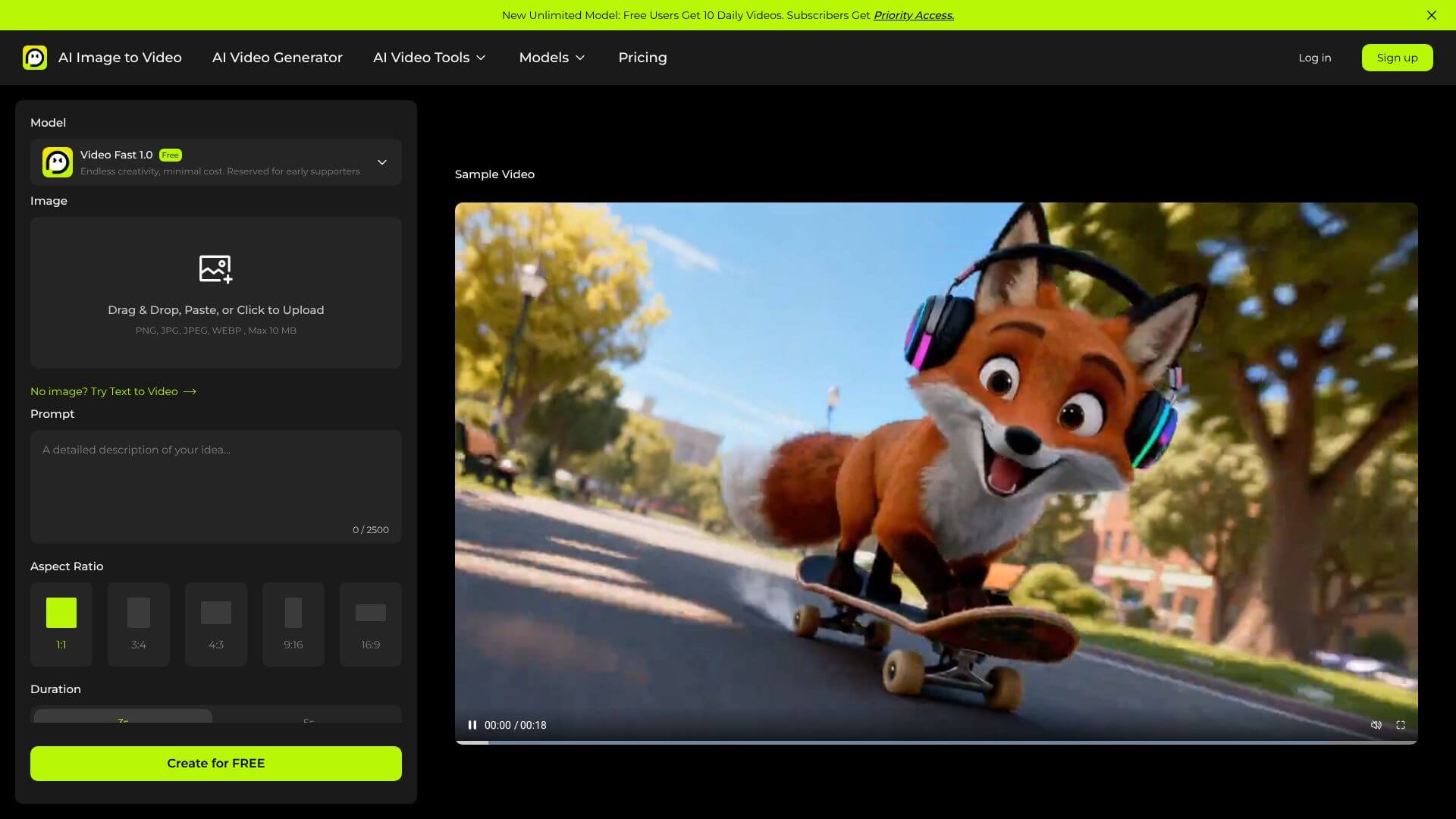
AI Image To Video is an AI Video tool. Converts still images into dynamic videos with AI, no tech skills needed. Key features include Intelligent Motion Synthesis Without Technical Expertise, Multi-Format Output and Platform Optimization, and Commercial-Grade Output Without Watermarks. Best for marketers, content creators and designers.
About AI Image To Video
AI Image To Video is a focused tool that converts still photos into short animated videos using generative motion synthesis. The platform handles the AI motion analysis automatically, adding subtle movements like facial expressions, water ripples, swaying leaves, and drifting clouds to make static images feel alive without requiring video editing skills.
The core features that matter
- Intelligent motion synthesis automatically identifying what should move in your images and adding natural-looking motion patterns without requiring you to specify each animation
- Multi-format output for different platforms including 1:1 Instagram, 9:16 TikTok, and 16:9 YouTube ratios at HD 720p through 4K resolutions
- Commercial-grade output without watermarks on both free and basic plans, useful for small businesses and creators who'd otherwise pay extra to remove branding on competing tools
- Rapid processing and batch capability with videos ready in 30 seconds to two minutes and concurrent processing for multiple images at once
- Comprehensive customization controls for video length (3-15 seconds), animation intensity, motion styles, and camera presets, supporting both quick automation and precise creative direction
- Support for diverse image types spanning product photos, real estate imagery, portraits, landscapes, and AI-generated source material
How it stands out
The image-to-video AI space has competitors including Runway, LeiaPix, and Pika alongside broader video generation platforms. AI Image To Video's specific position emphasizes the no-watermark output on lower tiers combined with the breadth of customization controls. For small businesses producing volume content where watermarks would be a problem, that pricing model differs meaningfully from competitors gating clean output behind premium plans.
The honest qualifier: image-to-video tools produce limited motion compared to true video generation since they're adding plausible movement to a single frame. The result is visually engaging but not as expressive as multi-shot AI video. AI Image To Video handles the standard use cases well — product animations, social posts, real estate slideshows — but won't replace dedicated video generators for longer narrative content. For users producing short animated content at volume, the platform covers the workflow efficiently.
Key Features
Intelligent Motion Synthesis Without Technical Expertise.
Multi-Format Output and Platform Optimization.
Commercial-Grade Output Without Watermarks.
Rapid Processing and Batch Capability.
Comprehensive Customization Controls for Creative Direction.
Support for Diverse Image Types and Content Categories.
Frequently Asked Questions
It's an AI platform that turns your photos into videos. It uses AI to add motion and camera effects.
You upload an image, and the AI analyzes it. Then, you can add text prompts or let it automatically create motion. It turns your image into a video.
No, all plans including the free one, let you export videos without watermarks. This makes it useful for business and personal use.
Video generation usually takes about 30 seconds to 2 minutes. The platform also supports batch processing!



