
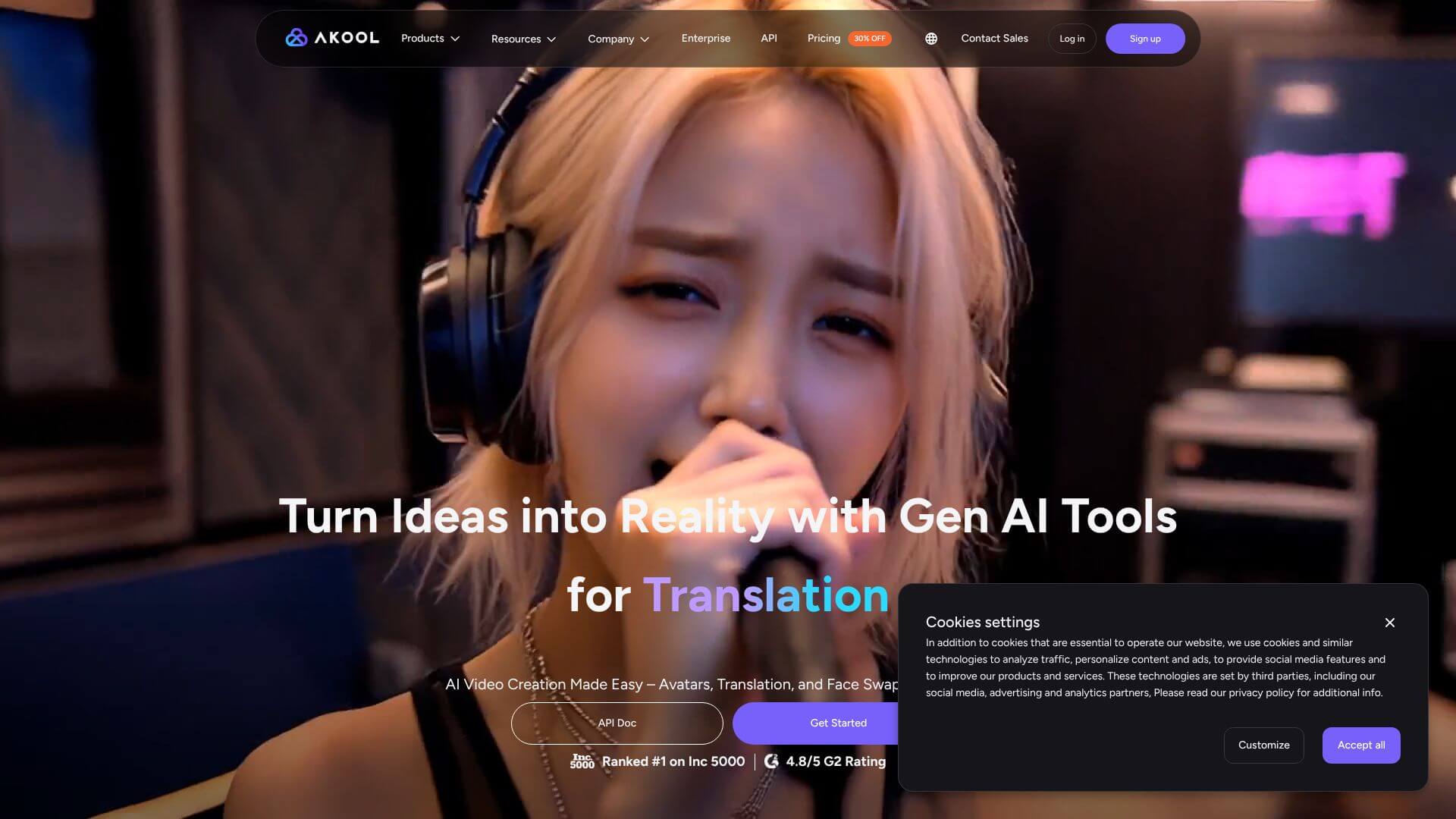
Akool is an AI Video tool. AI creates realistic avatars and videos. It offers face swaps, video translation, and image generation tools. Key features include AI Face Swap, AI Avatar Creation, and Video Translation. Best for content creators, marketers and teachers.
About Akool
Akool is an AI video and image platform combining face swap, AI avatars, video translation, image generation, background change, and video editing. The platform handles realistic face replacement and avatar creation with synchronized lip movements, targeting marketers, content creators, and businesses producing visual content at scale.
The core features that matter
- AI face swap handling video and image swaps with realistic results even under motion and lighting changes
- AI avatar creation for digital personas usable in customer service and marketing, with expressions and gestures matching speech
- Video translation across languages with lip-sync that matches the new language, removing the dubbing studio requirement
- Image generator for text-to-image creation supporting ads, art, and creative project visuals
- Background change for videos and images without green screen, with automatic subject isolation
- AI video editor bringing the platform's AI features into a unified editing workflow rather than scattered tools
How it stands out
The AI video platform space has competitors including HeyGen (avatar leader), Synthesia (corporate video), D-ID, and Magic Hour AI. Akool's specific position is the breadth across face swap, avatars, translation, and image generation in one platform. For users who want both avatar-based content creation and creative face-swap work, that combination differs from competitors specializing in one direction.
The honest qualifier: AI face swap and avatar quality varies based on source material and target use. Akool's quality on standard cases is competitive but not best-in-class — HeyGen still leads on avatar realism, while dedicated face swap tools sometimes produce cleaner swap results. The bundled approach is useful for diverse small projects but rarely beats specialists on individual capabilities. For marketers and content creators producing varied AI visual content, Akool covers the workflow. For users primarily focused on one specific capability at peak quality, specialists may produce better results despite the management overhead of multiple tools.
Key Features
AI Face Swap.
AI Avatar Creation.
Video Translation.
Image Generator.
Background Change.
AI Video Editor.
Frequently Asked Questions
Akool is an AI tool that helps you create cool videos and images, even if you're not a pro.
You can swap faces, make AI avatars, translate videos, create images, and change backgrounds. It’s like having a video studio in one place!
Akool has a free plan to try it out. Paid plans vary, with bigger plans if you need more features.
Yes, Akool offers a free plan, so you can test it out and see if you like it before paying for a subscription.



