
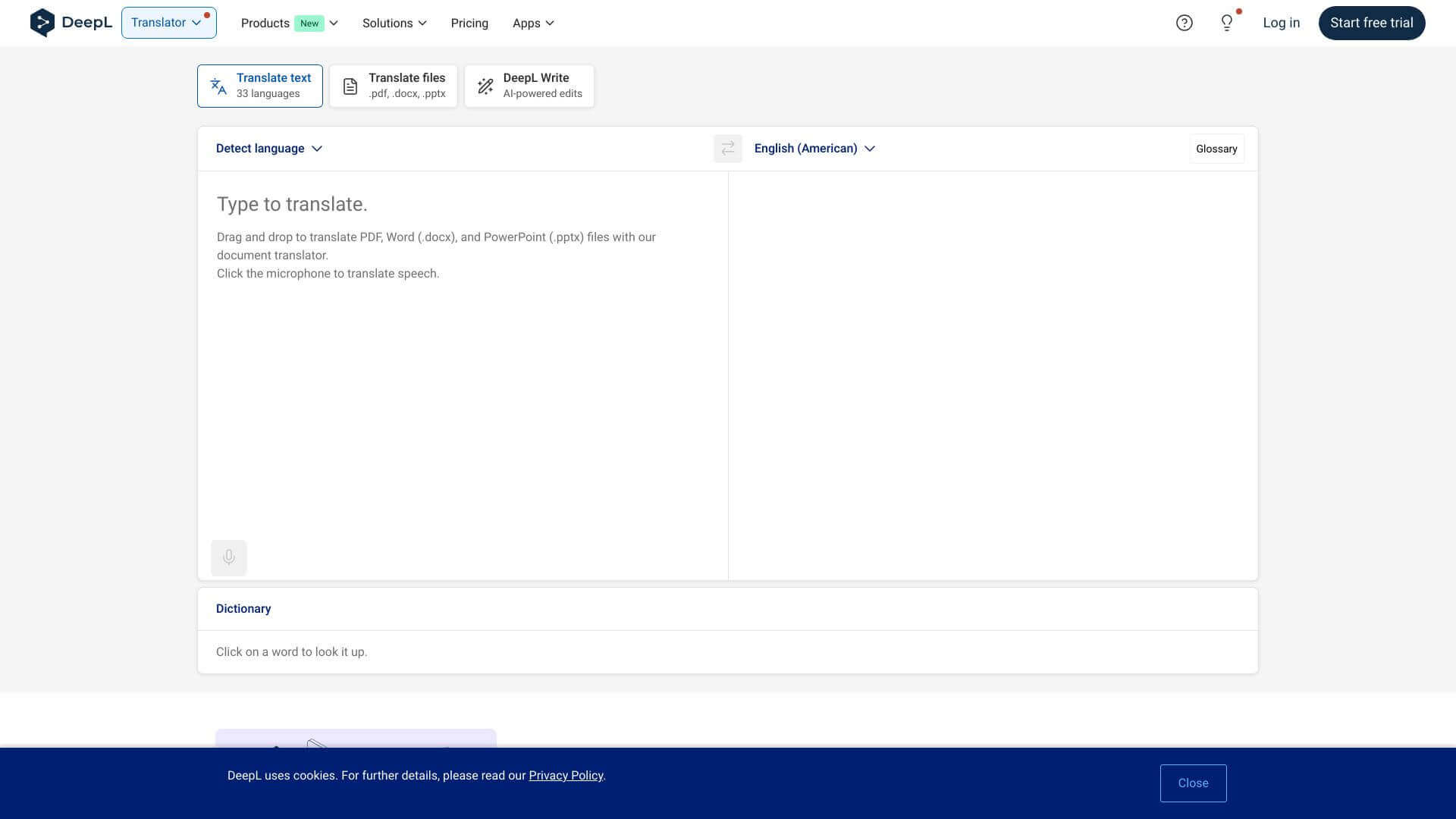
DeepL is an AI Productivity tool. Translate text, photos, files, & speech quickly! Correct grammar and improve style across 30+ languages. Key features include Multi-Language Support, Document Translation, and Image Translation. Best for writers, designers and translators and interpreters.
About DeepL
DeepL gives accurate, natural-sounding translations. It can handle documents, images, and even speech. It fixes grammar too! Works on web, desktop, and mobile. Great for pros, businesses, and casual use. Some languages and the API costs could be better.
Key Features
Multi-Language Support.
Translate between 30+ languages. This covers a lot, from popular choices like English and Spanish to less common ones like Japanese and Russian.
Document Translation.
Translate your PDFs, Word documents, and PowerPoints. The cool part is that DeepL keeps the original formatting, so everything looks just right.
Image Translation.
Use your phone's camera to translate text inside photos. It uses OCR technology and supports 11 languages on iOS.
Speech-to-Text & Text-to-Speech.
Translate spoken words or listen to translations out loud. Great for understanding or being understood in different languages.
Grammar & Style Improvements.
DeepL Write helps you fix your grammar and improve your writing style. It works with English, French, German, and Spanish to make your text clear and effective.
API Integration.
Developers can add DeepL's translation power to their own apps. This lets you bring translations to custom applications.
Frequently Asked Questions
DeepL does support languages like Japanese and Russian. But the photo translation only works with 11 languages.
DeepL deletes your translations right after. They also have good security and follow privacy rules.
The free DeepL plan lets you upload files up to 5MB. If you pay, you can upload up to 10MB. It works with PDFs, Word, and PowerPoint.
No, DeepL needs internet to work. There's no offline mode mentioned.



