
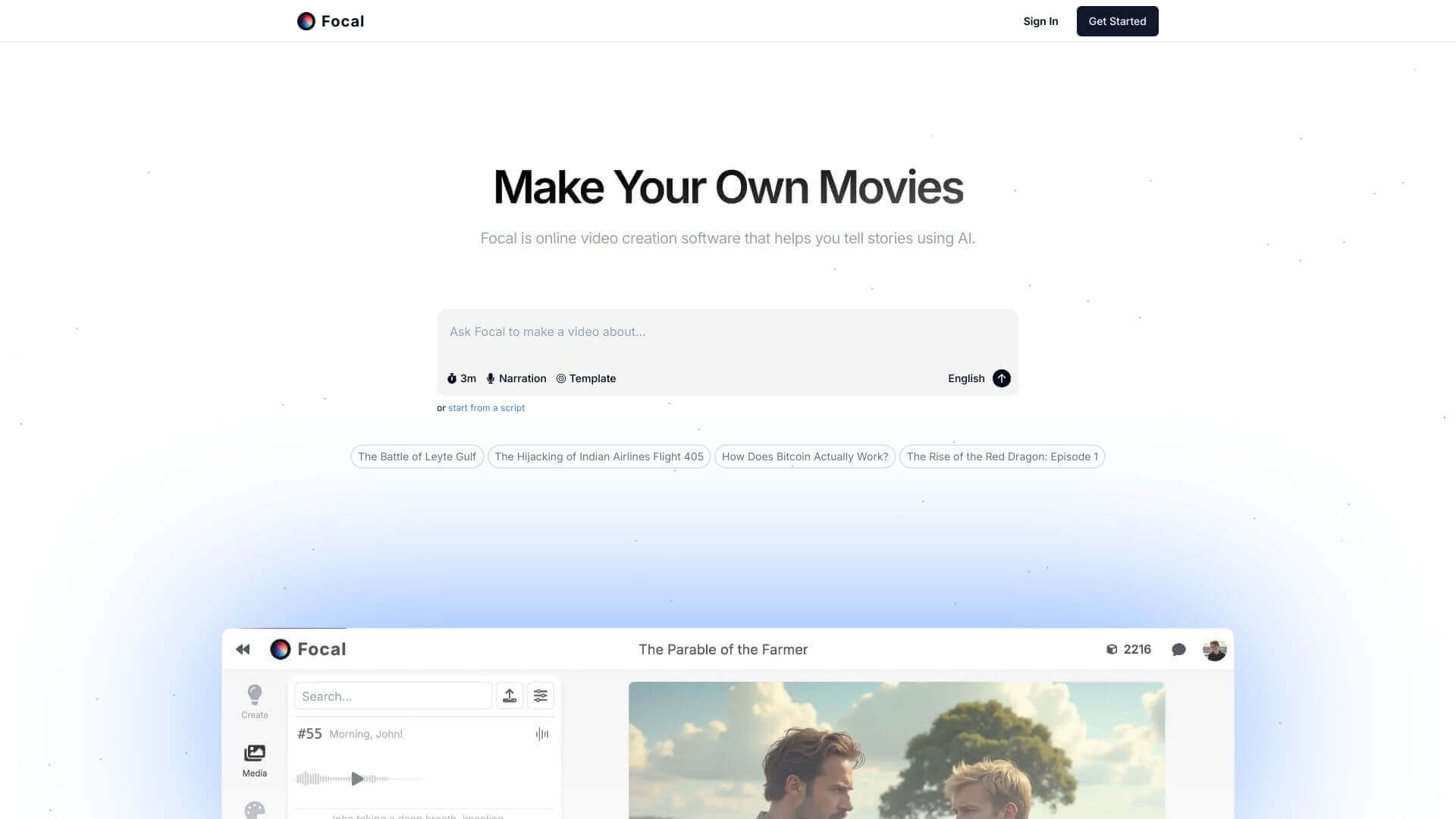
Focal is an AI Video tool. Focal turns scripts into videos using AI. Create shows and movies easily, even without video experience. Key features include AI Script Adaptation, AI Video Generation, and AI-Powered Editing. Best for photographers, designers and content creators.
About Focal
Focal is an AI video creation platform that turns scripts into finished video content. The platform combines script-to-video generation, multi-model AI integration, conversational editing, and consistent character/location handling across projects. Positioning it for users creating ongoing video series or longer narrative content rather than one-off generations.
The typical workflow
You input a script (full screenplay, episode outline, or shorter content brief). Focal adapts the script into a video narrative, then uses multiple underlying AI models (including Minimax and Kling) to generate the actual footage. Editing happens through chat commands rather than traditional timeline manipulation. Characters and locations you've defined stay consistent across multiple scenes and even across different projects.
The features that matter
- AI script adaptation that takes uploaded scripts and converts them into video-ready narratives, removing the scene-by-scene manual translation work
- AI video generation using established models like Minimax and Kling for the actual visual production rather than relying on a single underlying engine
- AI-powered editing with conversational commands for refinement, replacing traditional editing software workflows for the common adjustments
- Multi-model support integrating multiple AI models for video, images, and voices, so different elements of a production can use the best-fit model for each
- Commercial use on paid plans, so generated content can be used for business purposes without licensing complications
- Consistent characters and locations across different scenes and projects, addressing the consistency problem that plagues most AI video tools across multi-shot content
Honest trade-offs
Focal's positioning around script-to-video for narrative content is more ambitious than typical AI video tools that focus on social clips or short marketing content. The character and location consistency feature is genuinely uncommon and addresses a real gap. The trade-off is the complexity: full narrative video generation produces inconsistencies and limitations that aren't yet at the quality bar of traditional production. For creators experimenting with AI video for episodic content, longer narrative projects, or pilot productions, Focal removes substantial workflow overhead.
Key Features
AI Script Adaptation.
AI Video Generation.
AI-Powered Editing.
Multi-Model Support.
Commercial Use.
Consistent Characters and Locations.
Frequently Asked Questions
Focal supports different AI programs. For videos there’s Minimax, Kling, Luma, and Runway. For images, it uses Flux, and for voices the AI is ElevenLabs.
Yes, you can if you have a paid plan. But the free plan can only be used for personal projects.
You can email Focal at support@focalml.com to ask about possible sponsorships.
Focal doesn’t usually give discounts but they occasionally sponsor projects. Reach out to them directly to learn more.



