
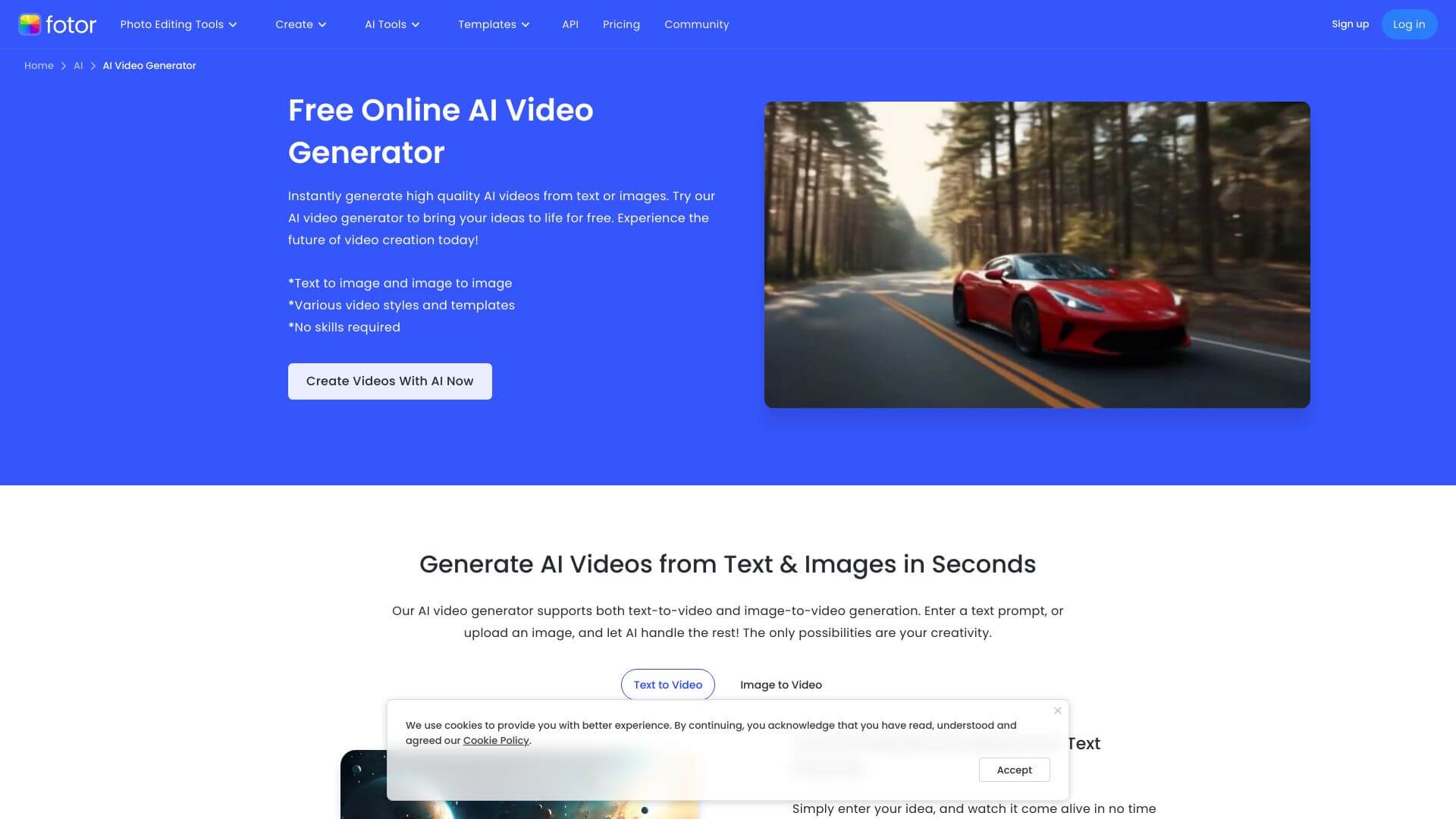
Fotor Free AI Video Generator is an AI Video tool. Fotor's AI Video Generator turns text and images into cool, short videos quickly and easily. Key features include AI Image-to-Video, Text-to-Video Generation, and Multiple Video Styles & Preset Templates. Best for content creators, social media managers and marketers.
About Fotor Free AI Video Generator
Fotor Free AI Video Generator is a free browser-based video creation tool from established editor brand Fotor. The proposition is straightforward: text and images go in, short videos come out, with no watermark and no sign-up required. The free tier covers most casual use cases without pushing users toward paid plans.
The core features that matter
- AI image-to-video conversion that animates still pictures with predicted motion and automatic transitions, useful for turning portraits or product shots into short clips
- Text-to-video generation from written descriptions, suitable for marketing clips, story content, or social posts where you have an idea but no source footage
- Multiple video styles and preset templates covering anime, cinematic, illustration art, and other looks, giving creative range beyond a single default aesthetic
- No watermark and no sign-up required on the free tier, which is genuinely uncommon in this category. Most competitors gate watermark-free output behind paid tiers
- AI video editor integration for combining generated clips into longer films, adding music, sound effects, and subtitles in the same interface
- Fast processing and high resolution with 4-second clips that render almost instantly while maintaining clarity and quality regardless of speed
How it stands out
The free AI video generation space is crowded but most "free" tools watermark output, require account signup, or both. Fotor Free AI Video Generator skips both gates while drawing on the broader Fotor editor's tooling (combining clips, adding music, finalizing with edits) in a single workflow. That integration is the meaningful differentiator versus standalone generators that produce a clip and leave you to assemble it elsewhere.
The honest qualifier: free AI video tools have output limits that paid alternatives don't. Clip length is short (4 seconds is the typical generation), advanced style controls require subscription tiers, and output resolution caps lower than premium services. For social posts, quick concept tests, and small creative experiments, Fotor Free AI Video Generator covers the use case without asking for an email address.
Key Features
AI Image-to-Video.
Text-to-Video Generation.
Multiple Video Styles & Preset Templates.
No Watermark & No Sign-Up Required.
AI Video Editor Integration.
Fast Processing & High Resolution.
Frequently Asked Questions
It's an online tool powered by AI. You can use it to turn text and images into short, good-looking videos without needing to be a video editing expert.
It takes your images or text and makes them into cool, moving video clips. The AI figures out how to add motion and transitions. You can make videos in styles like Anime or Cinematic. No need for fancy software or skills! You can even combine clips, add music, voiceovers, and subtitles.
It can turn images into videos, and text into videos, too. There are different artistic styles you can pick. You don't need to sign up or worry about watermarks. You can put several short clips together and add music. Plus, it's fast and the videos look sharp.
It's super easy to use, even if you've never edited videos. There are lots of styles to choose from. Making videos is quick, and you don't need to sign up or deal with watermarks. The editing features let you add music and fine-tune things. The videos turn out looking great. One thing to consider is that more advanced editing options might be limited compared to dedicated video editing software.



