
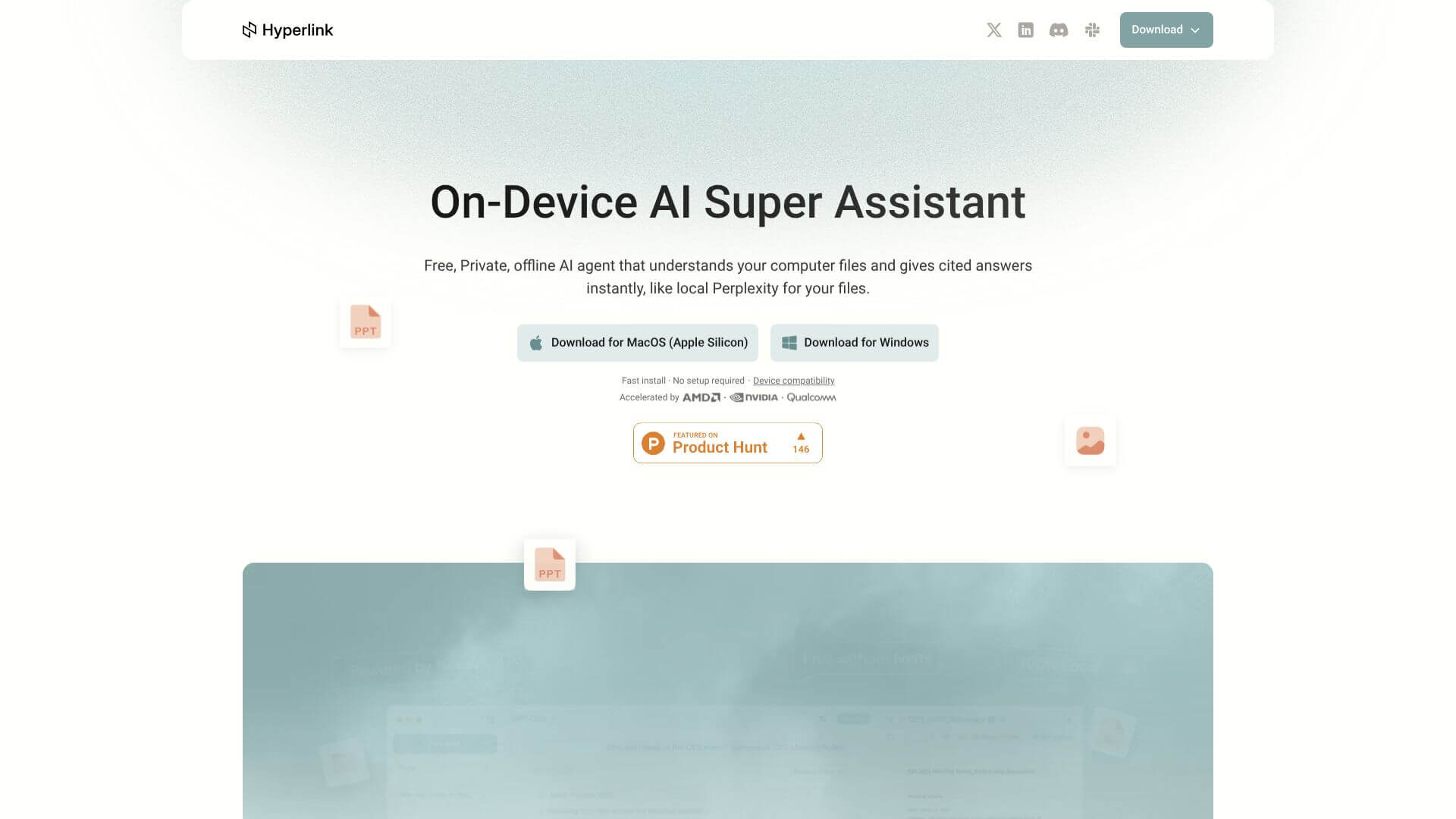
Hyperlink by Nexa AI is an AI Productivity tool. Ask questions, get answers, and extract insights from your private documents, all on your device. Key features include Completely Offline & Private, Smart, Cited Answers, and Unlimited Document Processing. Best for healthcare professionals, legal professionals and data scientists and analysts.
About Hyperlink by Nexa AI
Hyperlink by Nexa AI is a desktop AI document tool that runs entirely on your local machine, with no cloud processing of your files. The use case targets users with sensitive documents who want AI search and summarization capabilities without sending their data to a third-party service.
How it works
You install the desktop app and point it at your documents. Hyperlink indexes them locally (PDFs, Word files, images with text) and lets you query them with natural-language questions. Answers come back with citations linking to specific source locations. Your data never leaves the device. The tool also lets you pick between multiple AI models, so you can switch as better local models become available.
Where it pays off
- Completely offline and private processing with no cloud transfer, keeping personal and sensitive documents on your device where you control access
- Smart, cited answers that show exactly where information came from in your documents, letting you verify the AI's responses against source material
- Unlimited document processing handling large volumes of files with automatic organization as you add new documents or modify existing ones
- Works with many AI models letting you choose between multiple local models and adopt better ones as they're released
- Understands images with OCR-powered text extraction from photos and scanned documents, supporting receipts, scanned papers, and image-based notes
- Filtered search for narrowing queries to specific folders or document subsets, supporting faster and more accurate results when your library spans many topics
What to know before using it
The local-AI tool category is growing. Competitors include LM Studio (general LLM hosting), GPT4All, and various open-source projects. Hyperlink by Nexa AI's specific position is the document-focused workflow with strong UX rather than general-purpose local LLM hosting. For users primarily needing AI assistance with documents, that focus removes the configuration overhead of general-purpose tools.
The honest qualifier: local AI requires meaningful local compute. Hyperlink by Nexa AI runs best on machines with capable CPUs and ideally a recent GPU; performance on older hardware varies. The privacy benefit is genuine and substantial for users with sensitive documents, but it comes with the trade-off that local models lag the absolute frontier of cloud-based alternatives.
Key Features
Completely Offline & Private.
Smart, Cited Answers.
Unlimited Document Processing.
Works with Many AI Models.
Understands Images.
Filtered Search.
Frequently Asked Questions
Hyperlink by Nexa AI lets you process documents on your own device. This means your private files stay private. It doesn't send your data to cloud servers.
Yes, Hyperlink works completely offline. All its features run on your computer. You don't need an internet connection to use it. This keeps your data safe.
No, Hyperlink is completely free to use. It doesn't have subscription fees or extra charges. You just download it and start using it.
Hyperlink can analyze many file types. It works with PDFs, Word documents, and text files. It can also understand text in images and scanned documents.



