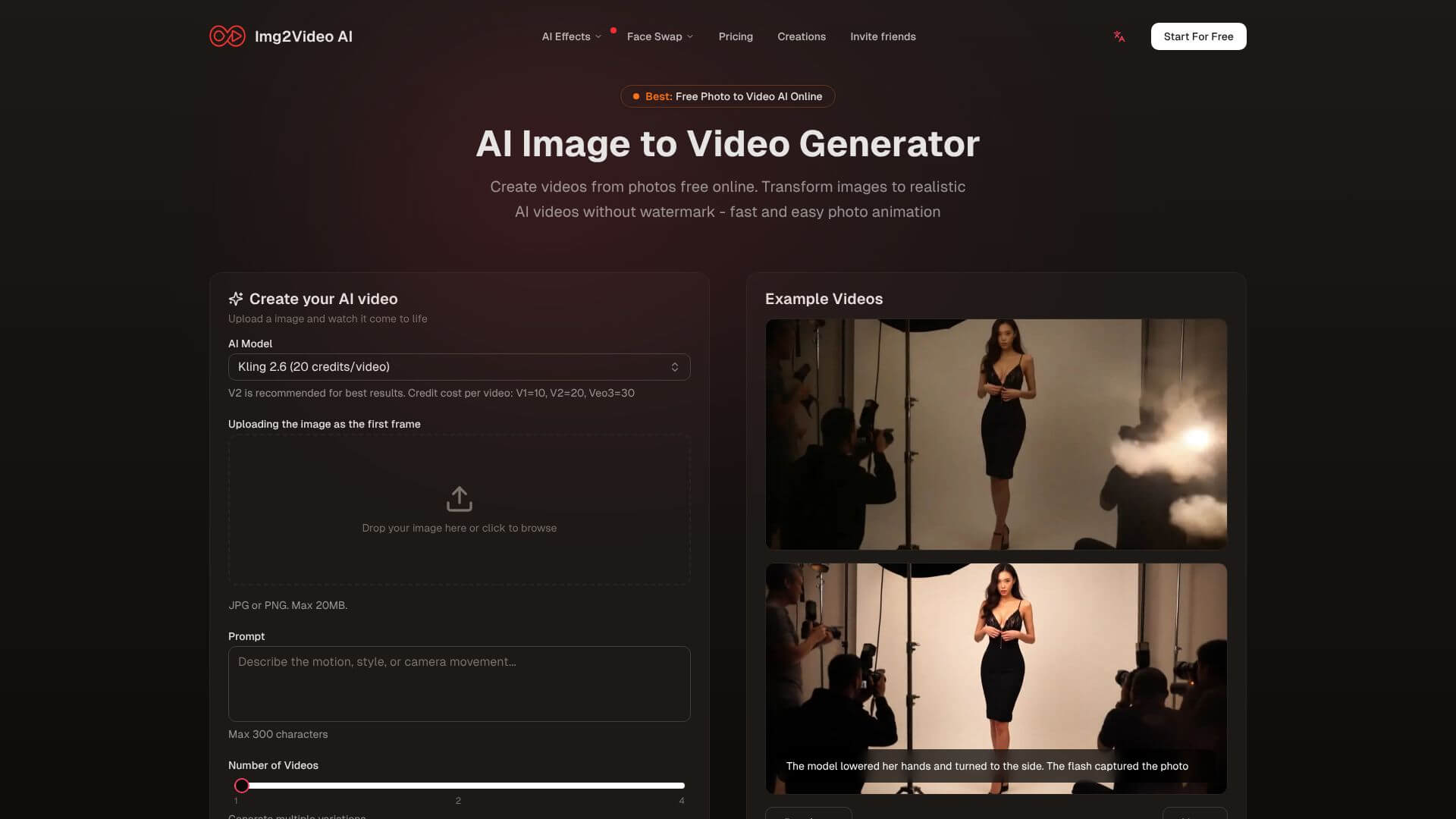
Img2Video AI is an AI Video tool. Transforms images and text into animated videos with advanced AI models. Key features include Image-to-Video Conversion, Multi-Model Support, and Specialized Animation Templates. Best for marketers, content creators and designers.
About Img2Video AI
Img2Video AI converts static images into animated videos using current-generation AI models including Google's Veo3. The platform's positioning bundles multiple AI video models into a single subscription rather than requiring separate accounts for each, with output at up to 4K resolution suitable for commercial use.
The core features that matter
- Image-to-video conversion that preserves your original photo while adding movement, depth, and visual effects including camera moves and subject animation
- Multi-model support giving access to multiple AI video models through one subscription, removing the cost and complexity of managing separate accounts for each
- Specialized animation templates for specific content types including dancing, romantic scenes, and character movements, providing tested starting points rather than open-ended prompts
- 4K video output quality for professional-grade visuals suitable for marketing, social media, and presentations across platforms like Instagram, TikTok, and YouTube
- High-speed generation processing with most videos completing in seconds or a few minutes, supporting iterative content workflows rather than overnight render queues
- Developer API access through RESTful interfaces for integration into custom applications, opening the platform to developer-built tooling beyond the direct interface
How it stands out
The AI video category has been consolidating around a few frontier models (Veo, Runway Gen-3, Sora, Kling), with most generation platforms running one model or licensing one externally. Img2Video AI's positioning is the multi-model bundle with template-driven workflows on top. For users who want access to multiple models without committing to each individually, that aggregation is the practical value.
The honest qualifier: bundling models doesn't make any individual model better. Veo3 still produces the same output through Img2Video AI as it does through Google's direct interface. The differentiation is access and workflow rather than raw quality. For content creators producing high volume across multiple use cases that benefit from different models, the bundled subscription saves substantial cost.
Key Features
Image-to-Video Conversion.
Multi-Model Support.
Specialized Animation Templates.
4K Video Output Quality.
High-Speed Generation Processing.
Developer API Access.
Frequently Asked Questions
Img2Video AI is an online tool that uses AI to turn your photos and text into animated videos. You don't need to be a video expert to use it!
You can make product ads, bring old photos to life, turn drawings into animations, and even create special animations like dancing figures. Just type in what kind of movement you want, and the AI will do its best to make it happen.
Img2Video AI has different pricing plans. There's a free plan to try it out. Then, there are paid plans that offer more video credits and features, like better video quality and faster processing.
Img2Video AI puts many AI video tools in one place, which can save you money and simplify things. It's also fast, creates professional-looking videos, and is easy to use.



