
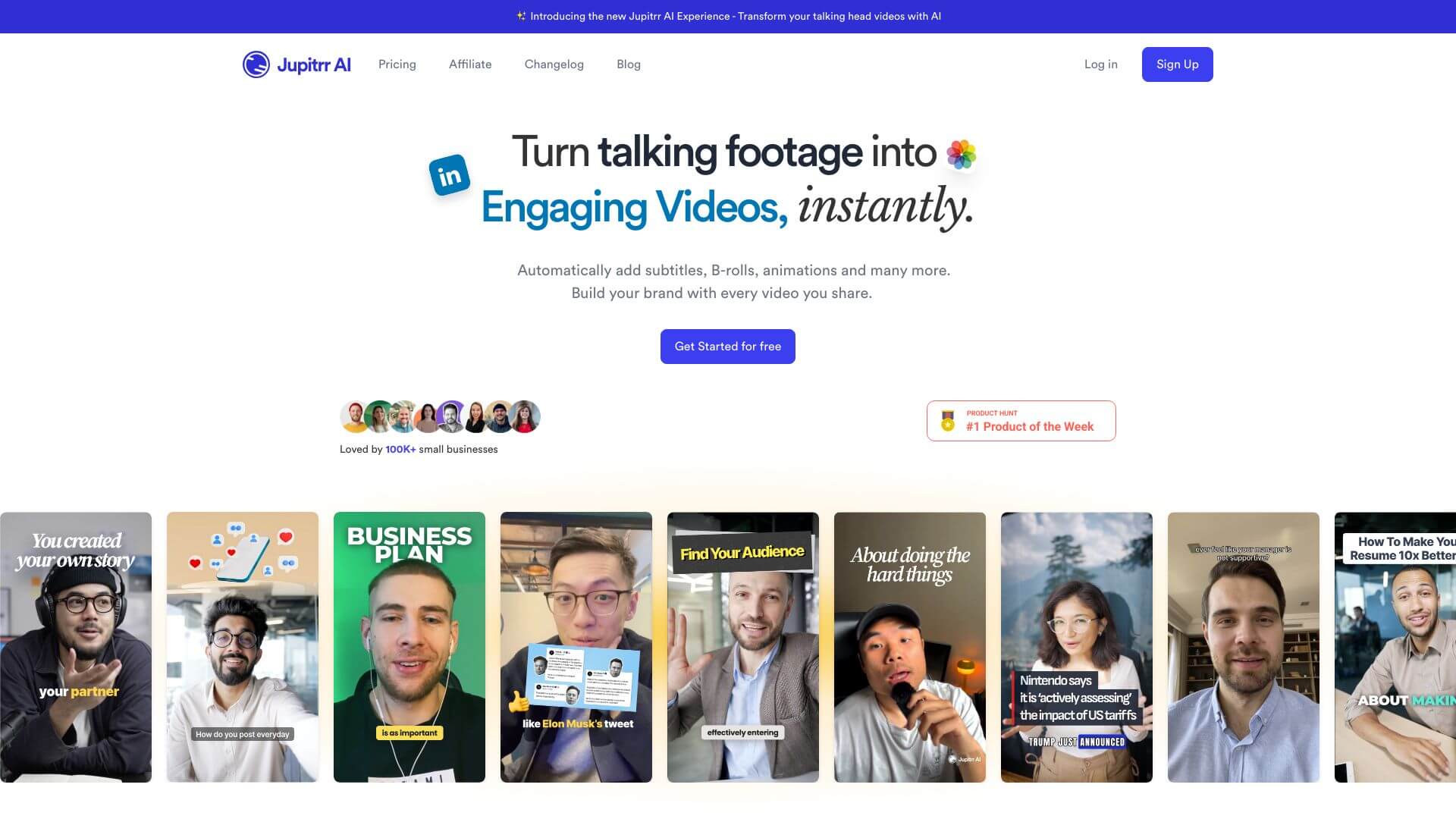
Jupitrr is an AI Video tool. AI edits videos like a text editor, saving time and effort for social media content. Key features include AI-Powered Video Editing, Edit Videos Like a Word Document, and Multilingual Subtitles. Best for content creators, social media managers and marketers.
About Jupitrr
Key Features
AI-Powered Video Editing.
Edit Videos Like a Word Document.
Multilingual Subtitles.
Unlimited Access to Stock Media.
Customizable Branding.
Multiple Export Options.
Frequently Asked Questions
Jupitrr is a tool that uses AI to make video editing simpler. It helps people like social media creators quickly make professional-looking videos.
Jupitrr can automatically trim videos, add captions, and format them for different social media sites. You can edit videos like you would edit a text document. It also helps create subtitles in many languages, change templates, and use your own branding.
It uses AI to edit videos, letting you edit videos like a text document. It also creates subtitles in 23 languages and gives you access to over 3 million stock videos and photos. You can add your brand's colors and watermarks. Plus, you can export videos in HD for social media.
The good things are that it's easy to use, thanks to text-based editing, and the AI speeds up the editing process. It has a big library of stock media, makes subtitles in many languages, and lets you add custom branding. The downsides are that videos can only be 5 minutes long, and there's no free trial. The AI editing might not be flexible enough for some, and it could be pricey for users who don't need much.



