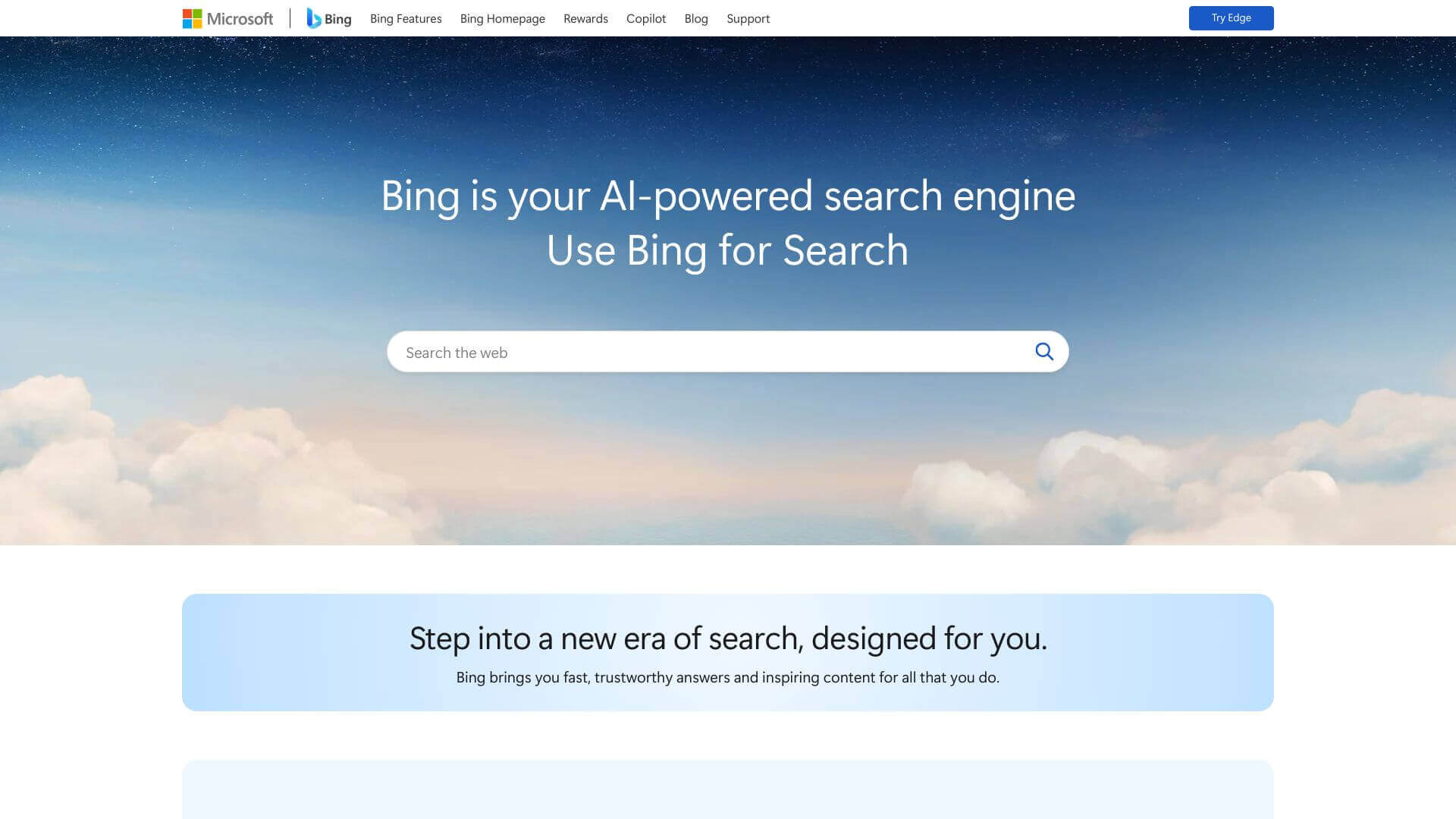
Microsoft Bing AI is an AI Productivity tool. Answers questions and chats with you! It's powered by AI, so it can help you find what you're looking for online. Key features include AI-Powered Chat Assistant, Voice and Visual Search, and Microsoft Rewards Integration.
About Microsoft Bing AI
This app is like a web assistant in your pocket. You can search with your voice or camera to find things faster. It uses AI to give you answers and create images. Plus, it works well with other Microsoft apps you might use. It can help you research, get quick help, and more.
Key Features
AI-Powered Chat Assistant.
It gives detailed answers using GPT-4 and can understand you whether you type or speak.
Voice and Visual Search.
You can search with your voice by tapping the microphone. Or, use your camera to snap a picture and search that way.
Microsoft Rewards Integration.
You get points for searching, which you can use for things like Amazon discounts.
Skype Group Chat Integration.
It helps you in Skype chats by fixing facts or suggesting jokes.
Image Creator.
You can make pictures just by describing them with words.
Cross-Platform Compatibility.
It works with Edge, Skype, and SwiftKey to be more useful.
Frequently Asked Questions
Yes, the main AI stuff is free. But if you want to use it with things like Edge or Skype, you might need a Microsoft subscription.
Bing uses GPT-4, which gives you more detailed answers. Google mostly shows you snippets from websites.
You can still search and chat, but to use it fully with things like Skype, you'll need a Microsoft account.
Yes, you can control how your data is used. Edge also supports privacy settings.



