
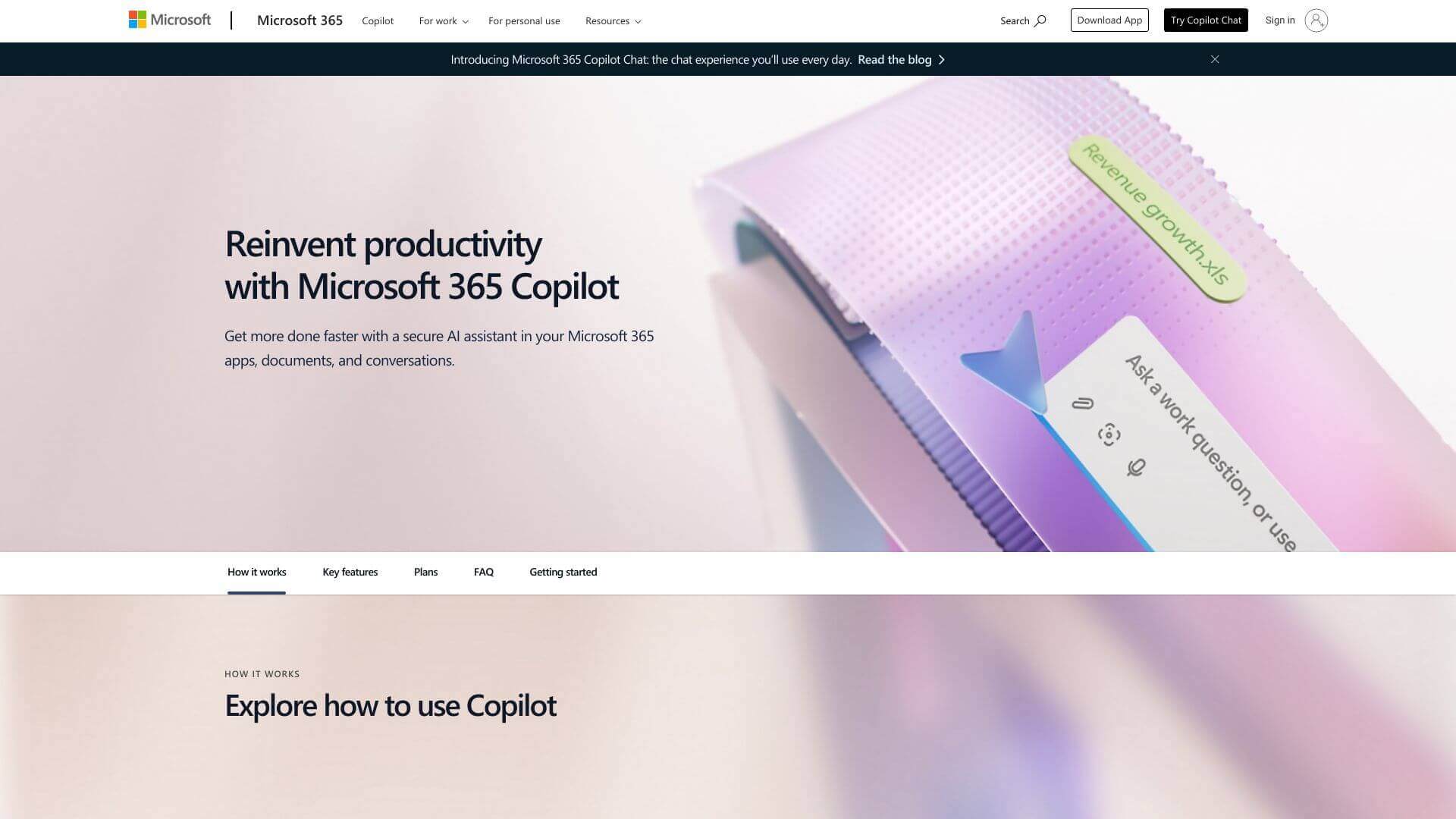
Microsoft Copilot is an AI Productivity tool. AI assistant for Microsoft 365 apps. It helps create content, analyze data, and automate tasks across Word, Excel, Teams, and more. Key features include Drafting & Editing, Chat & Q&A, and Semantic Search. Best for teachers, marketers and content creators.
About Microsoft Copilot
Copilot helps you do more with Microsoft 365. It can write emails, make presentations, summarize meetings, and find insights in data. It works with apps you already use, like Word and Excel. Good for businesses needing a boost in productivity with the Microsoft ecosystem.
Key Features
Drafting & Editing.
Generates and edits content, like Word documents or PowerPoint decks, based on what you tell it to do and existing templates.
Chat & Q&A.
Answers your questions about documents, emails, or meeting notes. It uses your company's data to give relevant answers.
Semantic Search.
Finds and organizes data from different places (emails, chats, files) to give you useful insights.
File Upload & Analysis.
Looks at files you upload (Word, Excel, PDFs) to create useful prompts or summaries tailored to the content.
Image Generation.
Makes pictures, like diagrams or infographics, from your text descriptions.
Agents for Automation.
Lets you create custom AI agents that automate tasks like HR processes or tracking shipments.
Frequently Asked Questions
Yes, it follows Microsoft 365 rules, including how data is stored and who can see it.
It's mostly inside Microsoft 365 apps. But, Copilot Chat can be used on Teams, the web, and even as an app.
No, Microsoft 365 Copilot only uses data you have permission to access. It also won't share any private info in its responses.
Microsoft has a free Copilot for Windows. However, the advanced business features need a paid subscription.



